
Users and roles
Anyone can create an account and book. If someone is going to help you run the facility — book for customers, change rental times, answer questions — you give them a role.
Finding a customer
Section titled “Finding a customer”- Go to Administration → Users.
- Type a name or email in Search by name or email.
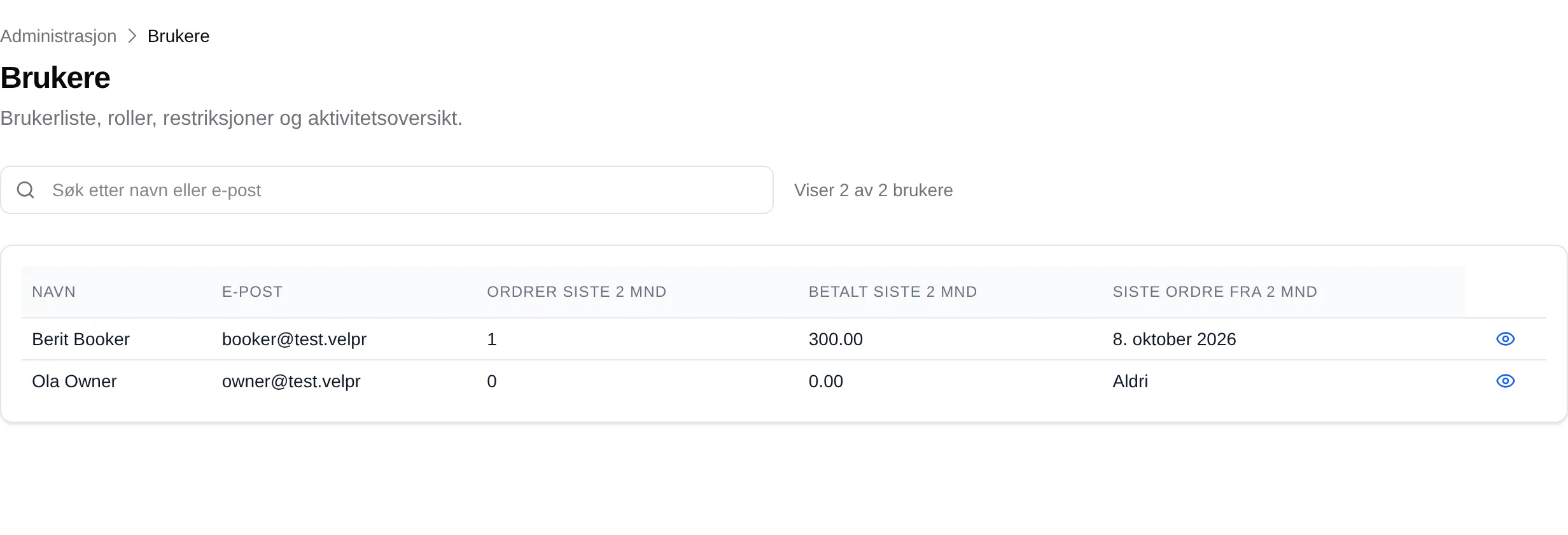
The list shows how many orders the customer has made in the last two months, and what they have paid.
Giving someone a role
Section titled “Giving someone a role”Only the Owner can give and take away roles. The person must have created an account first — there is no invitation.
- Go to Administration → Site and open Roles.
- Type the email the person signs in with in Add by registered email, and press Add.
- Press Save at the bottom of the page.
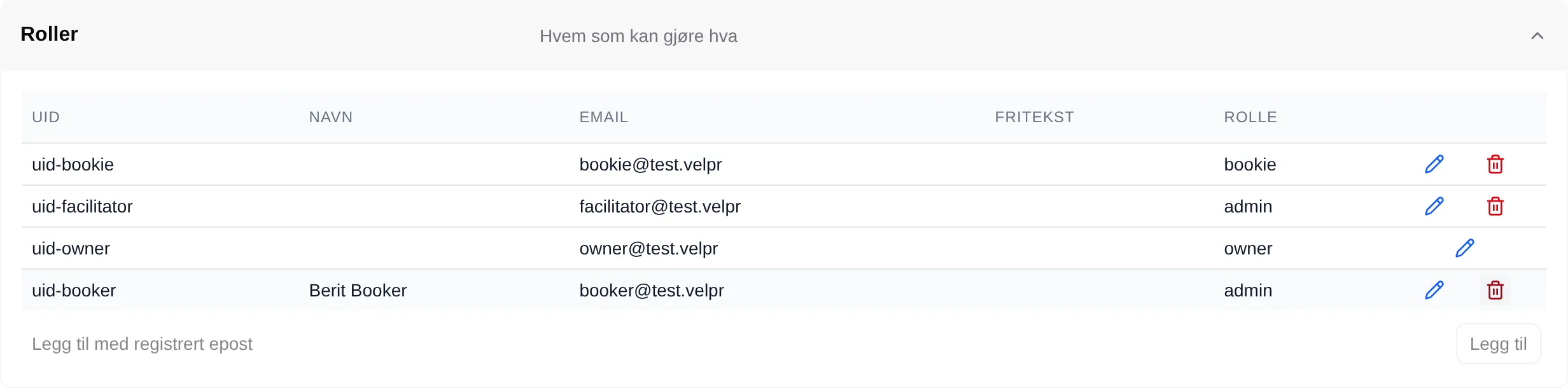
The person becomes an Administrator. Nothing is saved until you press Save.
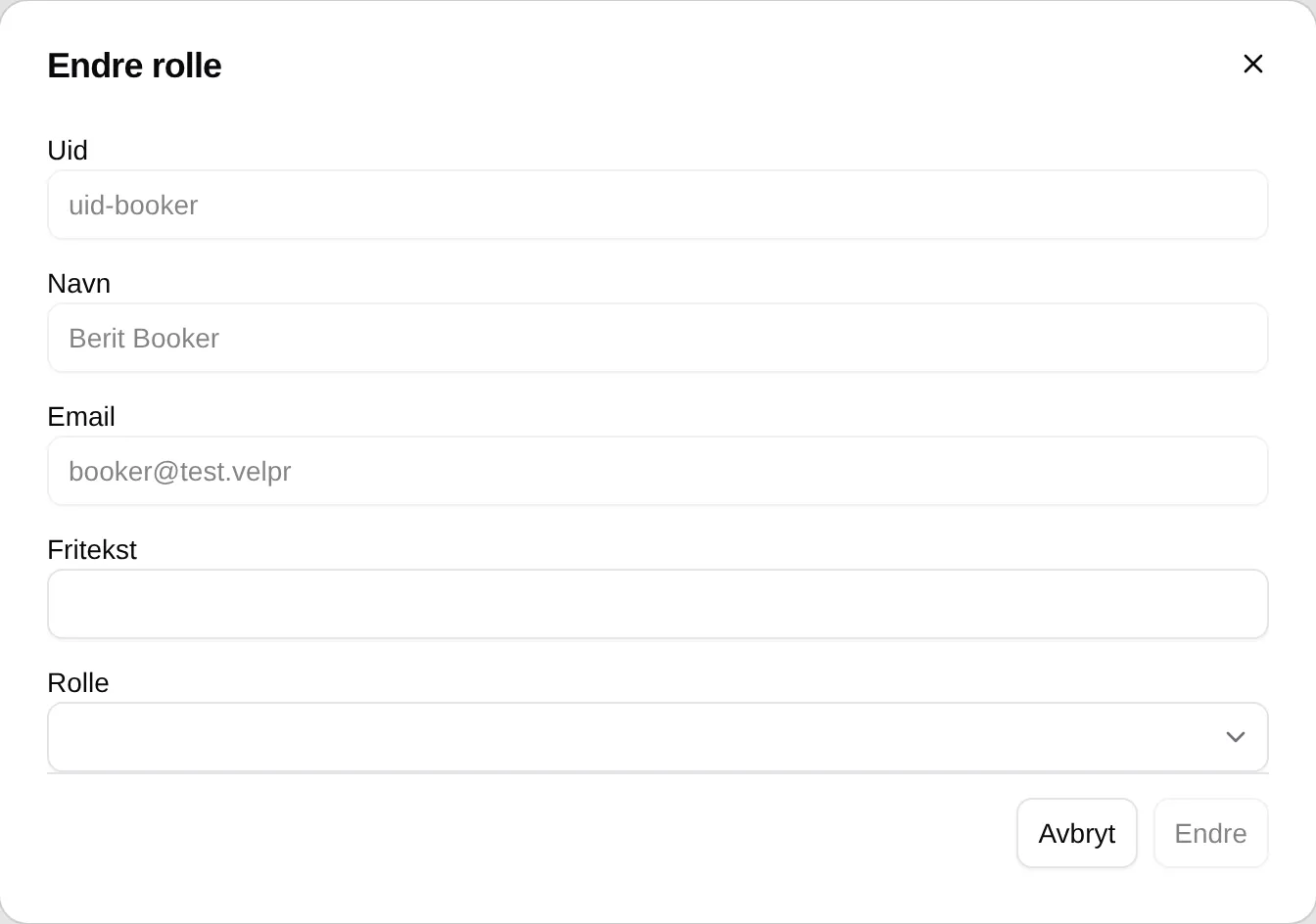
Removing a role
Section titled “Removing a role”- Open Roles under Site.
- Press the bin on the row, and then Save.
The person keeps their account and can book as before. The owner cannot be removed.
What each role can do: the admin reference for users and roles. The fields on the page: Users.