
Blog
The page appears when blog is Active under Site → Navigation. The posts are on the page Innlegg (Posts) in the menu, newest first.
Step by step: Pages, blog and images.
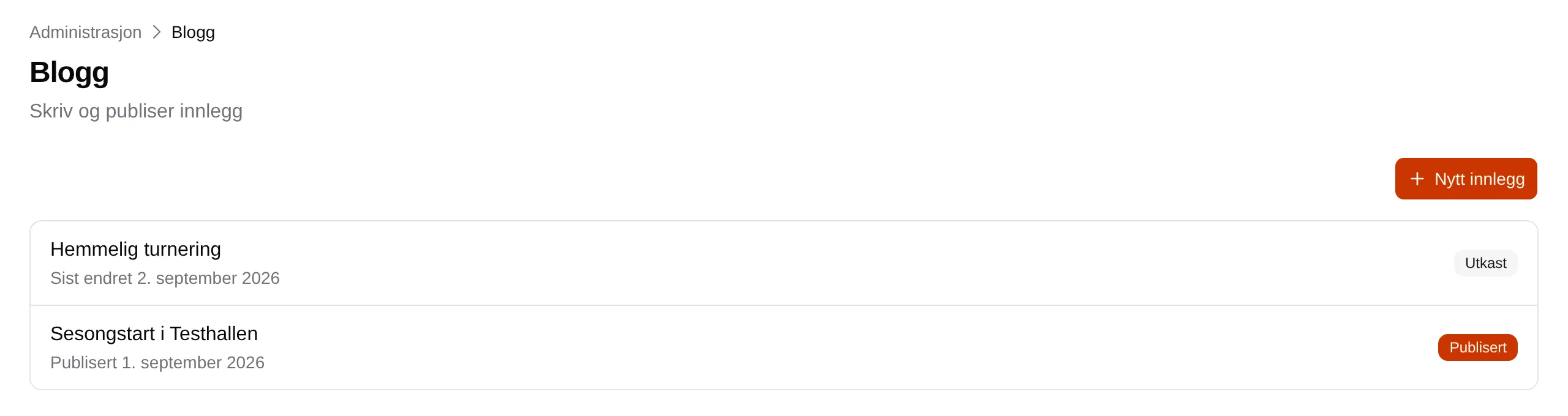
Each post shows its title, Published with a date or Last changed with a date, and the label Published or Draft. Click a post to edit it.
New post
Section titled “New post”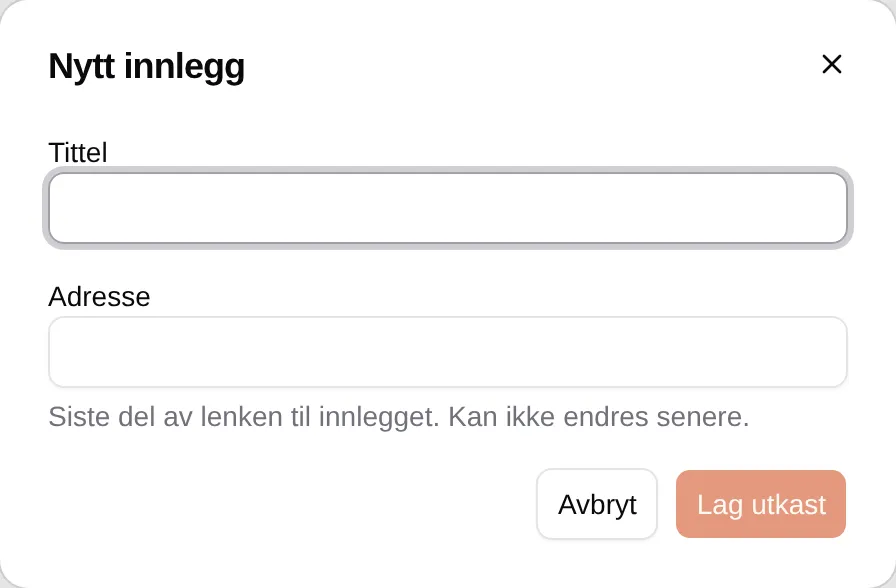
| Field | Explanation |
|---|---|
| Title | The heading of the post. |
| Address | The last part of the link, made from the title. Lowercase letters, digits and hyphens. Cannot be changed. |
Create draft creates the post as a draft. Customers don’t see it until it is published.
A single post
Section titled “A single post”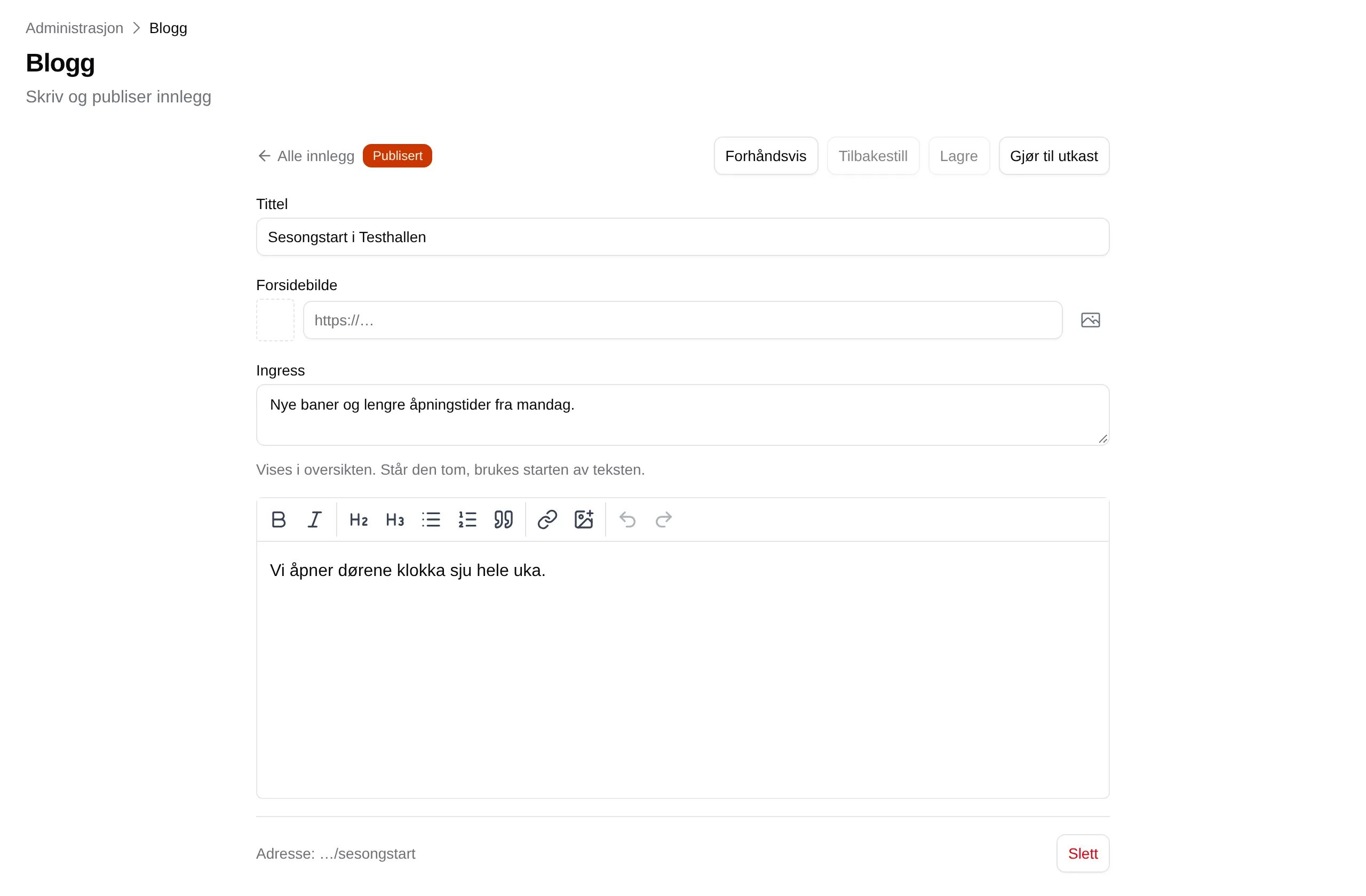
| Part | Explanation |
|---|---|
| All posts | Back to the list. |
| Preview | Shows the post the way customers see it. Edit goes back. |
| Reset | Discards the changes since you last saved. |
| Save | Saves. A published post changes straight away. |
| Publish | Publishes a draft. The post must have a title. |
| Back to draft | Takes a published post off the site. |
| Title | The heading. |
| Cover image | The image at the top of the post. Choose from Images, or paste an address. |
| Excerpt | Shown in the overview. If it is empty, the start of the text is used. |
| The text | Written with the same buttons as About us. |
| Delete | Deletes the post permanently, after you have confirmed. |
The date is the first time the post was published, and cannot be changed. The author is the person who created the post.