
Period and punch cards
Some facilities sell cards that make slots free for you:
- A punch card gives a set number of slots, for example five.
- A period card gives as many slots as you like during a period, for example a month. In the app it is called a Season pass.
The card only applies to the courts and times the facility has decided.
How to buy a card
Section titled “How to buy a card”- Go to Booking and sign in.
- Tap Buy season pass above the cart. The button has the same name even when the facility only sells punch cards.
- Choose the card you want, and tap Add to cart.
- Pay as usual. See Paying.
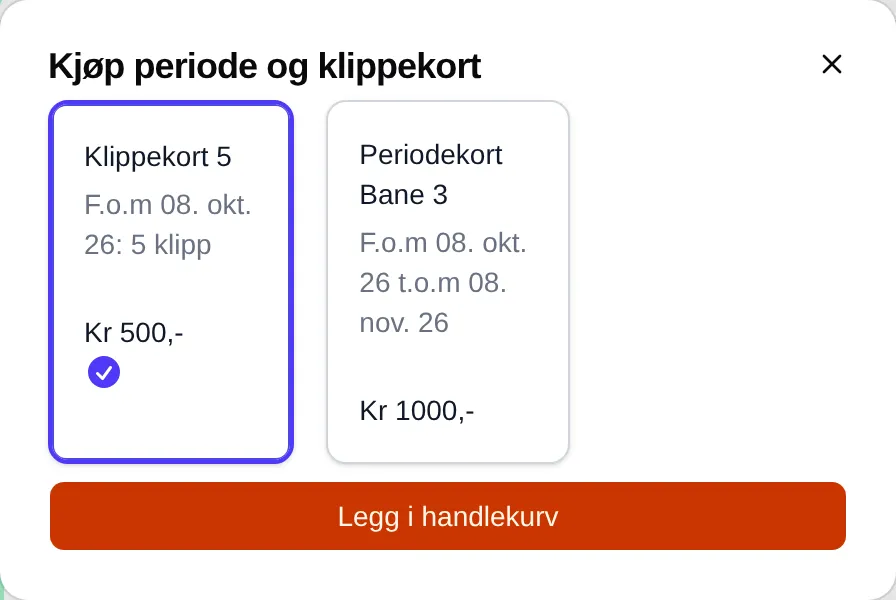
Below the name it says when the card is valid from, and how many punches it has or when it ends: From 08. Oct 26 to 08. Nov 26.
How to use the card
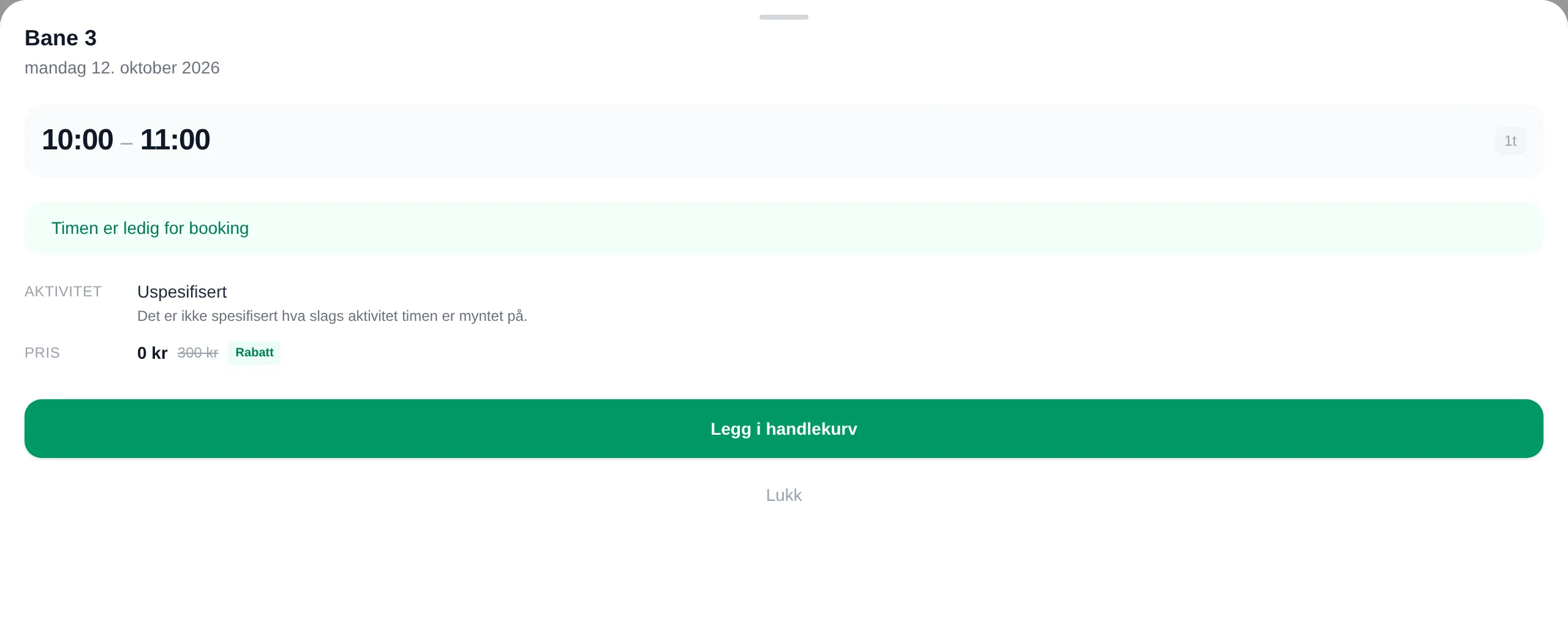
Section titled “How to use the card”You do not need to do anything. When you have a card, the slots it covers cost 0 kroner — both in the info box and in the cart.
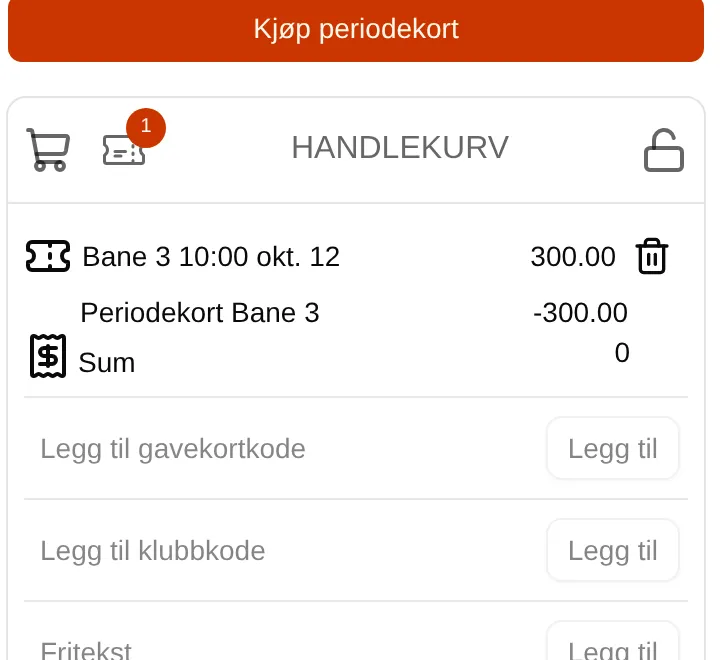
In the cart the slot is shown at full price, and the card with its name and a deduction below. If you have several cards that fit, the punch card is used before the period card.
The small ticket icon with a number in the cart shows how many cards you have that are valid now. Tap it to go to Min side (My page).
See your cards
Section titled “See your cards”Your cards are listed under Min side (My page) → Punch and season passes, with how many punches you have used. See Min side.
What each part means: the card reference. If you are an administrator: the admin guide for cards.