
Vipps MobilePay
You need a business agreement with Vipps MobilePay (vipps.no)
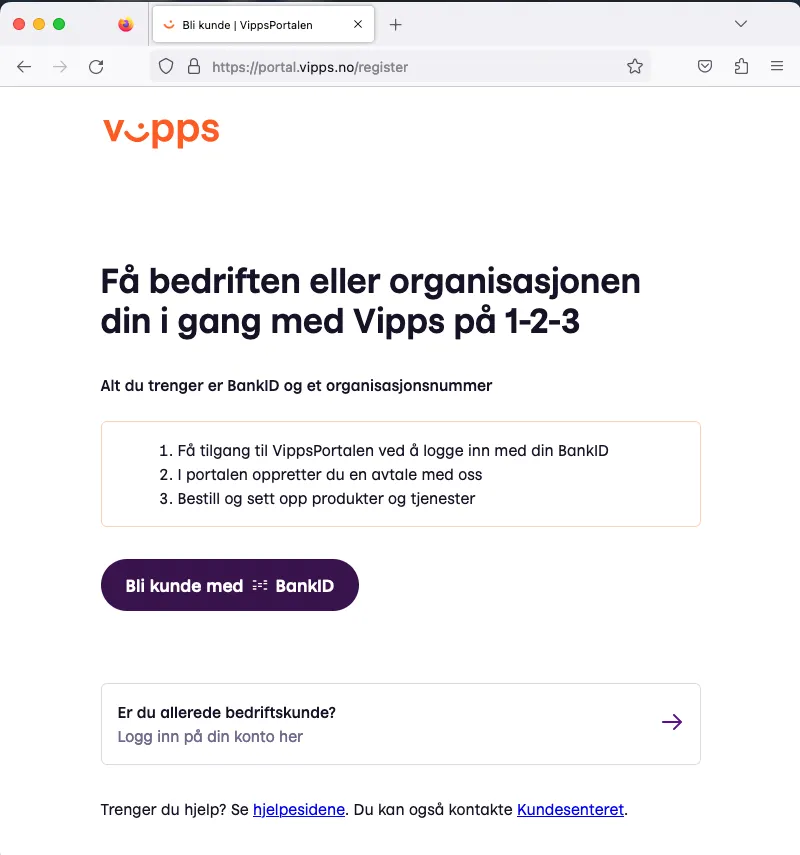
You start at portal.vipps.no to set up the Vipps business account that you will use with Velpr.
Order Online Payment
Section titled “Order Online Payment”With a business agreement you can in the Vipps portal order the solution/product “Online Payment” and then “Checkout”. The solution “Integrated Payment” will also work with Velpr.online, but Vipps recommends Checkout for new customers.
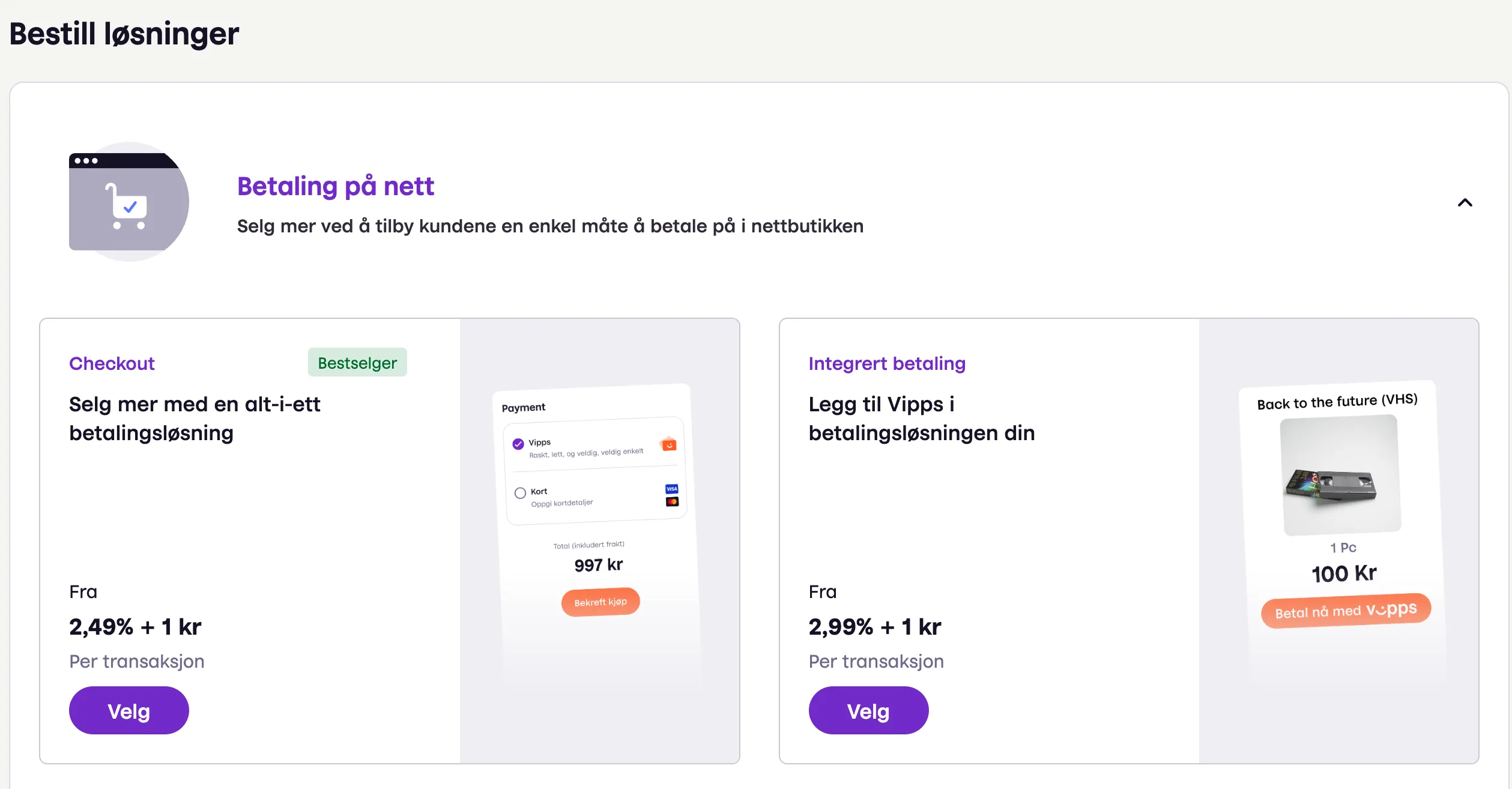
The application process at Vipps for getting online payment includes a check that your point of sale complies with laws and regulations.
You will then be able to refer to the URL of your Velpr facility. Use the links to your terms and to the booking page that you find in the menu of your Velpr facility.
For the terms to comply, you must have filled in information about the owner, address and organisation number in the admin pages of your Velpr facility.
Example of filling in the Checkout application
Section titled “Example of filling in the Checkout application”Here is a fairly typical example of filling in the application for Vipps
Checkout. Wherever I have inserted something between < and > are
places where you need to use info about your own facility. In practice,
your facility id.
Step 1
Section titled “Step 1”The point of sale’s name is typically the name you have chosen for the
top of the facility page. This is also the name that will appear in the
Vipps app when the customer pays.
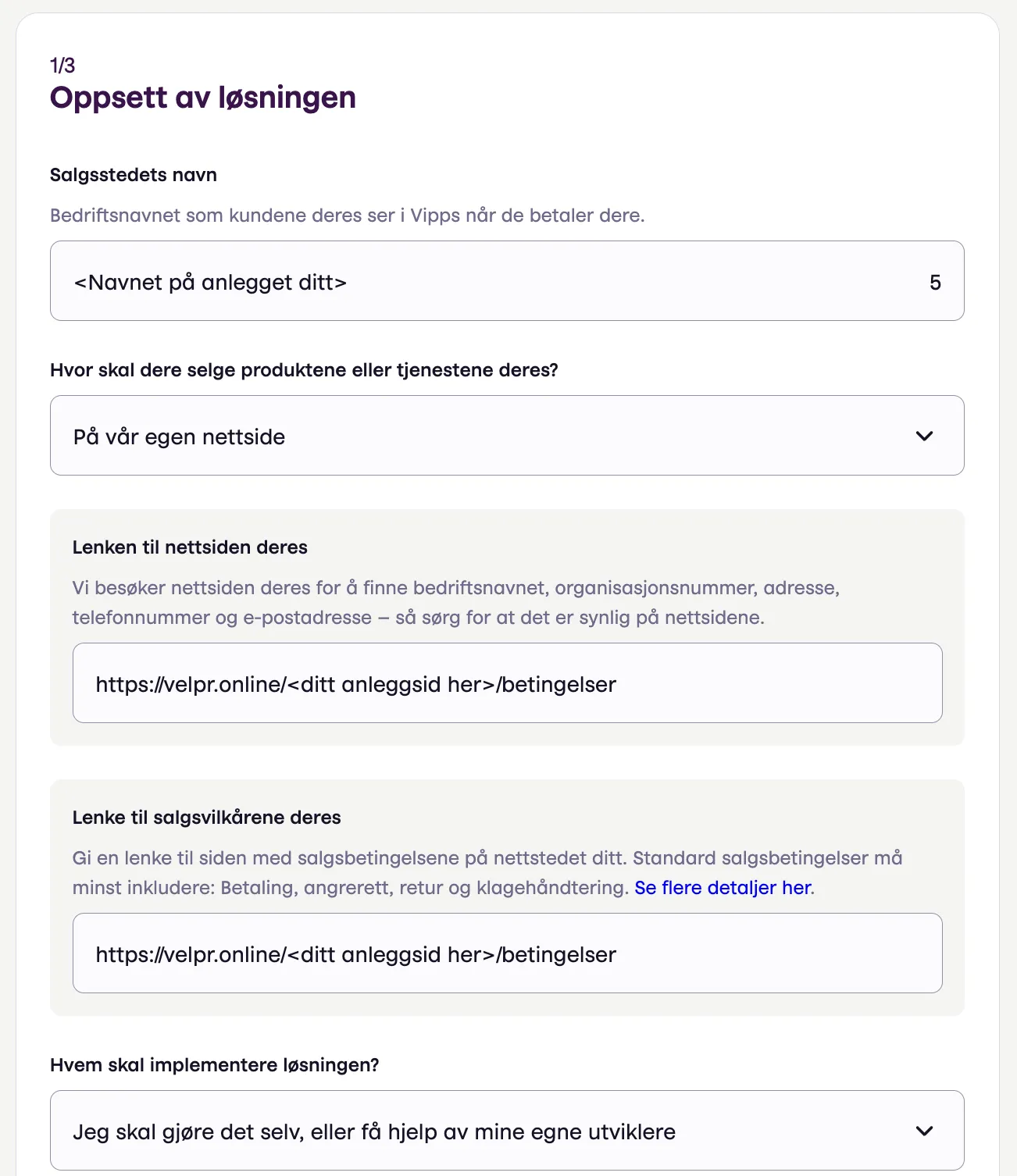
I recommend that you use the terms links for both website and terms of sale, since Vipps are very explicit about it being the information on that page they are looking for.
Step 2
Section titled “Step 2”Step 2 covers where you will receive payment and how much you expect to collect.
Step 3
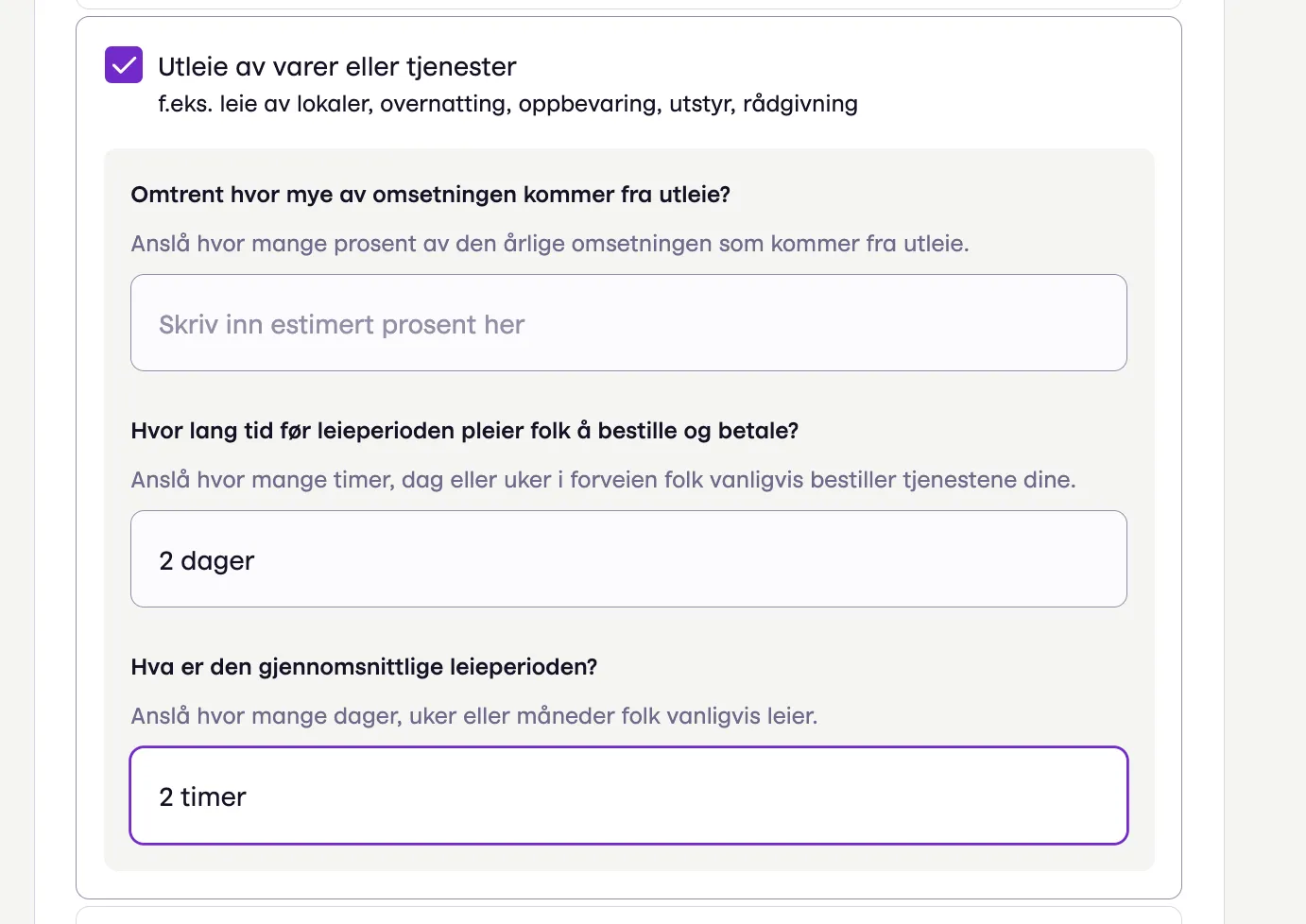
Section titled “Step 3”Step 3 covers the categorisation of your point of sale.
The terms of sale you have generated in Velpr have some paragraphs that
are specifically adapted for leisure activities (right of withdrawal,
among others). I therefore recommend that under the category for
services and products you choose “entertainment and leisure
activities”. Under this category you can choose training facility (as
shown in the image below).
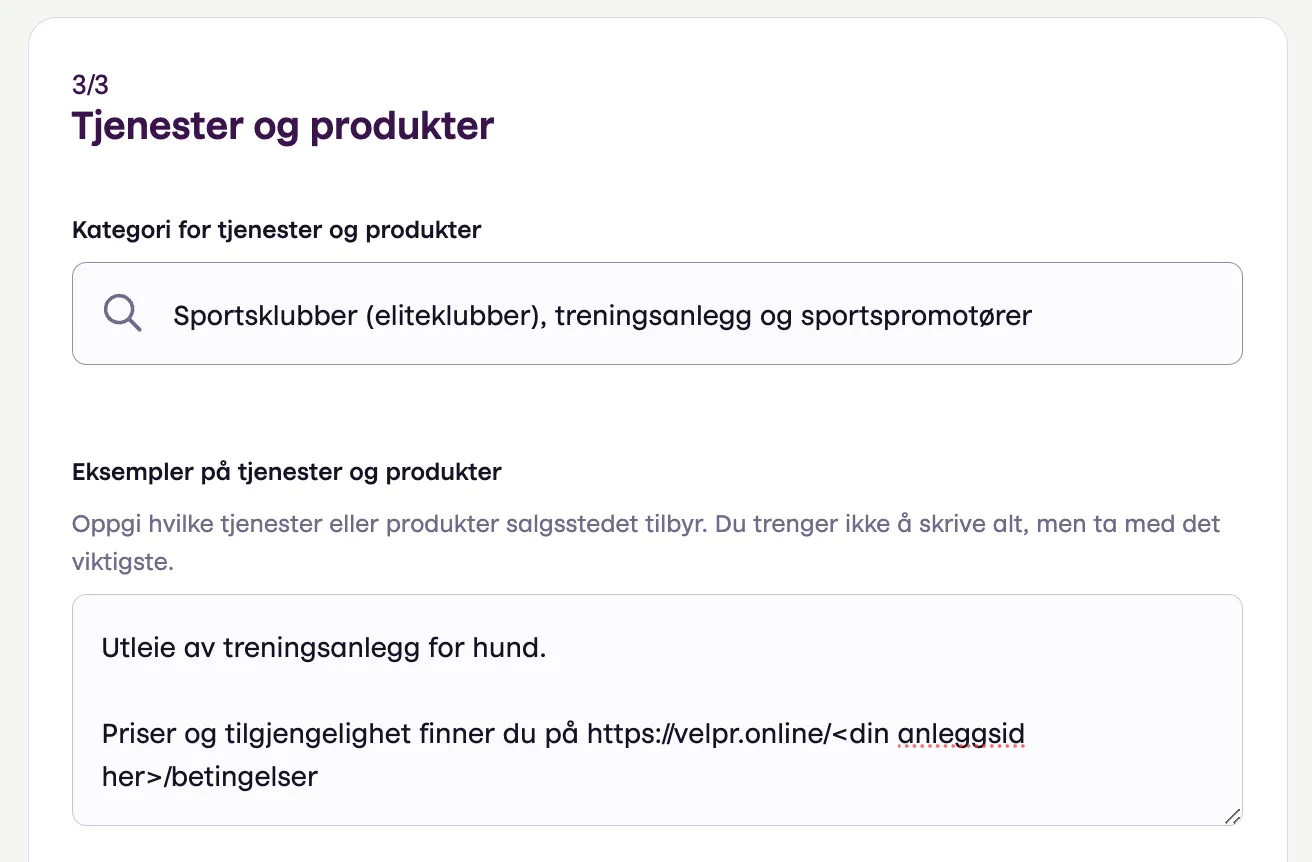
In the free-text field you can write briefly that you rent out a training facility.
Also include that prices and availability are available on your website and a link to your booking page (it may be different from what is in the example below).
Configure Velpr
Section titled “Configure Velpr”When Vipps online is in place in the Vipps portal, you can copy information from there to Velpr.
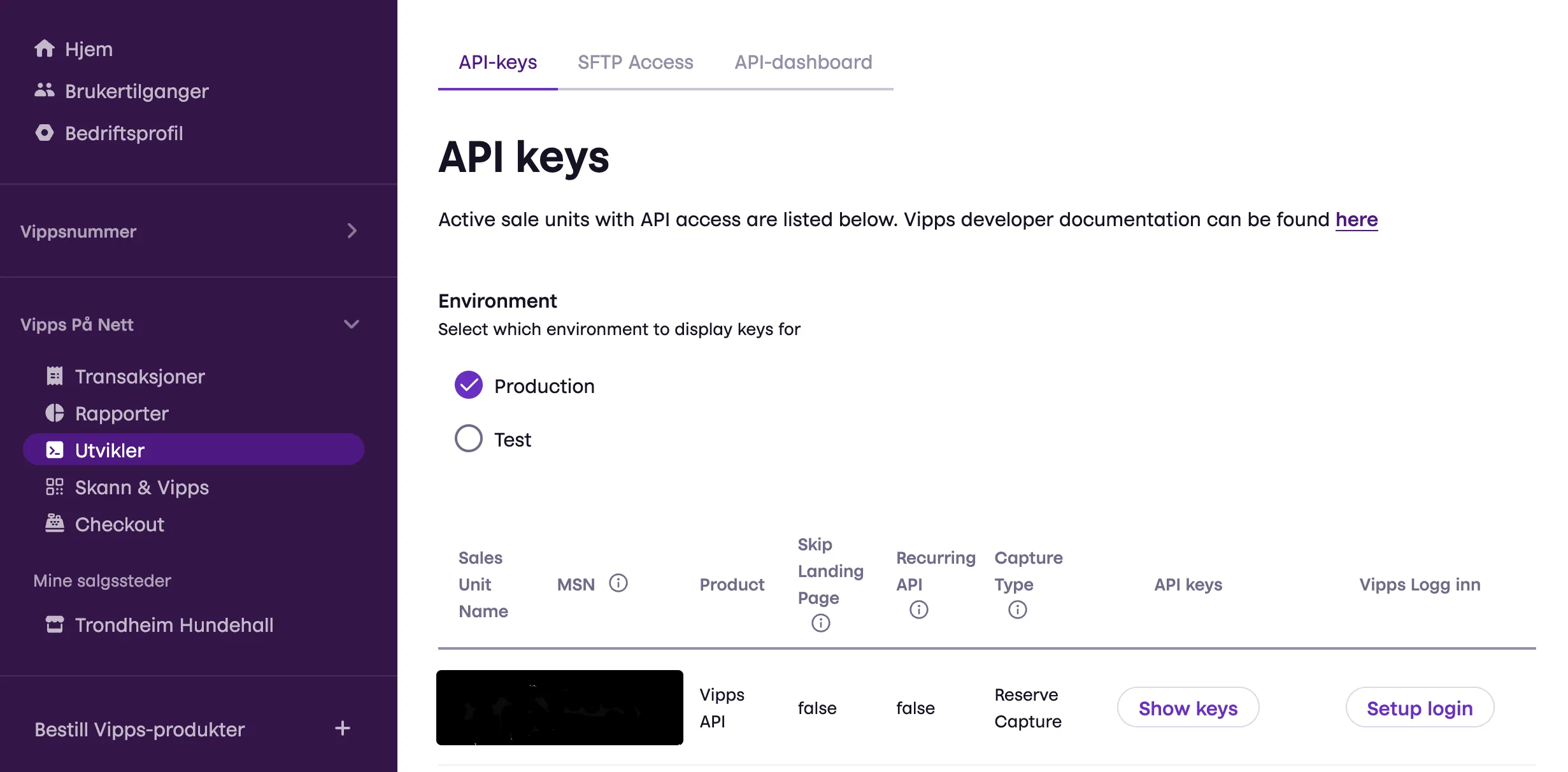
Information from API keys must be copied into Velpr.
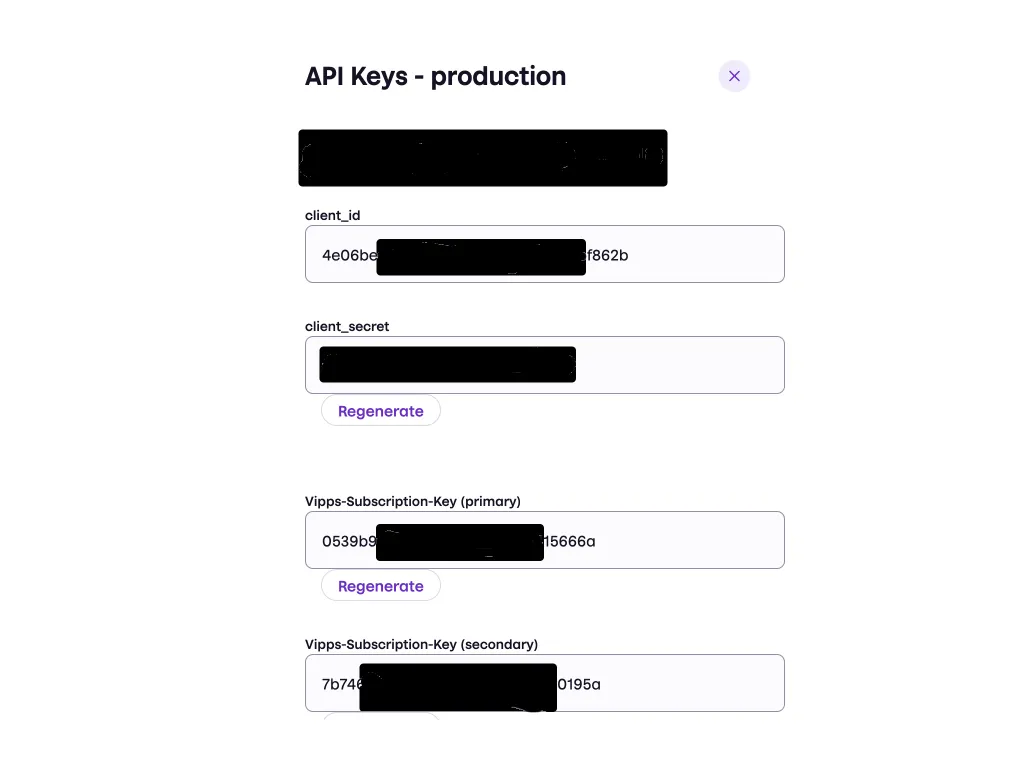
Show API Keys dialog.
It is the client secret, client id and Vipps subscription key primary that need to go over to Velpr.
Get help from a developer
Section titled “Get help from a developer”If the last part here is completely cryptic, get in touch and we will help you.