
Groups
The groups page holds the lists of people that control who can book what, and who gets a discount. It appears in the admin menu when the Groups module is turned on under Site → Modules.
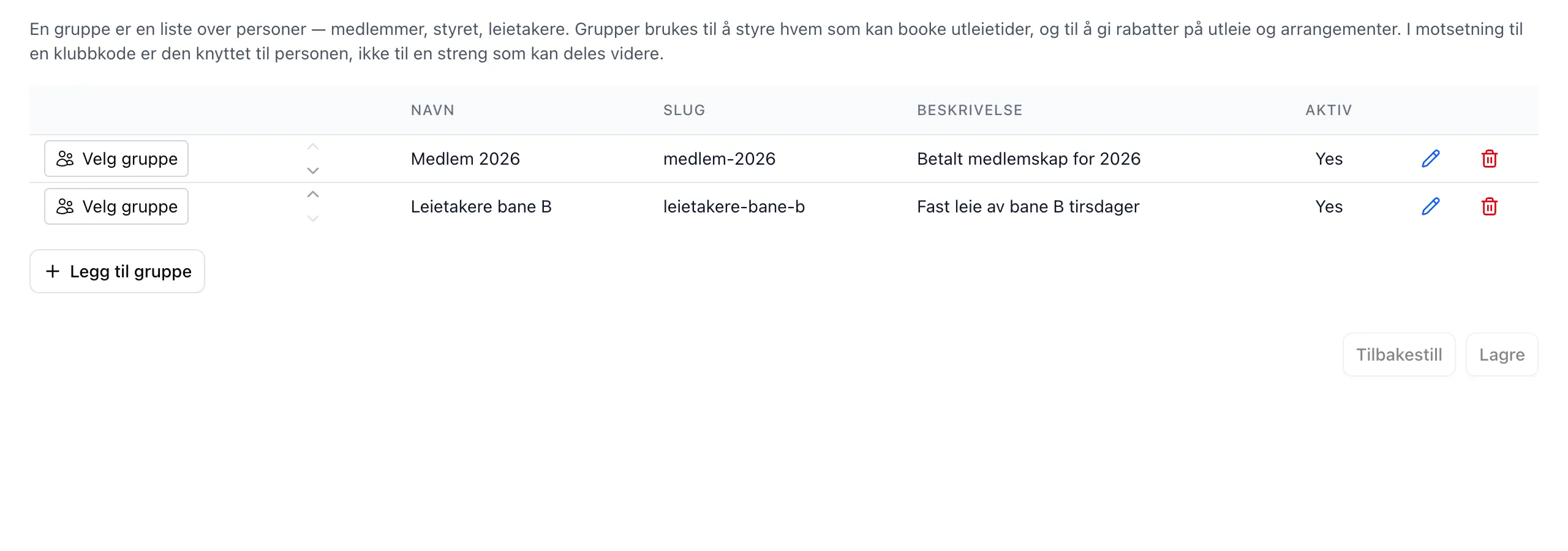
The page has one save button for the group list and one for the invitation codes. Members and invitations are saved immediately.
| Part | Explanation |
|---|---|
| The group list | Name, slug, description and active for each group. Select group opens the other parts for that group. |
| Members of … | Add by search or email list, see who is in, and remove members. |
| Invitation codes | Codes customers can use on Min Side to join by themselves. |
| Pending invitations | Email addresses that have been added but don’t have a user at the facility yet. |
| Where this group is used | Rental slots and rental units reserved for the group. Discounts are not included. |
See the field reference for every field and the admin guide for the step-by-step guide.