
Reports
The page has three tabs: Ordre oppslag (order lookup), Ordre statistikk (order statistics) and Utleie statistikk (rental statistics).
Ordre oppslag
Section titled “Ordre oppslag”All orders, newest first.
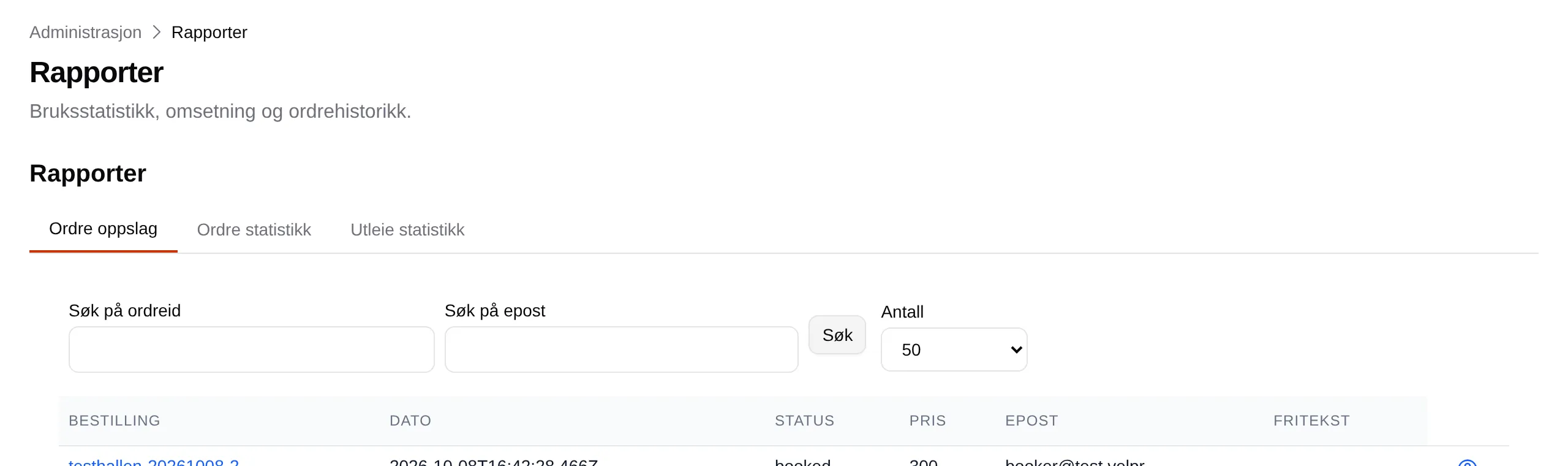
| Part | Explanation |
|---|---|
| Search by order id | The full order number, for example testhallen-20261008-1. |
| Search by email | The full email address the customer has on the order. |
| Count | How many are shown at a time: 10, 20, 50 or 100. |
| Order | The order number. Press it to open the order. |
| Date | When the order was made. |
| Status | For example booked (completed). |
| Price | The total. |
| The customer’s email. | |
| Free text | The reference on the order, if it has one. |
The search only finds full numbers and full addresses — not parts of them, and not names.
One order
Section titled “One order”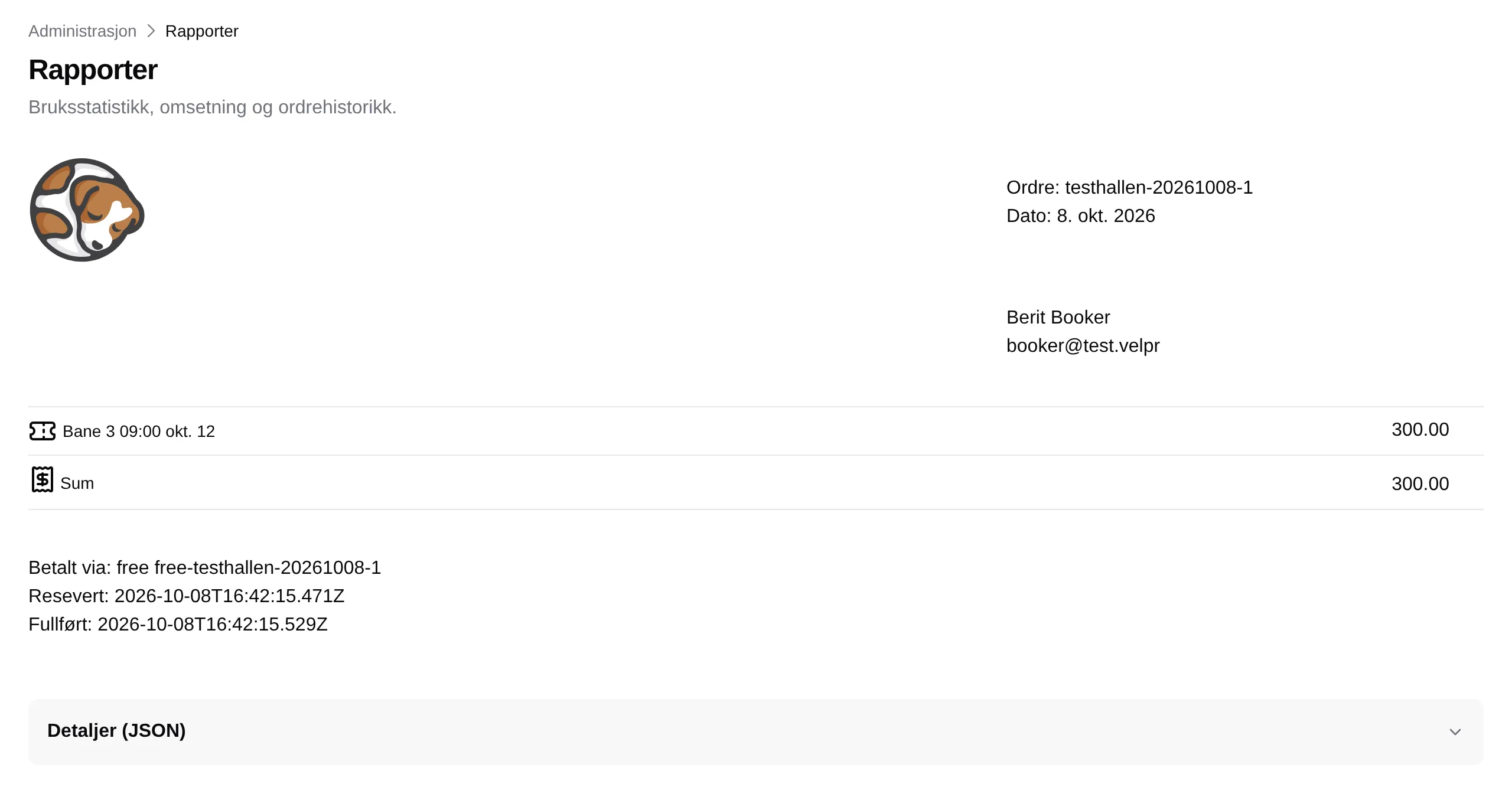
The order is shown as a receipt: number, date, the customer, what was bought and the total. Below that are the payment method and when the order was reserved and completed. Details (JSON) shows all the data on the order, for use when you report a bug.
The Ordre-ID links in Incidents open this page.
Ordre statistikk
Section titled “Ordre statistikk”One row per month, for the last 24 months.
| Column | Explanation |
|---|---|
| Periode | The month. |
| Number of orders | Completed orders. |
| Sum totalt | Their total. |
| Kunder | Number of different customers. |
| Vipps | Count/total paid with Vipps, for example 12/3600. |
| Fri | Count/total with No payment. |
| Admin | Count/total completed with Paid outside the system. |
| Paypal | Count/total paid with PayPal. |
| Sist oppdatert | When the numbers were last calculated. |
Card (Stripe) and invoice have no column of their own, but are included in Number of orders and Sum totalt.
Utleie statistikk
Section titled “Utleie statistikk”One row per month.
| Column | Explanation |
|---|---|
| Utleie for | The month. |
| Number of tickets | Number of booked slots, all rental units. |
| Billetter pr del | The breakdown per rental unit, for example “Bane 1 12, Bane 2 8”. |