
Club codes
A club code is a code the facility hands out, for example to the club’s members. With the code in the cart you can book slots that are otherwise locked, or get a discount.
Club codes are not the same as group codes — those make you a member of a group, and are used on Min side (My page). See Groups.
How to use a club code
Section titled “How to use a club code”- Sign in and go to Booking.
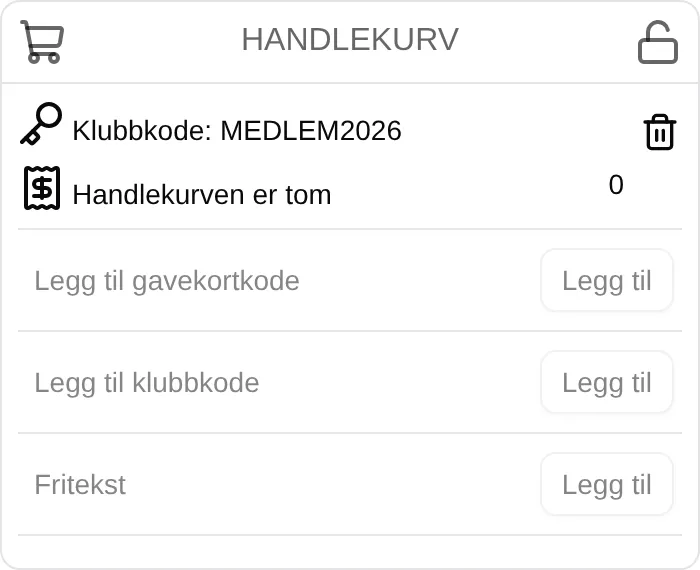
- Enter the code in Add club code below the cart, and tap Add. Upper and lower case must be correct.
- The code is now shown in the cart as Club code: ….
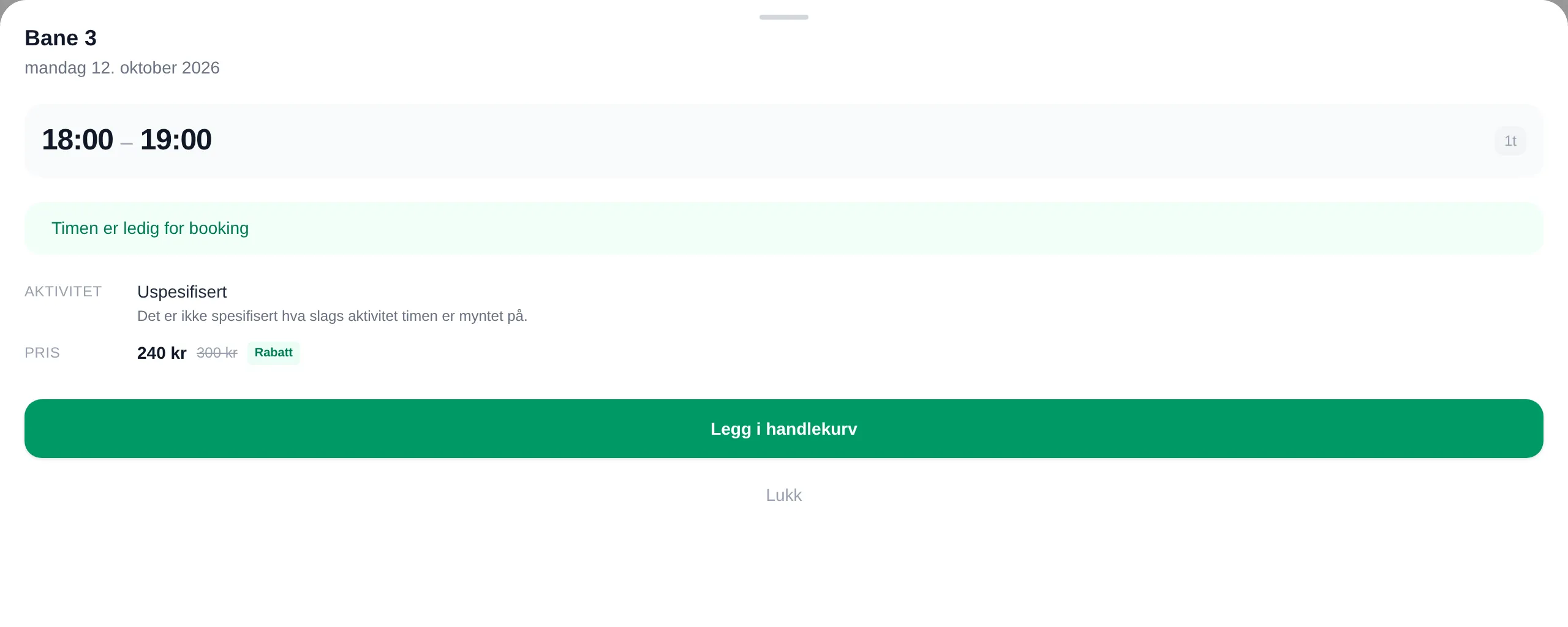
- Book the slots as usual. Slots that were marked 🔑 Members only are now available, and the discount is shown on the price.
The code is not remembered. You have to enter it again the next time you buy something.
When the code does not work
Section titled “When the code does not work”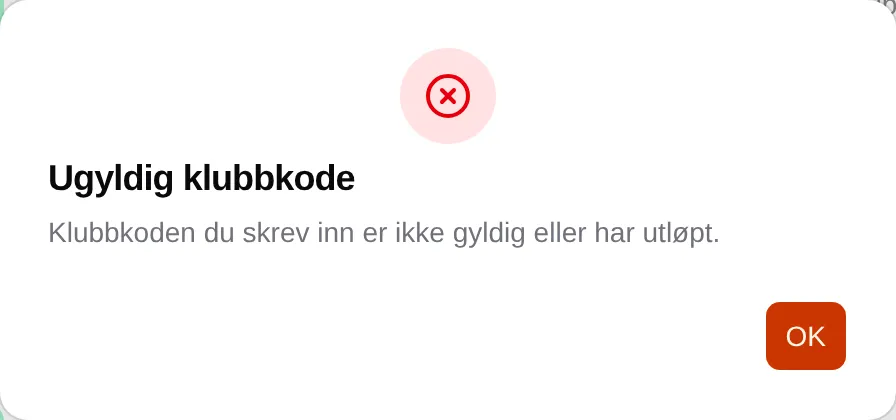
Invalid Club Code means the code is mistyped or no longer valid. Check upper and lower case, and ask the facility if you are unsure.
If you are an administrator: the admin guide for club codes.