
Gift cards
A gift card is an amount you pay in advance, which can be used on anything the facility sells — slots, events, cards and other gift cards. It is valid for one year.
How to buy a gift card
Section titled “How to buy a gift card”- Go to Booking and sign in.
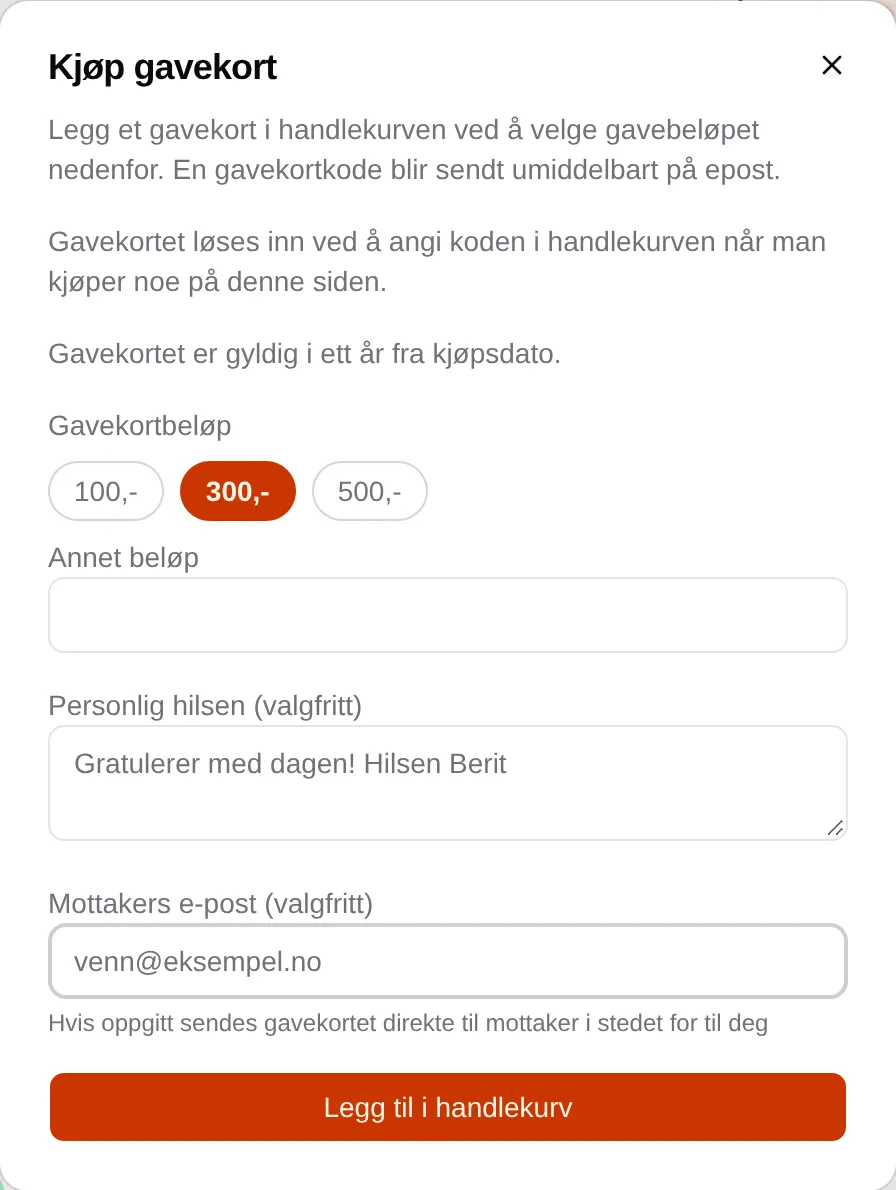
- Tap Buy gift card above the cart.
- Choose 100,-, 300,- or 500,-, or enter an amount in Custom amount (up to 2000).
- Feel free to write a Personal message (optional).
- If the gift card should go straight to someone else, enter their email address in Recipient email (optional).
- Tap Add to cart, and pay as usual.
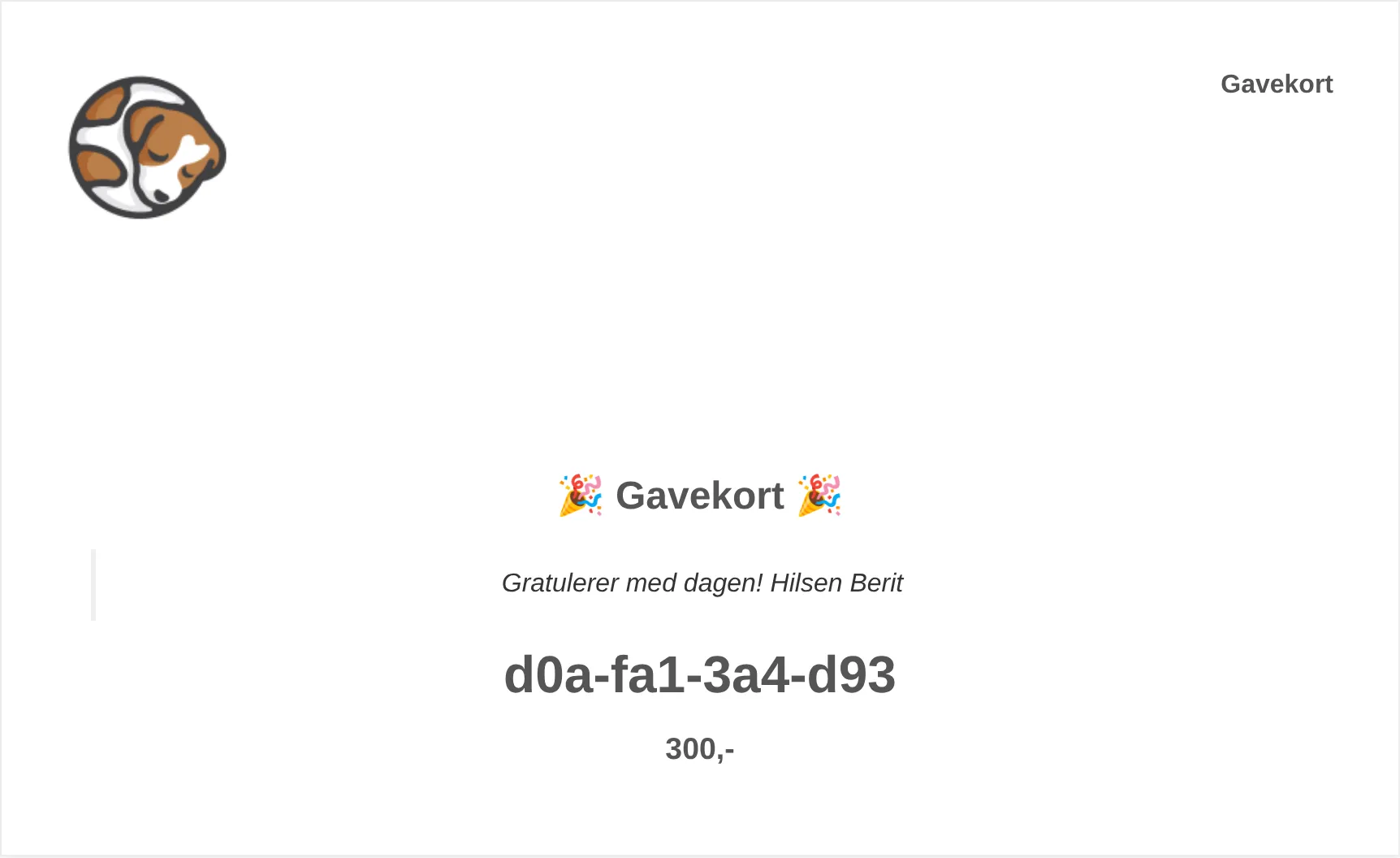
When the payment has gone through, the gift card is sent by email — to the recipient if you entered an address, otherwise to you.
How to use a gift card
Section titled “How to use a gift card”- Sign in at the facility and add what you want to buy to the cart.
- Enter the code in Add gift card code and tap Add.
- Pay the rest, if there is anything left.
The amount is deducted from the total. If the gift card is worth more than you are buying, the rest stays on the card for next time. You can use several gift cards in the same purchase. See Payment.
What each message means: the gift card reference. If you are an administrator: the admin guide for gift cards.