Access
The page is shown when the Door codes module is on under Site → Modules, or when the facility has at least one access point. Each section opens on its own. Nothing is saved until you press Save at the bottom; Reset discards the changes.
How to set up access: the admin guide for access. The rules: the admin reference for access.
Notification settings
Section titled “Notification settings”
| Field | Explanation |
|---|---|
| Hours | 1–6. Default is 2. |
| Send relative to | before the slot, or after midnight the same day. |
Access points
Section titled “Access points”
Add access point creates a new one; the pencil opens Edit access point.
| Field | Explanation |
|---|---|
| Name | The name of the entrance, for example “Main entrance”. |
| Type | Velpr (kode-utsending) (code delivery) or Eksternt system (external system). |
| Description | Short text. Also shown in More info for external access points. |
| Instructions (external) | Markdown text the customer gets for an external access point. |
One access point
Section titled “One access point”Each access point gets its own section once it has been saved.
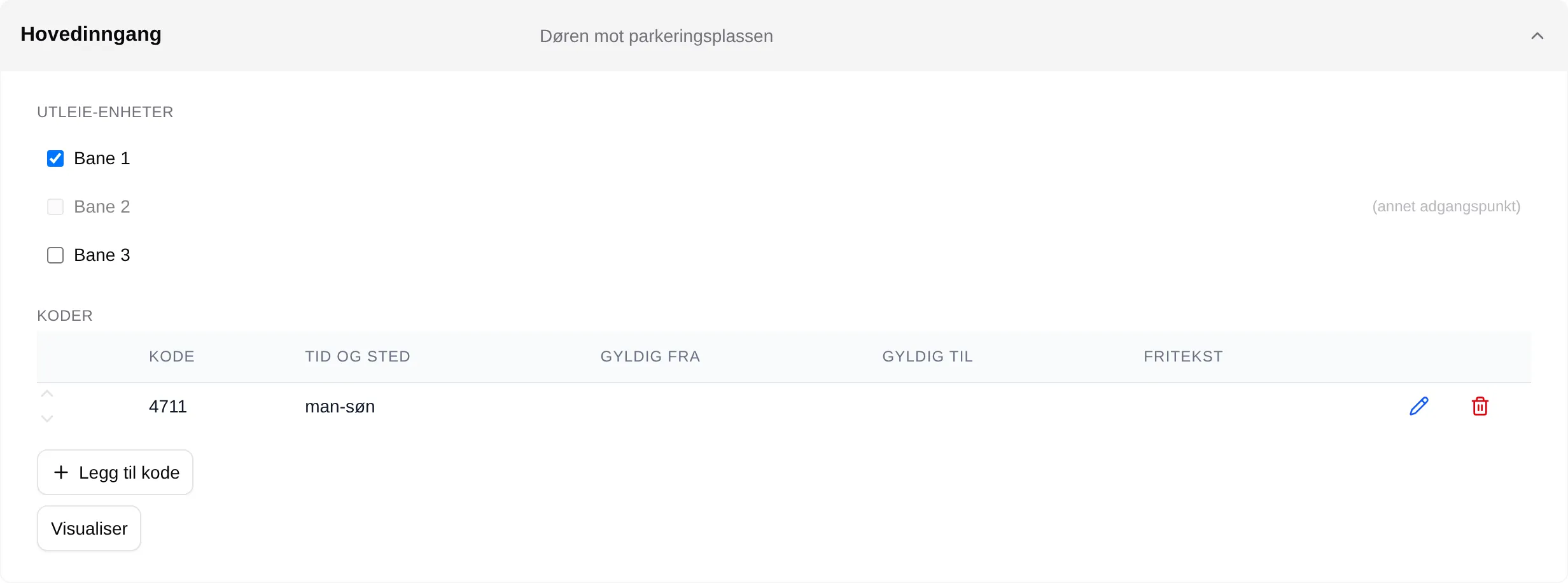
| Part | Explanation |
|---|---|
| Rental units | The units that belong to the access point. (annet adgangspunkt) (other access point) means the unit is taken. |
| Codes | The codes, only for Velpr (kode-utsending). Add code, and Visualise for a week view. |
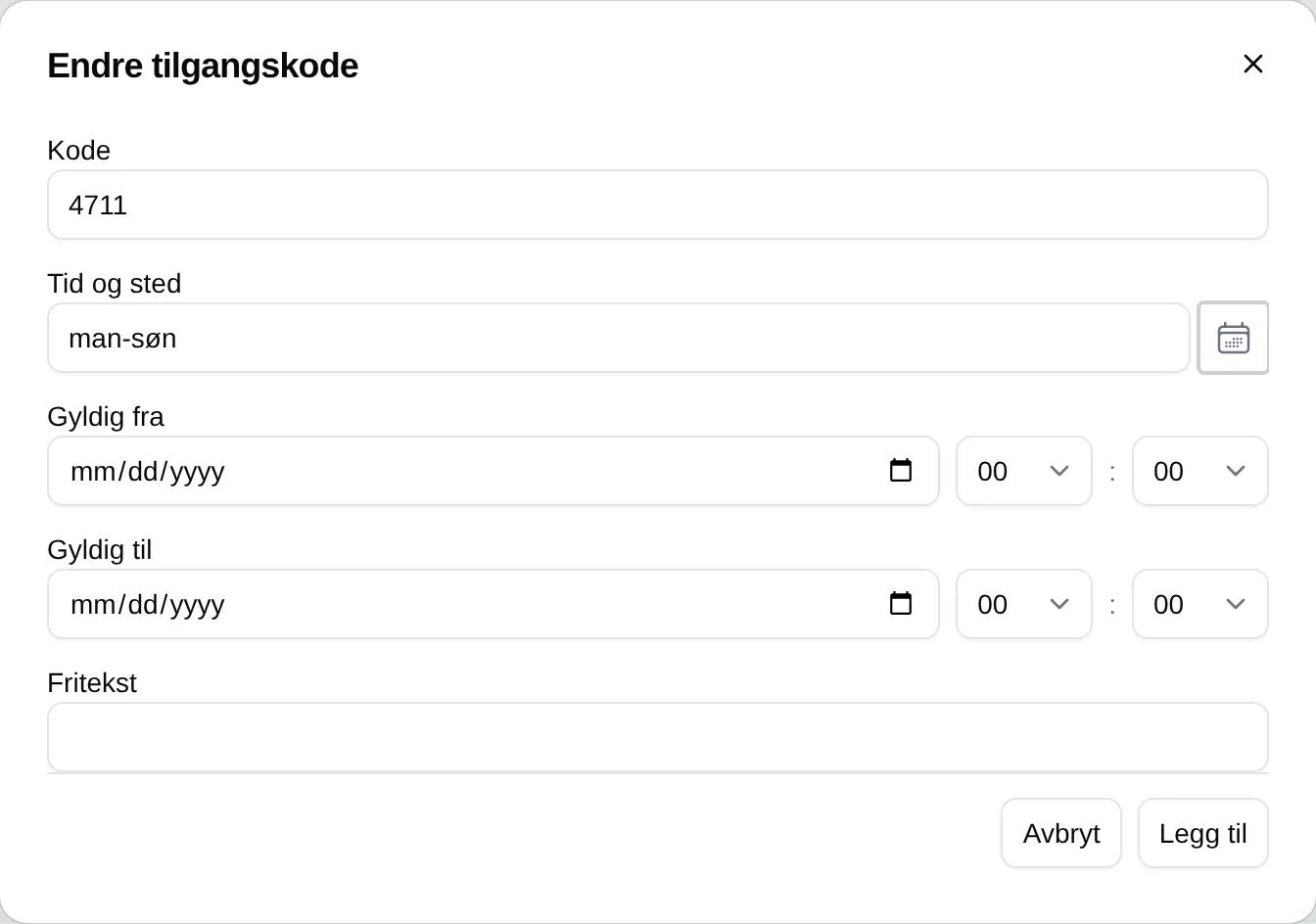
| Field | Explanation |
|---|---|
| Code | The code the customer enters. |
| Time and place | The days and hours the code applies. |
| Valid from / to | The dates the code applies. |
| Free text | A note for administrators. |
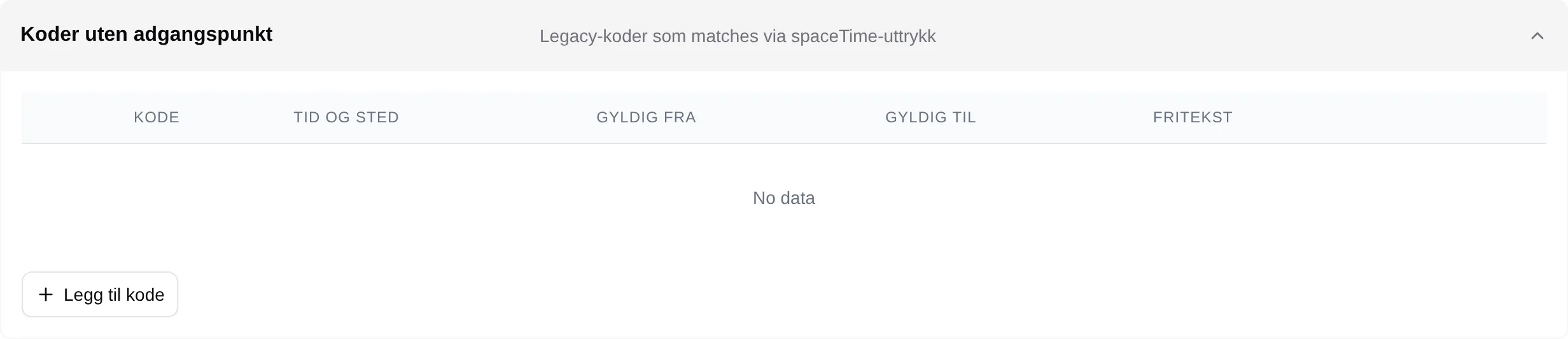
Codes without an access point
Section titled “Codes without an access point”Older codes that do not belong to an access point. They only apply to rental units that are not linked to any access point, and have the same fields as the codes above.