Version 2023.08
Club code
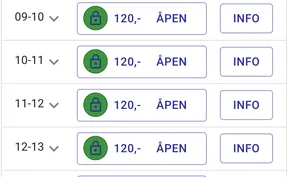
Section titled “Club code”The slot picker now has a padlock on the green fields where slots are available but reserved for those with a club code.
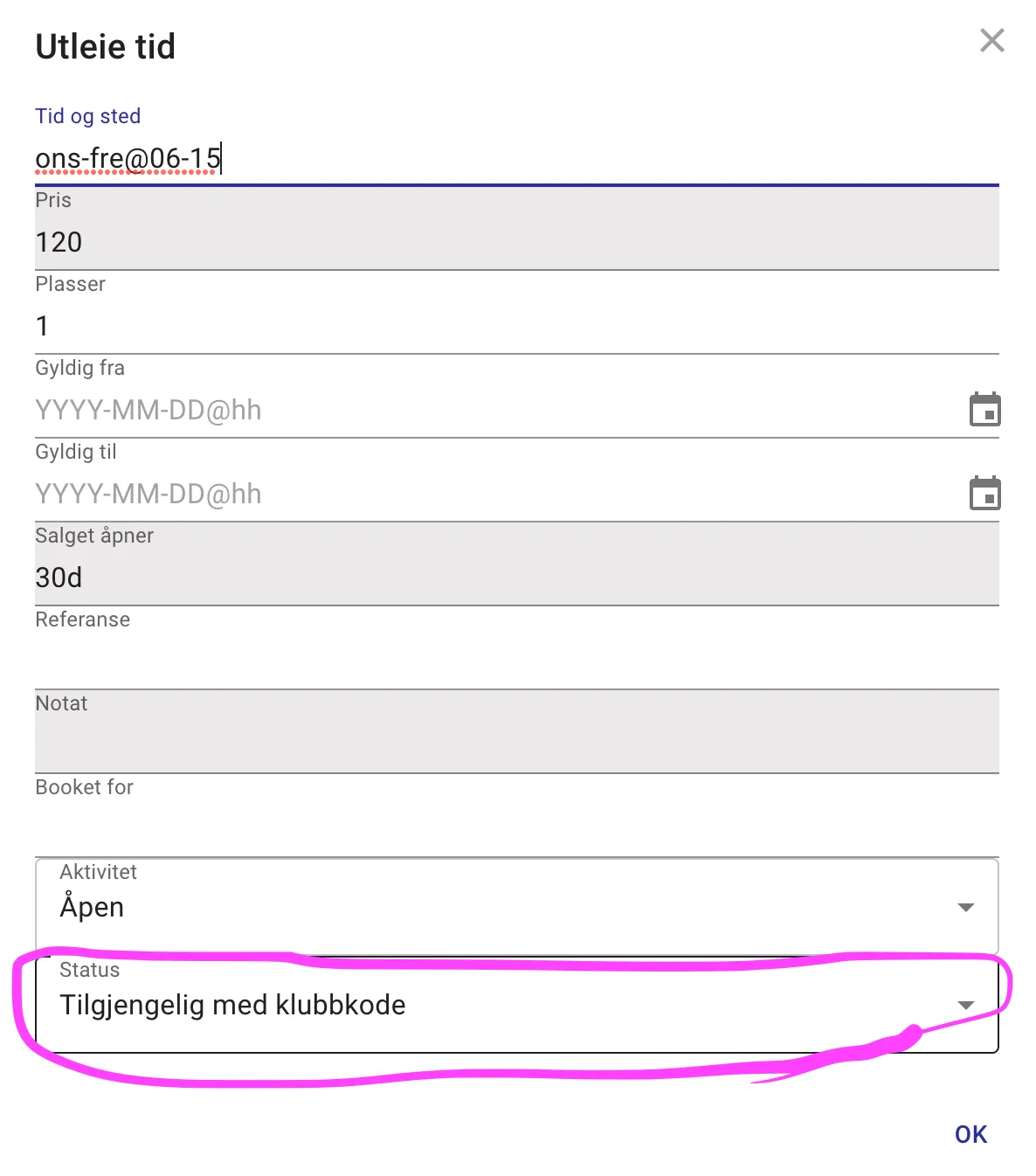
Which slots require a club code is defined by the rental section - which now has a club code option.
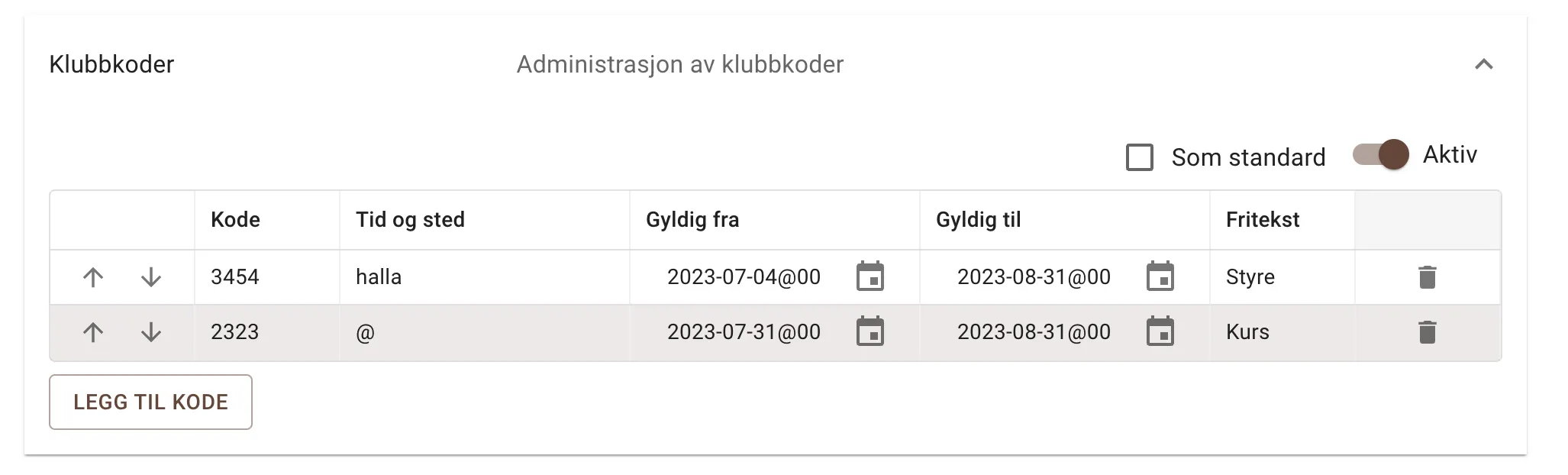
Club codes are managed under Codes/Club codes and are distributed by the owner (that is, not by the system here)
To rent a club slot, you first have to add a club code to the cart.
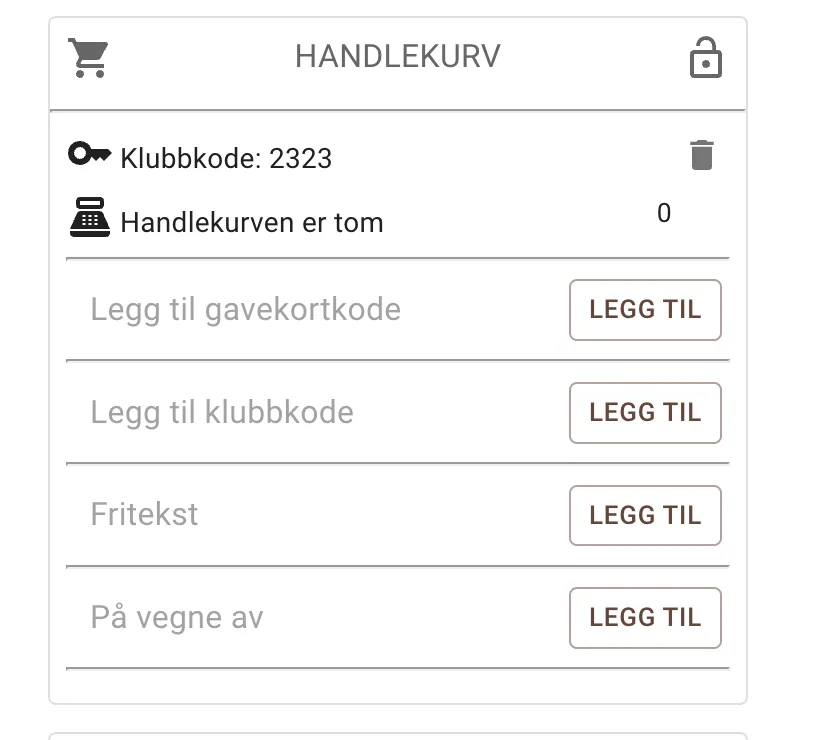
The padlocks in the slot picker will disappear from the slots linked to the code you have added to the cart.
New admin organisation
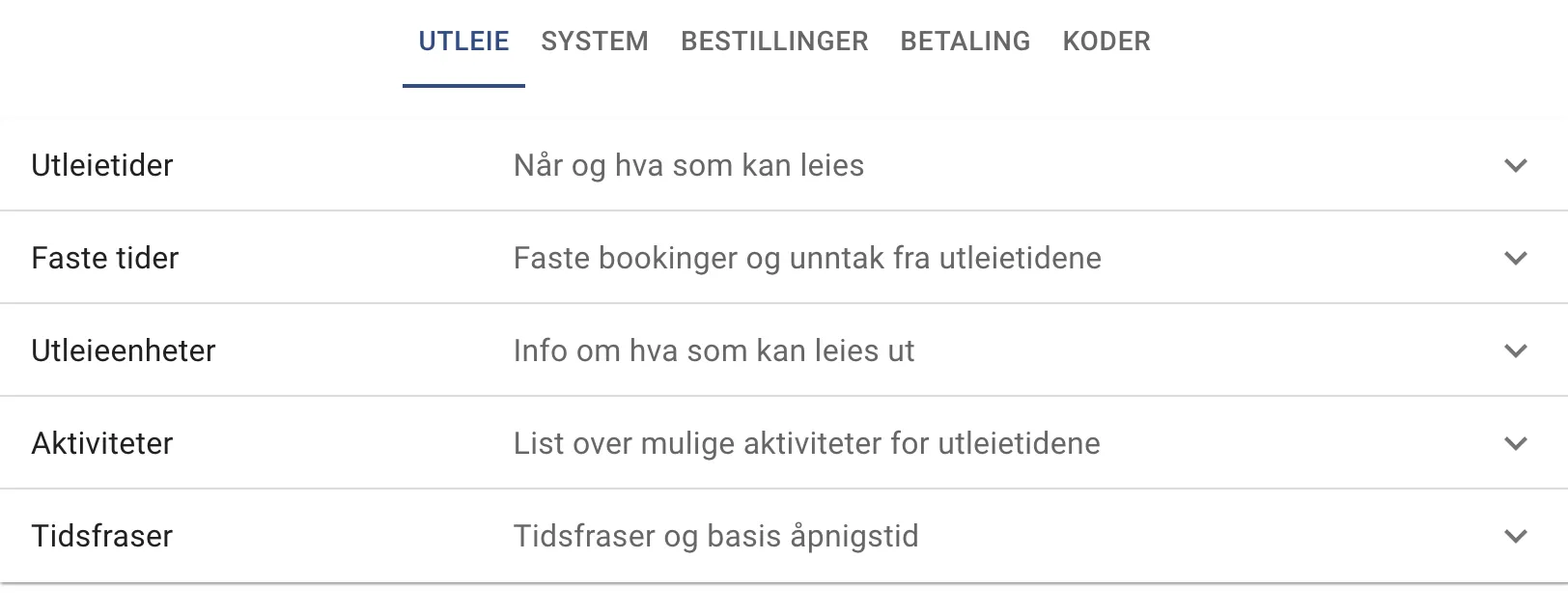
Section titled “New admin organisation”New organisation of admin pages and admin sections. Each section can be collapsed and expanded so you don’t get too much information at once.
The menu is the same as before but has been given shorter and more concise names.
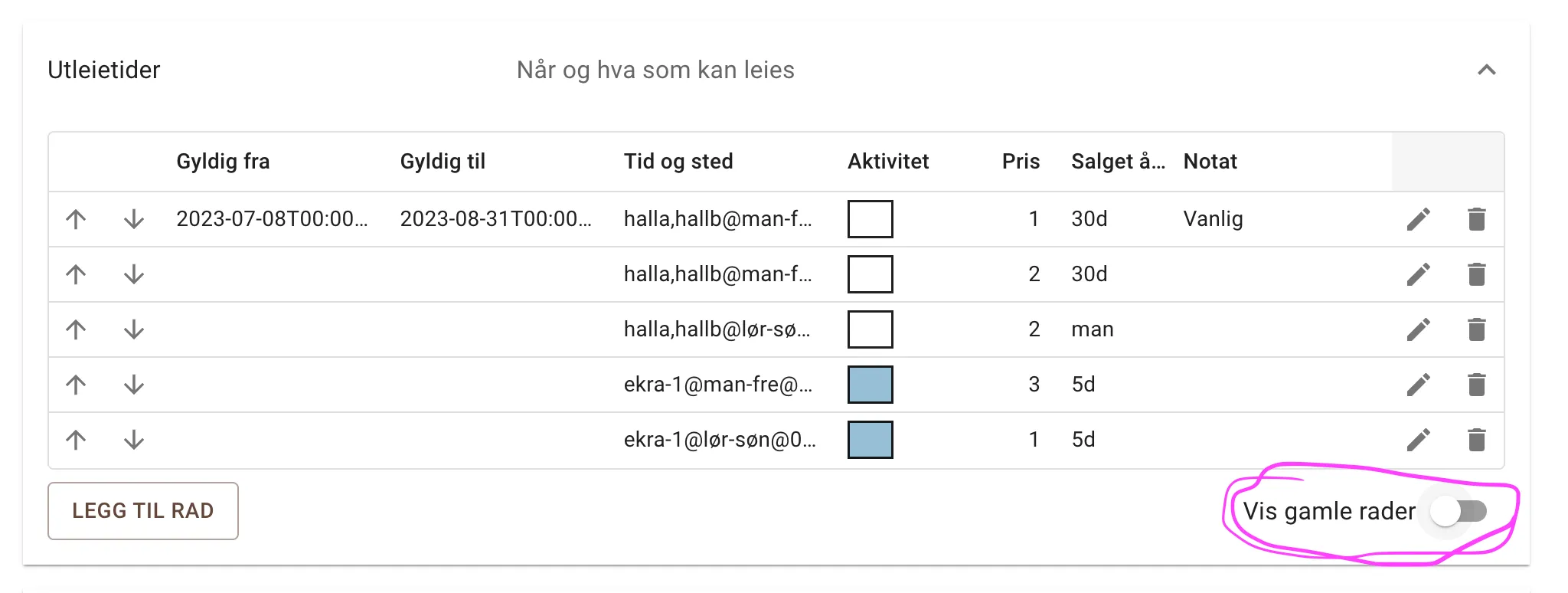
Hide expired rental times
Section titled “Hide expired rental times”If you have set a valid-to date, rental times after that date will not be shown until you explicitly turn on “Show old rows” at the bottom right of the screen.
Time phrase section
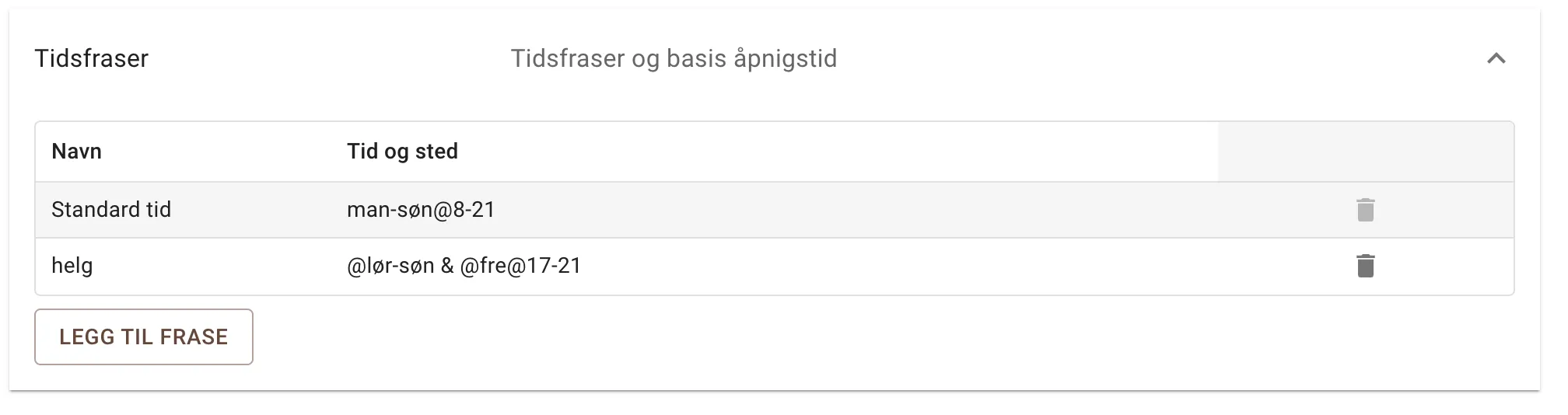
Section titled “Time phrase section”Time phrases is a new section for defining your own time phrases. E.g. “weekend” - which you can use to define rental times, door codes or club codes. There is also a default time here, which is used to fill in whatever is not specified in the time and place fields elsewhere.
E.g. if you just write “mon” for Monday, it will mean mon@8-21, since it takes the hours from the default time in the case below.
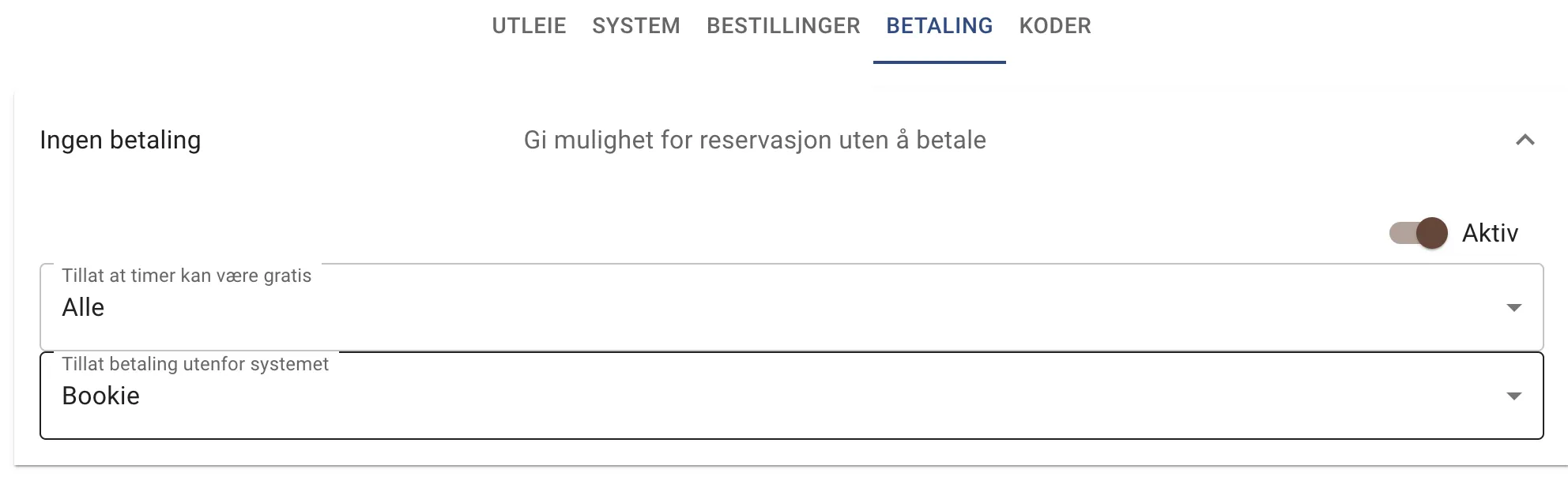
Payment sections
Section titled “Payment sections”Better management of payment options, including whether you can have free slots and possibly who can book slots without paying (typically the owner). The first option means that if you set the rental price to 0, that is allowed - you then get a button saying you can complete the booking instead of Vipps or PayPal.
New date picker
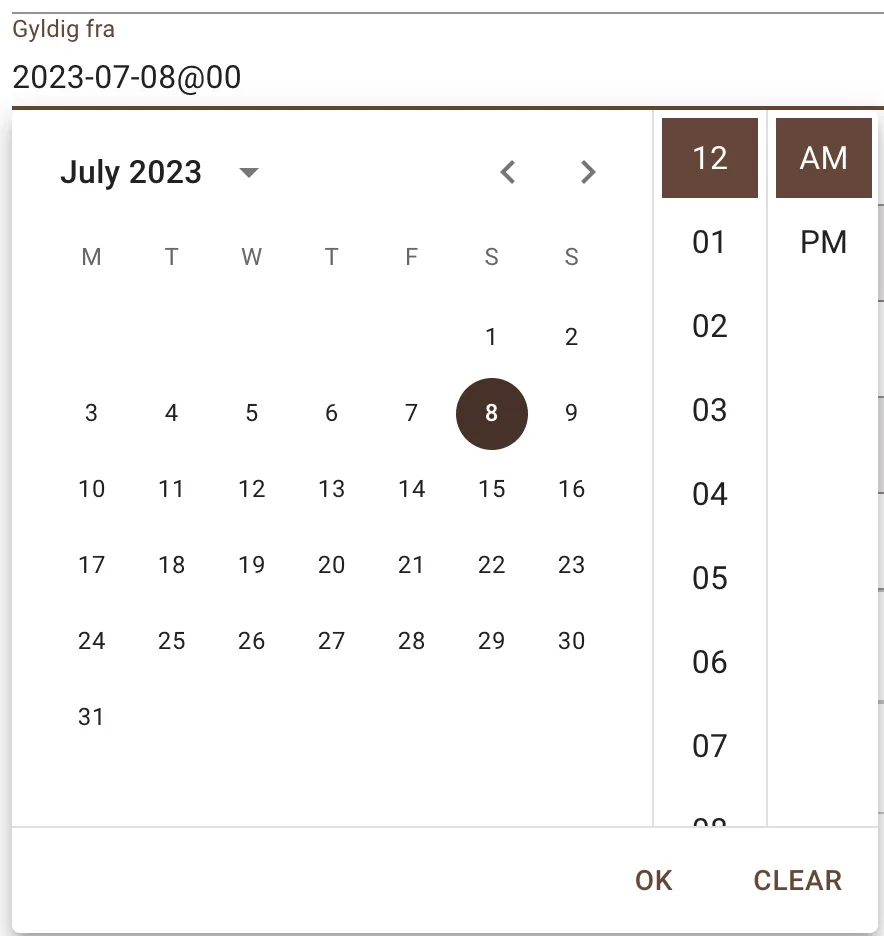
Section titled “New date picker”The Valid to and Valid from fields have a better date and time picker