
Invoice
Some facilities let you pay by invoice. The order is confirmed right away, and you pay the invoice by the due date — usually to the facility’s bank account.
How to pay by invoice
Section titled “How to pay by invoice”- Put what you want to buy in the cart.
- Press Pay by invoice under RESERVE AND PAY.
- The order is confirmed. The invoice arrives by email together with the receipt.
- Pay the invoice by the due date, as shown under Payment information.
If the button is grey, the reason is shown below it — for example that the total is too low, or that you have unpaid invoices. See When invoicing is not possible.
Find your invoices
Section titled “Find your invoices”Your invoices are under Min side (My page) → Invoices.

- The eye (Show details) shows the invoice with its lines, VAT and what has been paid.
- Download PDF gives you the invoice as a PDF.
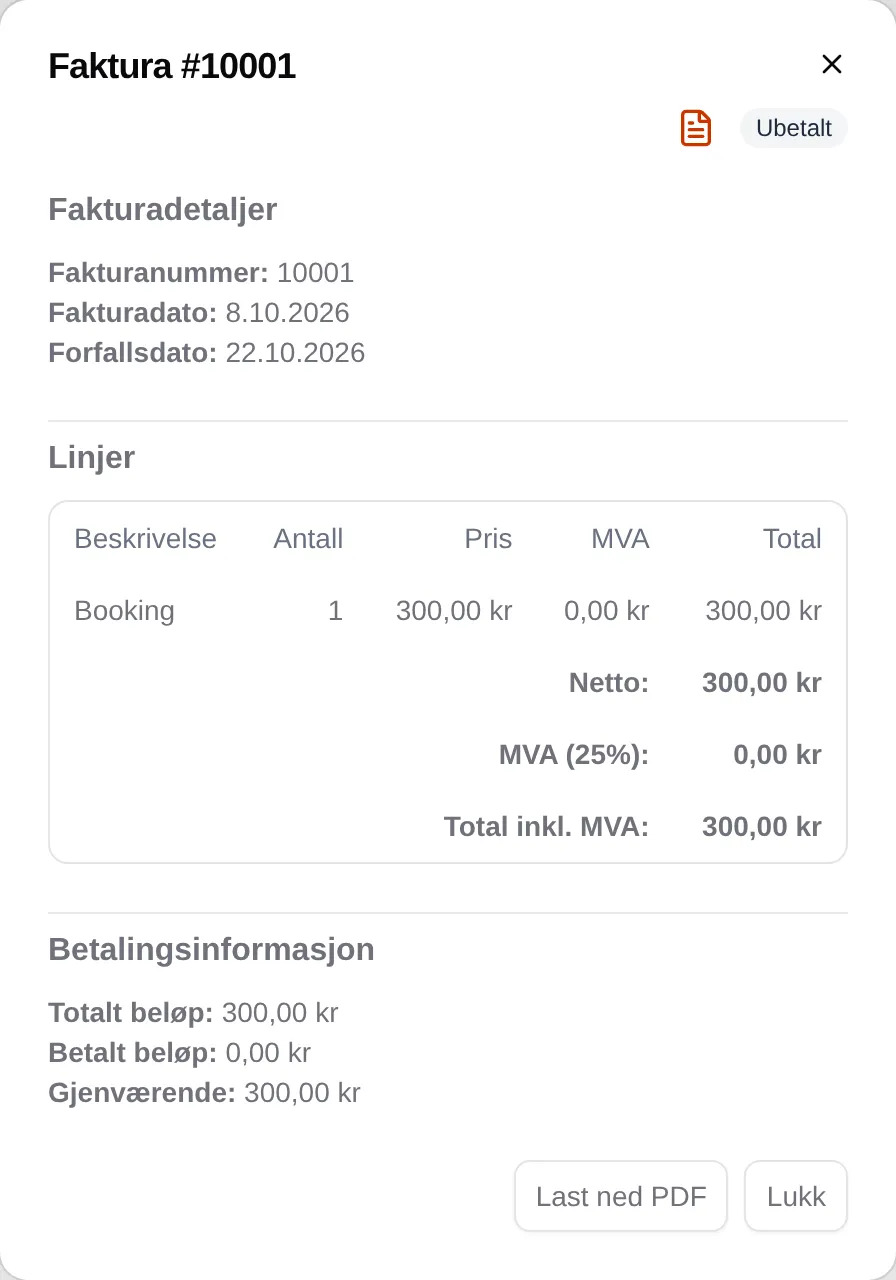
What each column and status means: the invoice reference. If you are an administrator: the admin guide for invoices.