
Access to the premises
Once you have booked a slot, you are told how to get in. It is one of two ways, depending on how the facility has set it up:
- an access code you enter at the entrance, or
- instructions — for example where the key box is.
Access code
Section titled “Access code”When do you get the code?
Section titled “When do you get the code?”The code becomes visible a little while before the slot — usually two hours before it starts, but the facility decides. You also get it by email, Kode til … (Norwegian for “Code for …”), just before the slot.
If you book a slot that starts soon, you get the code right away in the confirmation:
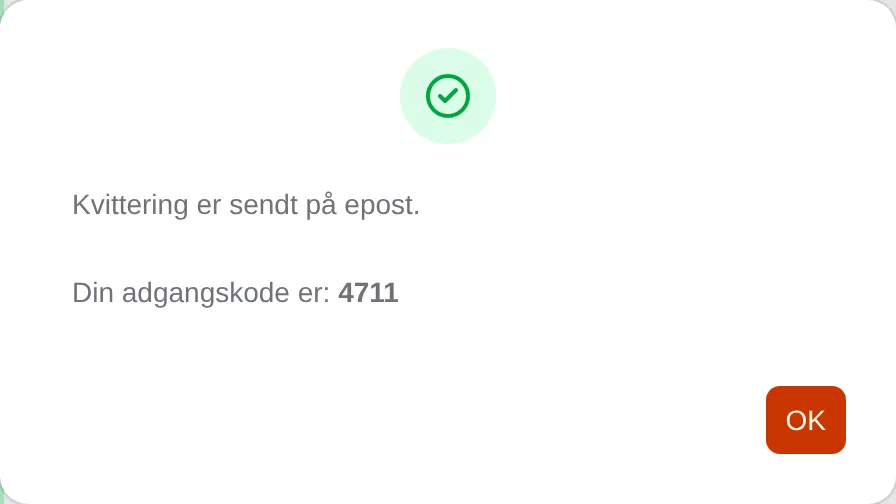
If you book further ahead, the confirmation says when the code will be sent.
Where do you find the code?
Section titled “Where do you find the code?”- In the email with the code.
- In the info box for the slot: press the slot in the slot picker. The code is shown under ACCESS.
- At the top of Min side (My page): Adgangskode for en forestående time (access code for an upcoming slot).
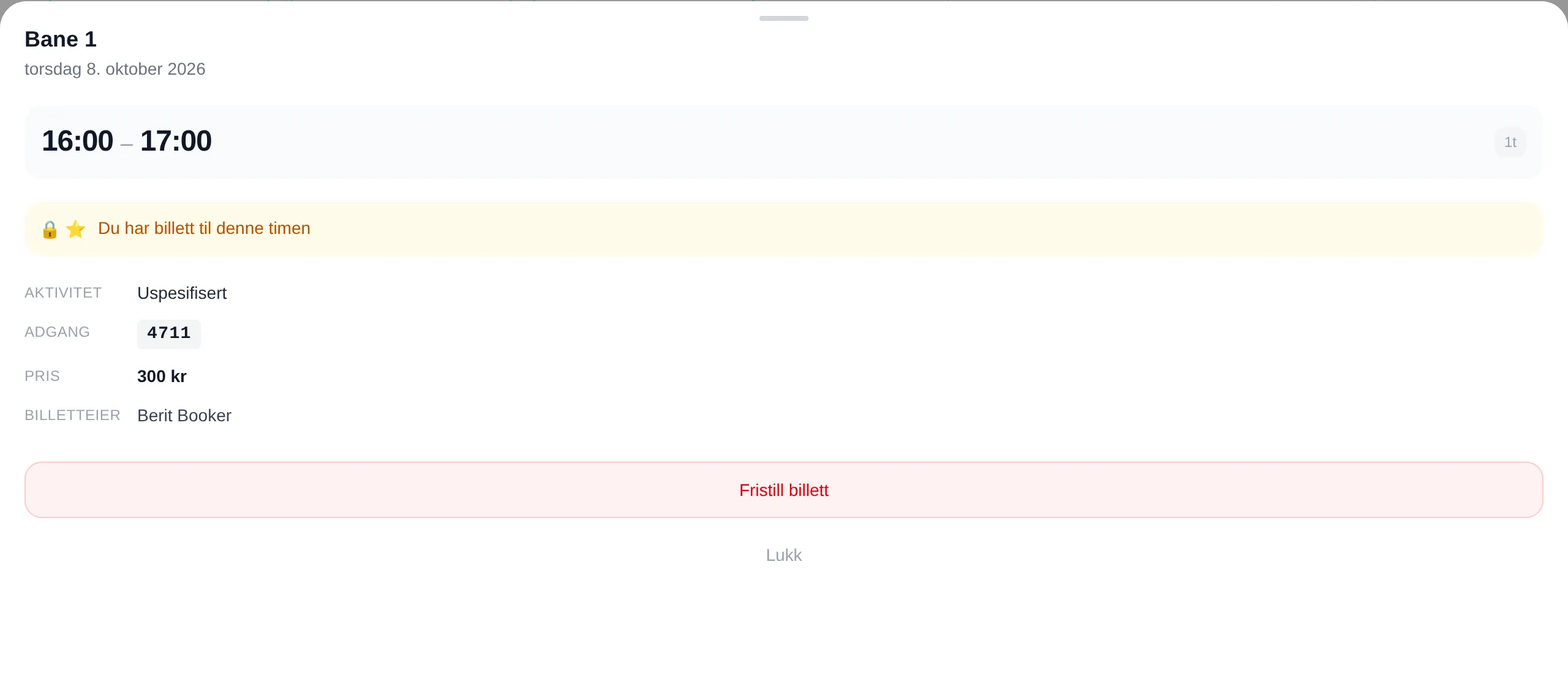
The code is shown from when it is sent until the slot is over.
Access information
Section titled “Access information”If the facility has a key box, an app or something else, you get instructions instead of a code:
- in the confirmation after you have booked,
- behind the More info button under ACCESS in the info box for the slot,
- and by email, Adgangsinfo for … (Norwegian for “Access info for …”), before the slot.
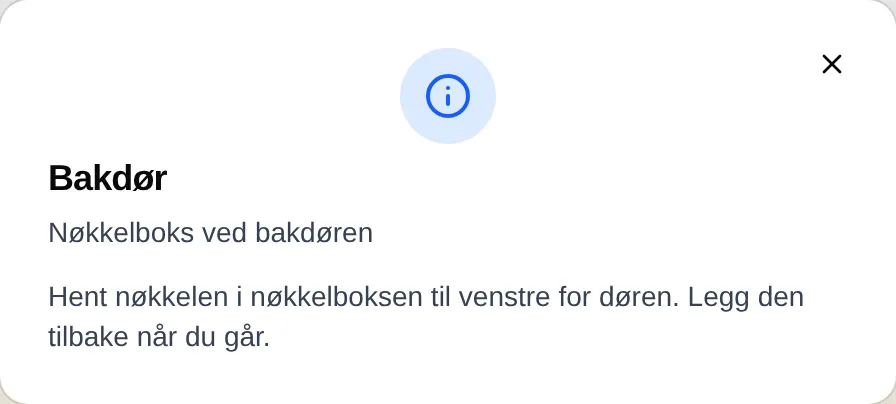
What each message means: the access reference. If you are an administrator: the admin guide for access.