
Version 2025.07
Using the slug in time and place expressions
Section titled “Using the slug in time and place expressions”For quite some time it has been possible to set a custom slug on rental units — a user-defined id for the unit. This will now be used when times and places are displayed, and you can use it when writing time and place definitions.
So instead of units like u-1 and u-2, you can write units like hall, outdoor course and so on.
Time and place expressions have also been given better error messages when something is entered incorrectly. Preparations have also been made to support time ranges with minute resolution, but this is not yet ready in other parts of the system, so don’t use this option just yet.
Images
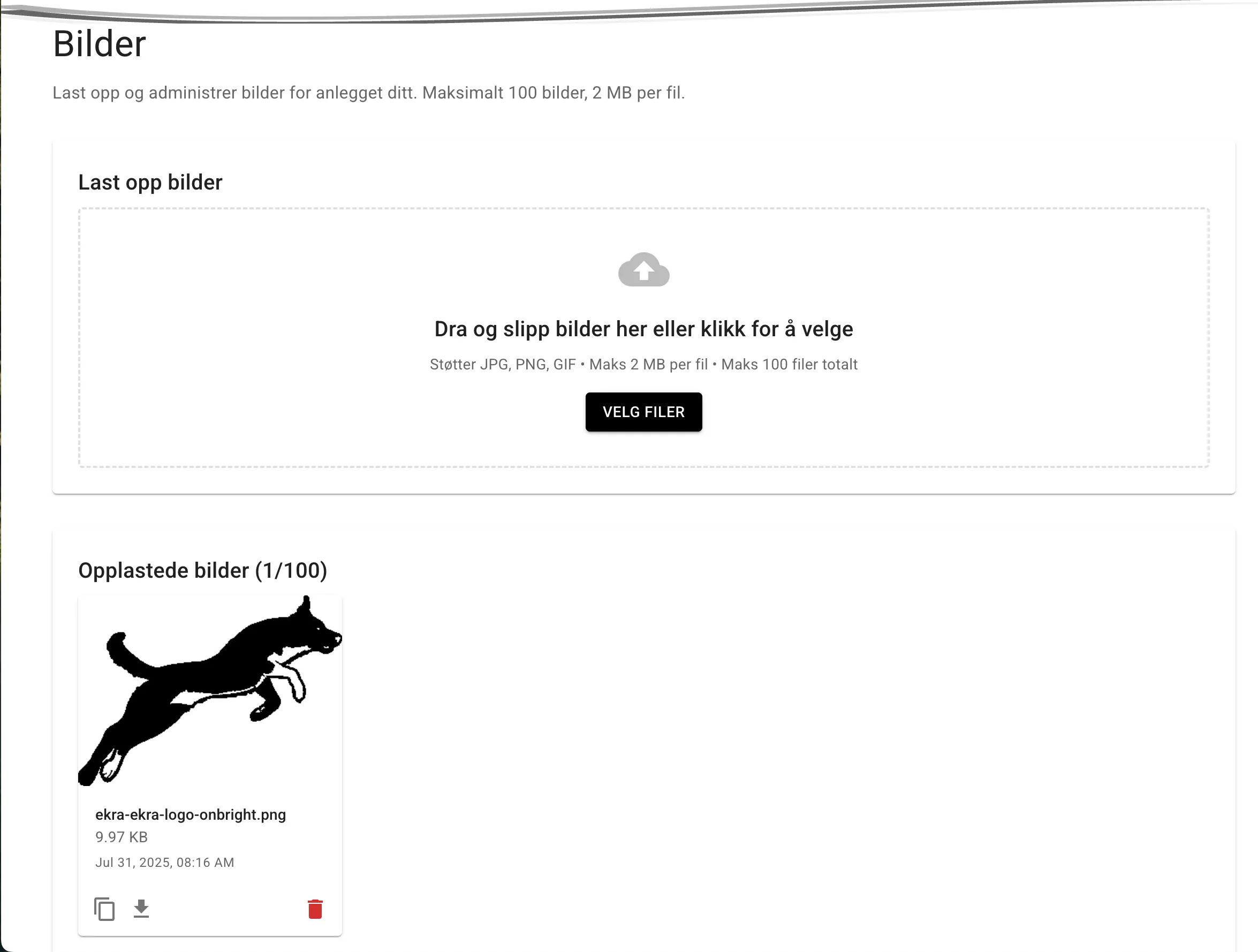
Section titled “Images”Admin now has a page where you can upload your own images for use in texts, as a logo and as event images. Every facility can upload up to 100 images, each up to 2MB in size.
To use the images in texts, e.g. on the about us page, copy the image’s URL by pressing the copy button on the image in the list of uploaded images. Then paste the URL into the text where you want the image.
User page
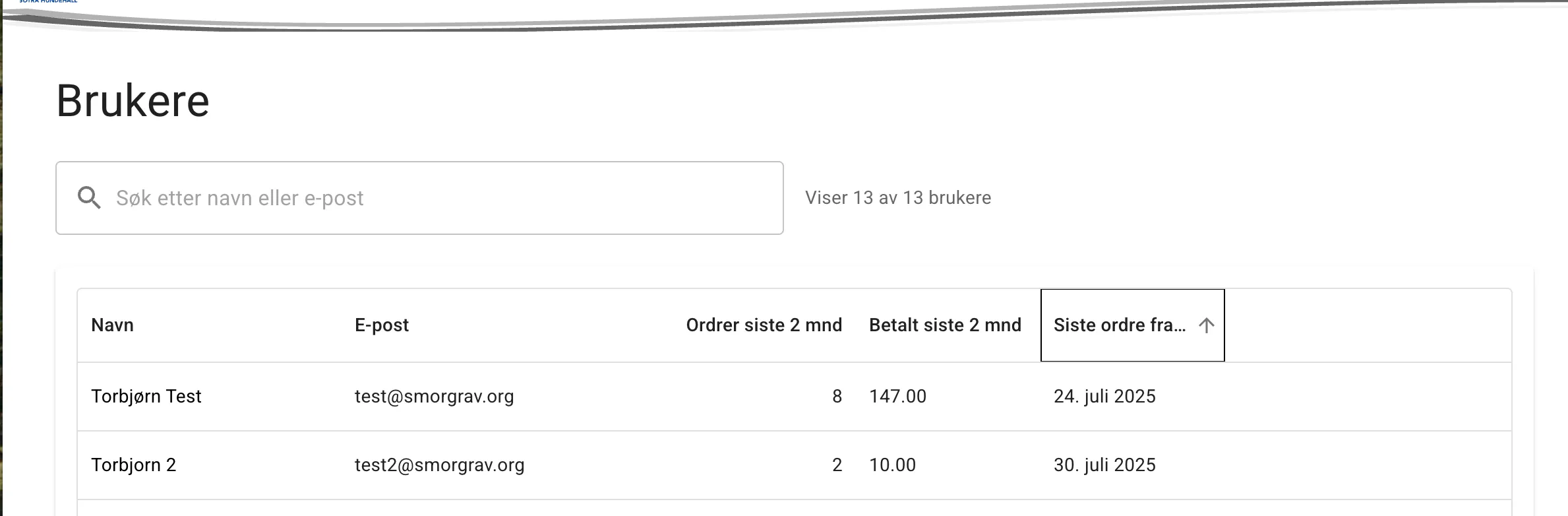
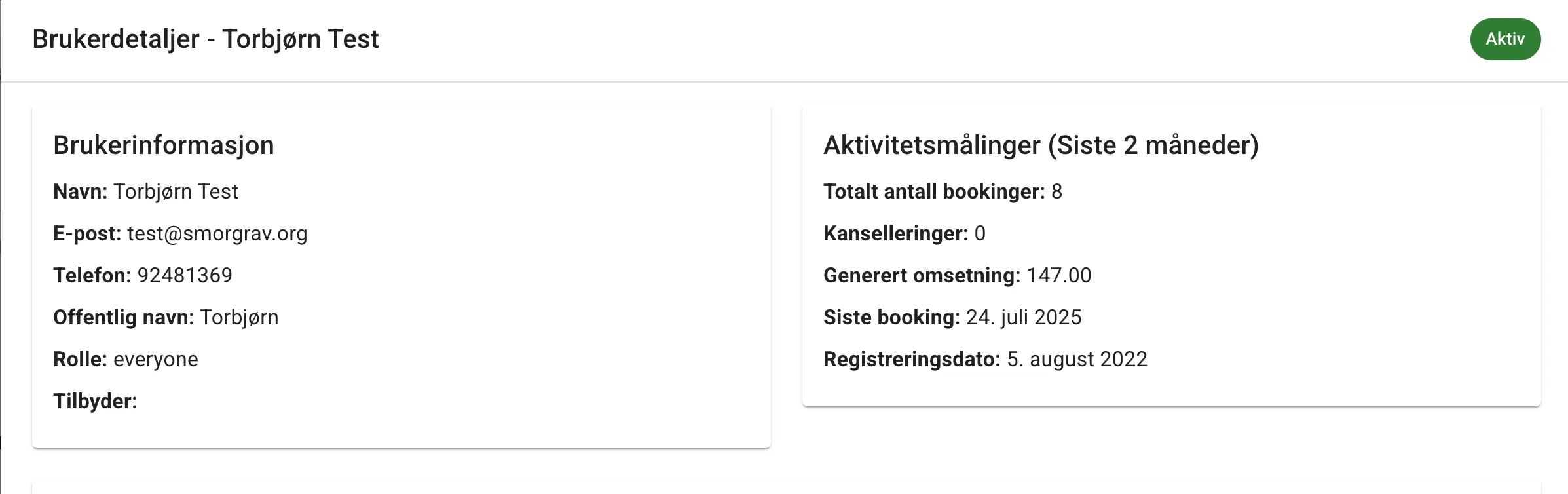
Section titled “User page”Admin has also been given a page where all users of the facility can be listed. You can also click into a user to see their orders and some statistics.
The statistics only cover the last two calendar months, including the current month. These statistics are therefore somewhat limited, but will be expanded in the future.
Users who have only visited the site without using the facility may also be listed here.
Report page
Section titled “Report page”The admin report page has received a small update. There are now three tabs: one for listing or searching orders by order id or email, then the order statistics that form the basis for paying for the service, and finally a tab with some rental statistics showing the number of tickets per rental unit.
Changes in progress
Section titled “Changes in progress”One change that will be rolled out gradually is that the tables on the site will be replaced with tables that are easier for me as a developer to work with. This means they are a bit simpler, and you will no longer be able to edit information directly in the cells the way you are used to in some of the tables today. Instead, you will get a pencil button to the right of each row that you can press to open a dialog with an editable form.
This new and simpler table can be seen under Rental units in this version.
Other minor changes
Section titled “Other minor changes”The event banner is no longer fixed, giving more room for information about the events when you scroll down. The date formatting of the registration period has also been improved.