
Access
Access code
Section titled “Access code”| Where | What you see | When |
|---|---|---|
| The confirmation after booking | Your access code is: … | If the slot is already within the time window. |
| The confirmation after booking | Adgangskode sendes på epost 2 timer før timen starter. (the access code is sent by email 2 hours before the slot starts) | If the slot is further ahead. |
| Email Kode til … | A table with Timer (slots) and Kode (code), one row per slot. | When the time window opens. |
| The info box for the slot | ACCESS with the code. | Within the time window, if the slot is yours. |
| At the top of Min side | Adgangskode for en forestående time: … | Within the time window. Shows one code. |
| The receipt | Pinkode: … (PIN code) | If the code was visible when you booked. |
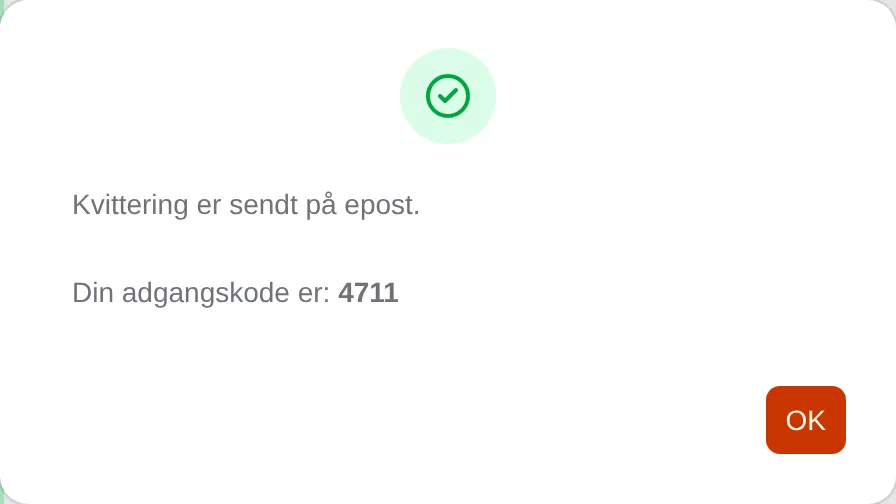
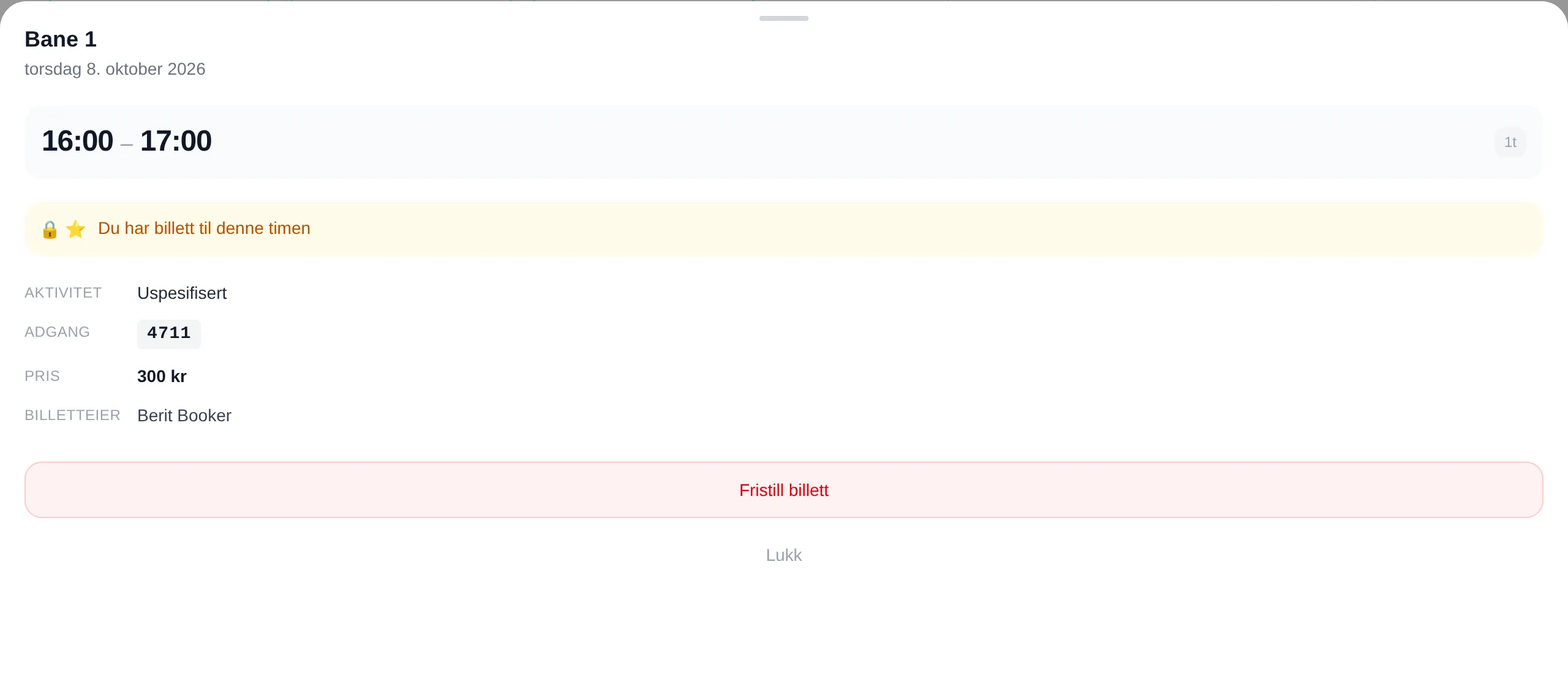

The time window
Section titled “The time window”The facility chooses when the code becomes visible: a number of hours — 1 to 6 — before the slot starts, or a number of hours after midnight the same day. Most common is two hours before. The code disappears when the slot is over.
If you have several slots in the same order, some of the codes may come right away and the rest by email later: Adgangskode for de øvrige timene sendes på epost … (the access code for the remaining slots is sent by email …).
Good to know
Section titled “Good to know”- The code is the same for everyone who has a slot at the same place and time. It is not made for your booking in particular.
- If you release your slot, the code stays the same for those who have a slot — it is not changed.
- If you cannot see the code, check that the slot is not too far ahead, and look in your email.
Access information
Section titled “Access information”If the facility uses a key box, an app or something else, you get instructions instead:
| Where | What you see |
|---|---|
| The confirmation after booking | The name of the entrance, the instructions and Denne informasjonen sendes også på epost … (this information is also sent by email …) |
| The info box for the slot | ACCESS with the More info button, which shows the instructions. |
| Email Adgangsinfo for … | The instructions for each entrance, before the slot. |
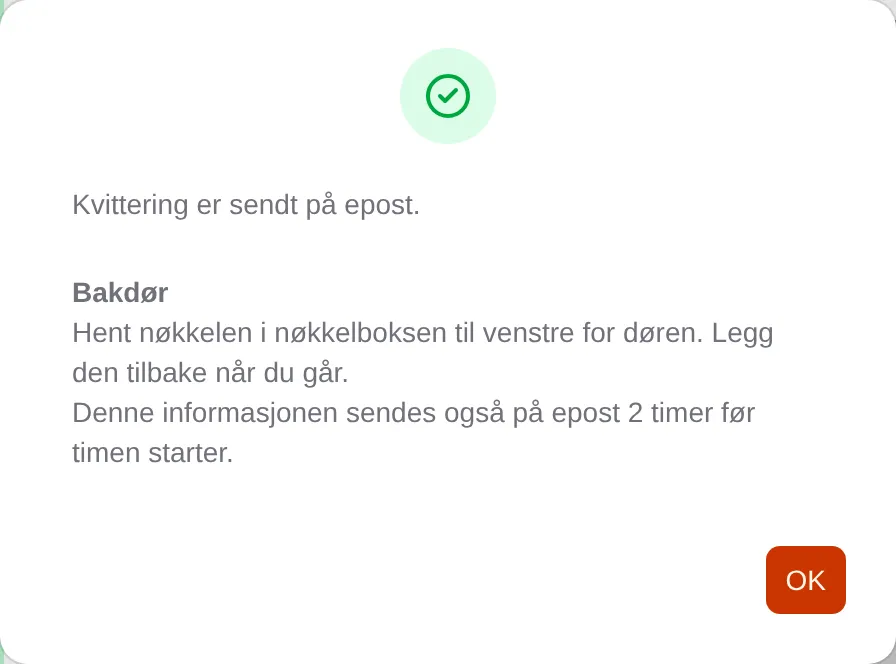
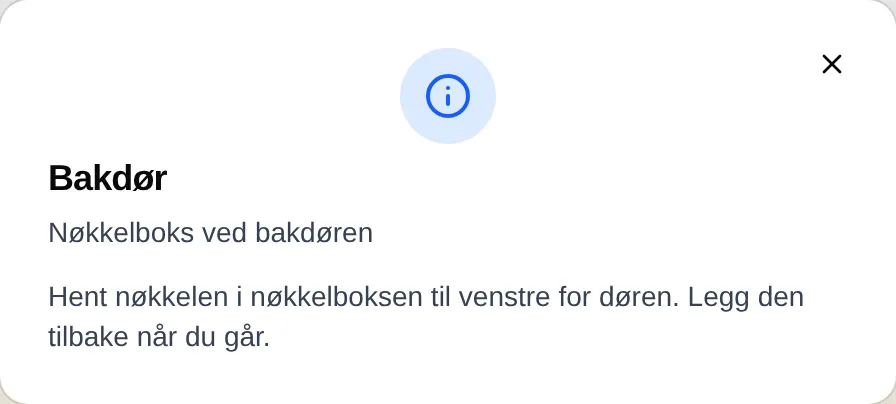
Step by step: Access to the premises. For administrators: the admin reference for access.