
Version 2025.09
Punch cards are visible in the cart
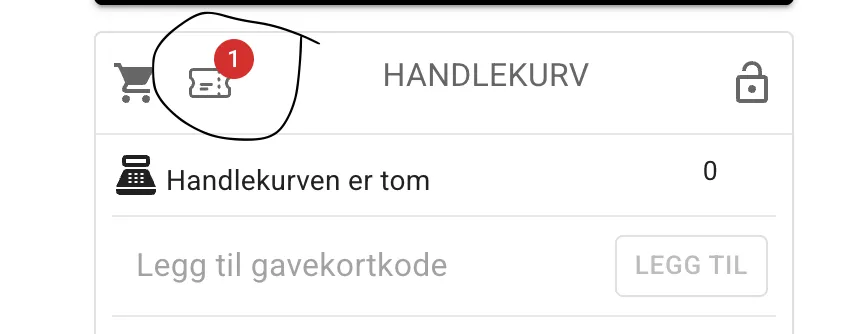
Section titled “Punch cards are visible in the cart”For facilities that use punch cards, users who have one or more punch cards will see an icon in the cart showing how many valid punch cards they have. If the punch card is paused (see below), the number is shown in red.
Punch cards can be paused and restricted by time and place
Section titled “Punch cards can be paused and restricted by time and place”You can now change several of a punch card’s details, such as the validity period, the time and place the card applies to, and whether or not the card is paused.
The buyer receives no other notification that this has been changed, so use it with care.
Until now, a punch card (a multi-use card or a season pass) has given access to all rental units and times. Now you can sell a card for the hall at weekends or for the afternoons. This is probably most relevant where you have several different rental units such as a pool, a sniffing room, an outdoor course and so on.
Paused means the card cannot be used to book slots.
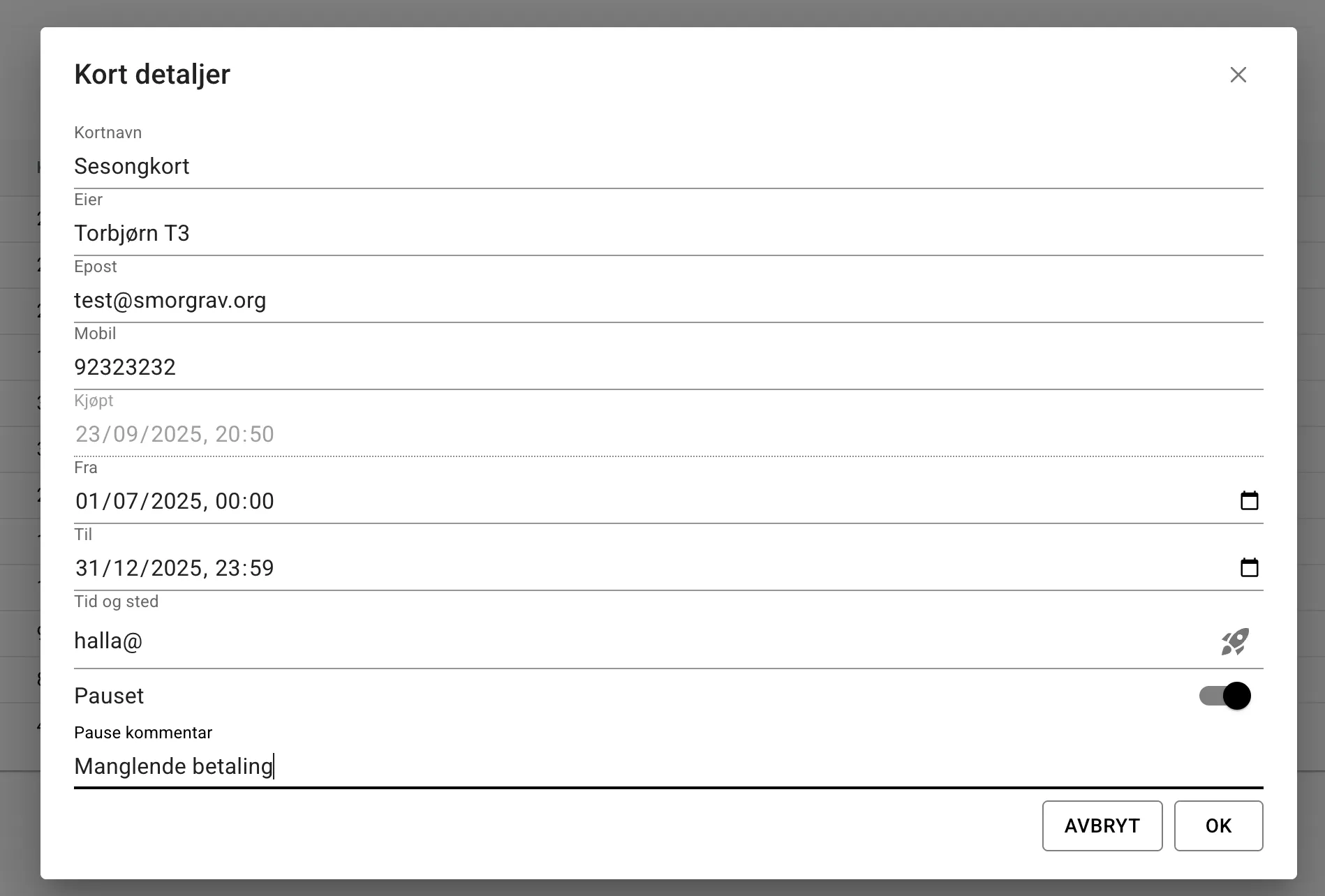
The form for the punch card above is restricted to the rental unit “halla” and is also paused, with a comment saying that this is because of missing payment.
Better support for older browsers and built-in browsers from e.g. Facebook and Instagram
Section titled “Better support for older browsers and built-in browsers from e.g. Facebook and Instagram”It is especially the built-in browser in Facebook and Instagram that has caused problems when signing up for courses and events.
I know of two strategies for handling browsers that don’t support everything regular browsers do:
- Download code with the web page that works around the limitations (polyfills)
- Detect built-in browsers and show a message asking the user to open the link in a regular browser.
In this version, the first point is what has been implemented. If we still experience problems with built-in browsers, we can consider implementing the second point.
Other things
Section titled “Other things”-
Rental slots can now set a time for when booking of the slot closes. If you sell a slot with an instructor, for example, you can now make sure the instructor has time to prepare before the slot starts by preventing bookings right before it begins.
-
If you have set an organisation number under admin -> facility -> owner info, it will now be shown on the receipt.