
Events
An event is edited on the event page itself: open it, go to Info and click Change at the bottom. The sections below open and close individually. Nothing is saved until you click Save; Reset discards the changes.
How to create an event from scratch: the admin guide for events. What the fields do to the registration: the admin reference for events.
Overview
Section titled “Overview”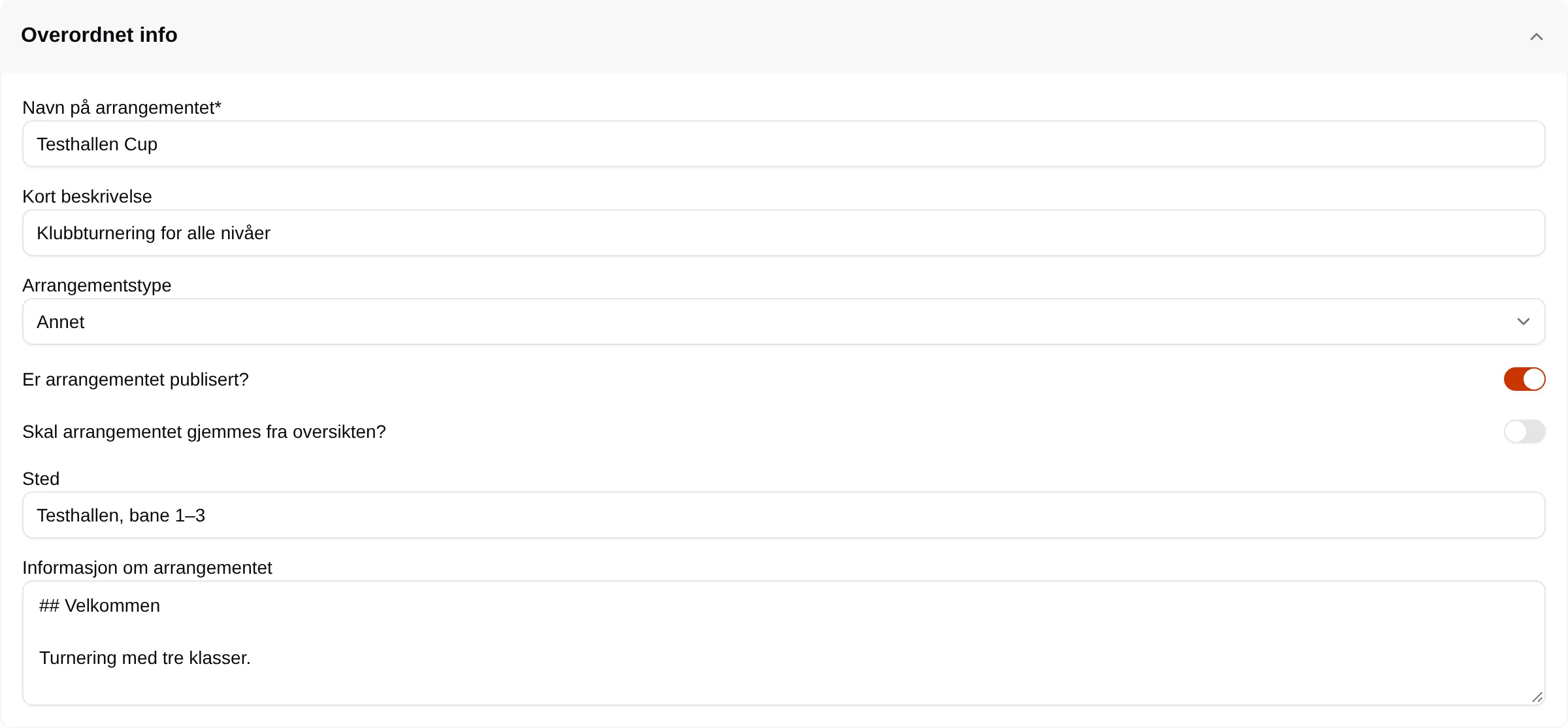
| Field | Explanation |
|---|---|
| Event name | The title. |
| Short description | Shown below the title. |
| Event type | Other, Course, Group, Working bee, Herding, Agility, Obedience or Rally obedience. Gives the badge at the top and the default image. |
| Is the event published? | Off: the event is hidden from ordinary users. |
| Hide the event from the overview? | On: not shown in the list, but the link works. |
| Location | Shown at the top and under Detaljer (Details). |
| Information about the event | The text on the Info tab. Markdown. |
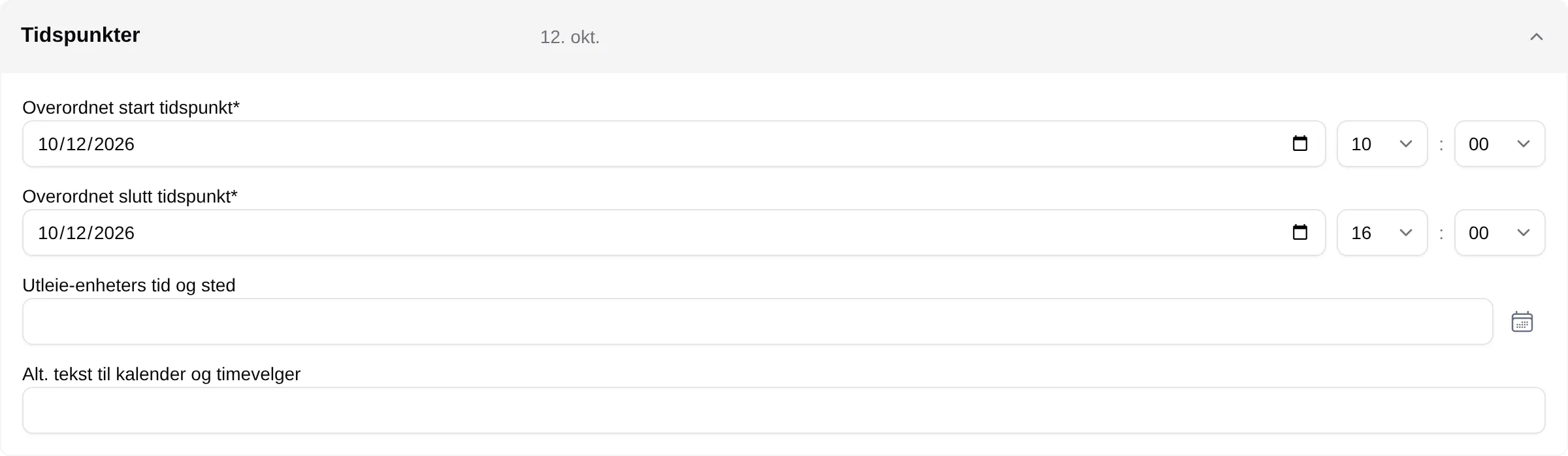
| Field | Explanation |
|---|---|
| Overall start time | When the event starts. |
| Overall end time | When it ends. |
| Rental units’ time and place | Slots in the slot picker that the event reserves. See Time and place. |
| Alternative text for calendar and slot picker | The text on the reserved slots. |
Discounts
Section titled “Discounts”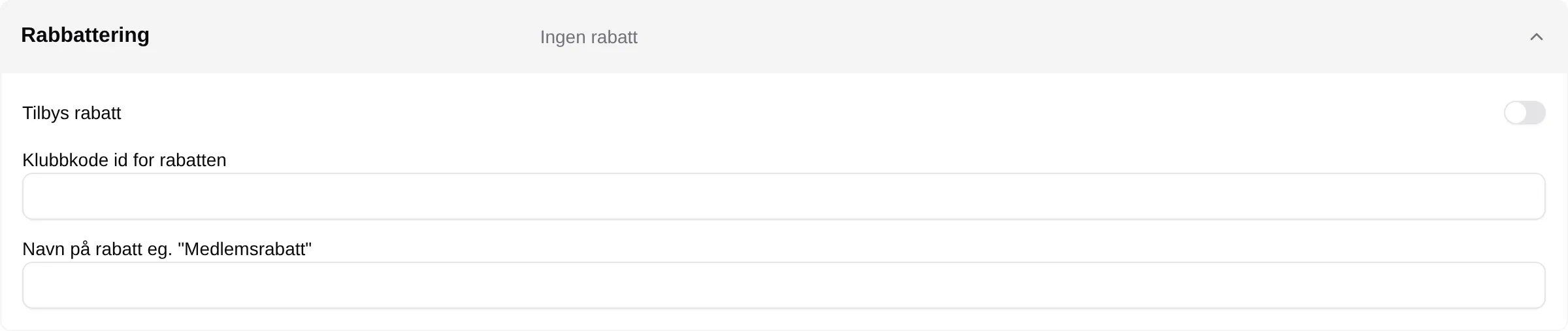
Discount offered, Club code id for the discount and Discount name have no effect today. Use the discount fields on each ticket group under Tickets.
Sign-up times
Section titled “Sign-up times”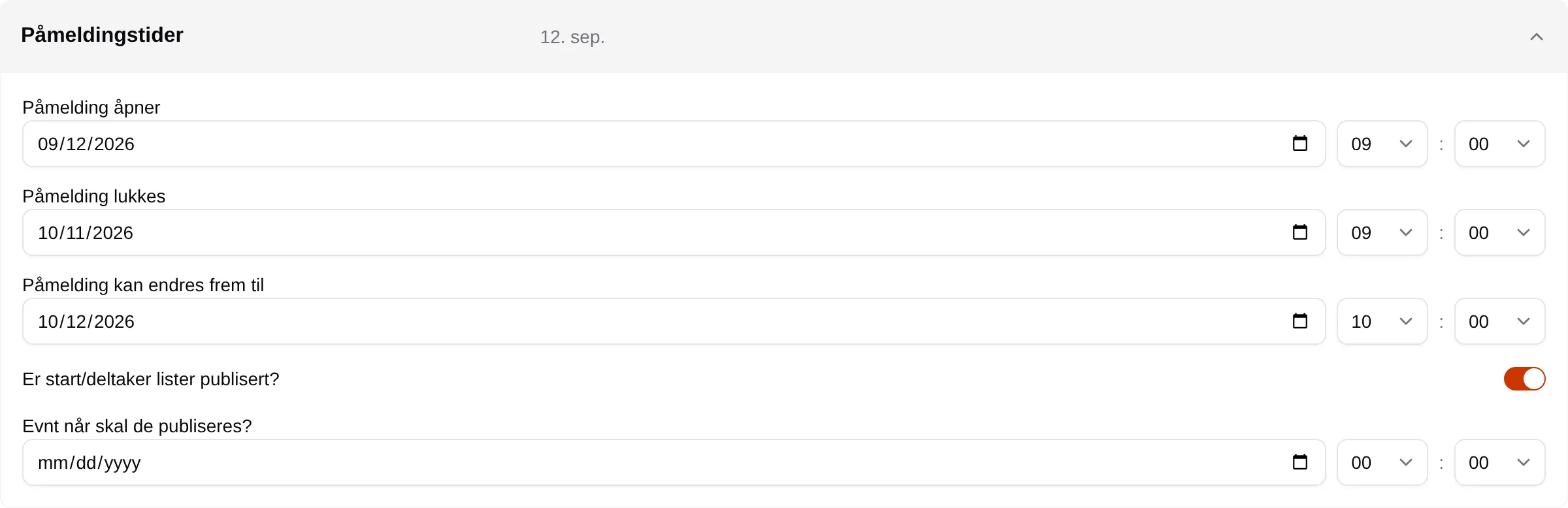
| Field | Explanation |
|---|---|
| Sign-up opens | When participants can start signing up. |
| Sign-up closes | When registration closes. |
| Sign-up can be changed until | Deadline for changing handler, dog and answers. |
| Are the start/participant lists published? | Shows Participants to everyone signed in. |
| If applicable, when should they be published? | Publishes the participant list automatically from this date. |
Tickets
Section titled “Tickets”The heading shows the number of ticket groups and the total number of tickets. Each group has its own row that opens for editing.
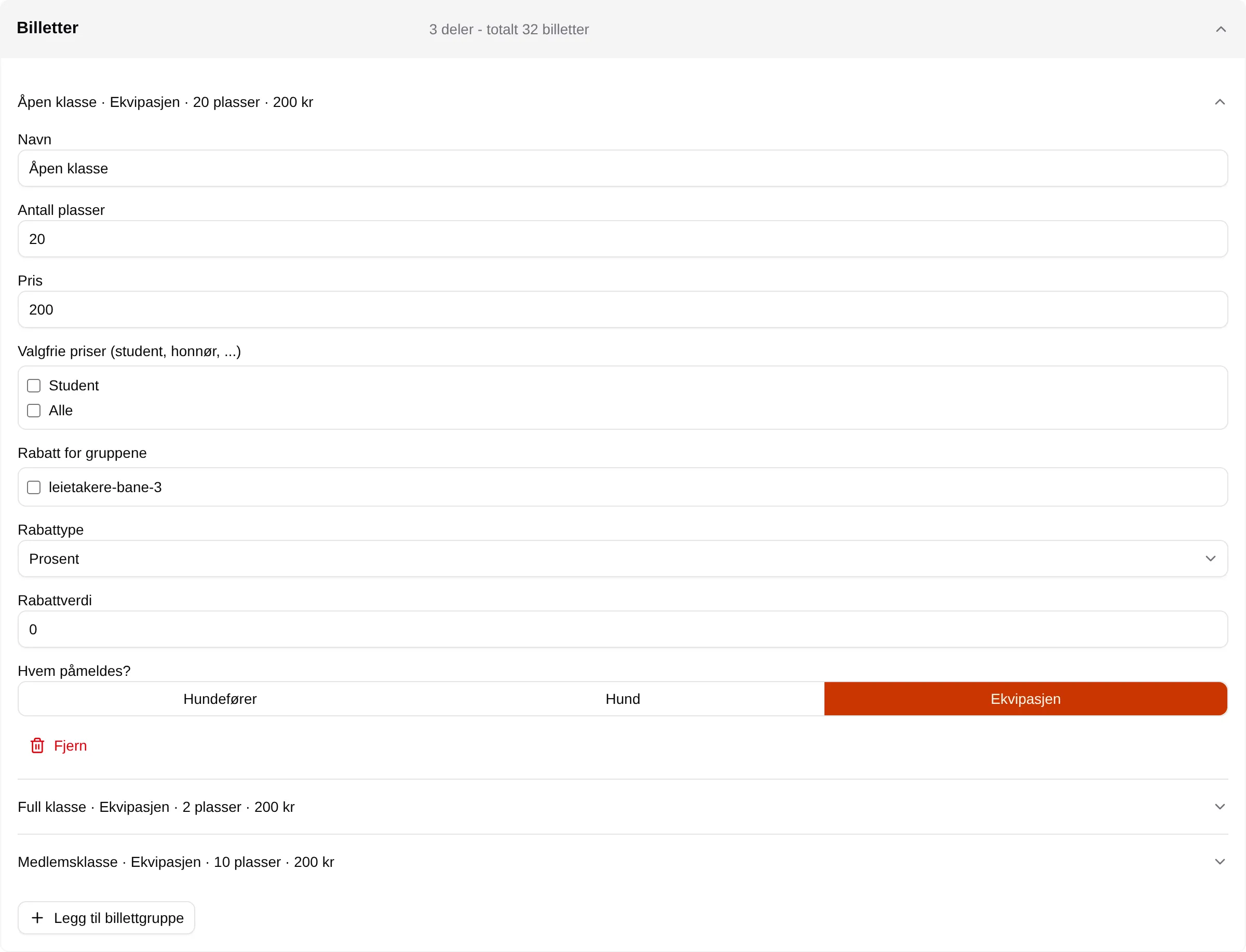
| Field | Explanation |
|---|---|
| Name | The name of the class or ticket type. |
| Number of seats | How many tickets can be sold. 0 means full. |
| Price | The price per ticket. |
| Optional prices (student, senior, …) | Prices the participant can choose for themselves. Hidden until the facility has optional prices. |
| Discount for groups | Groups that get a discount. Hidden until the facility has groups. |
| Discount type / Discount value | Percentage or Fixed amount, and how much. |
| Who is signed up? | Handler, Dog or The equipage. |
| Remove | Deletes the ticket group. Shown when there is more than one. |
| Add ticket group | A new ticket group. |
Sign-up form
Section titled “Sign-up form”
| Field | Explanation |
|---|---|
| Field name | The question. |
| Required | Must be answered before the participant can continue. |
| Field type | Text, Long text, Number, Yes/no, Date, Choice or Multiple choice. |
| Values (comma separated) | The options for Choice and Multiple choice. |
| Applies to | Per ticket, Per order, Per handler, Per dog or Per equipage. |
| Who can see the answers | Organizer only, Participants or Everyone. |
| New field / Remove | Adds or removes a question. |
Feedback form
Section titled “Feedback form”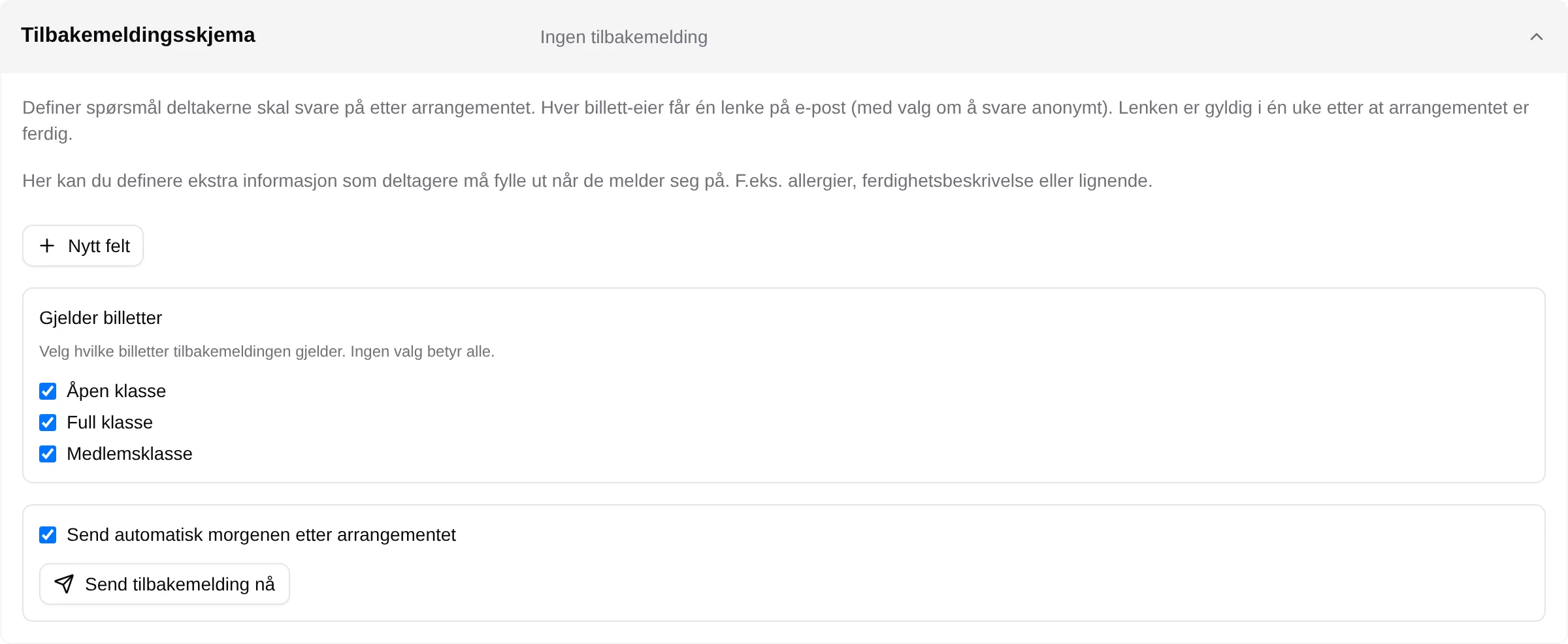
| Field | Explanation |
|---|---|
| New field | A question, with Field name and Field type. |
| Applies to tickets | Which ticket groups get the form. No selection means all. |
| Send automatically the morning after the event | Sends the link to the participants the day after. |
| Send feedback now | Sends the saved version straight away. |