
Version 2023.11
Modules
Section titled “Modules”You can now turn functions and features of your system on and off under admin → system → modules.
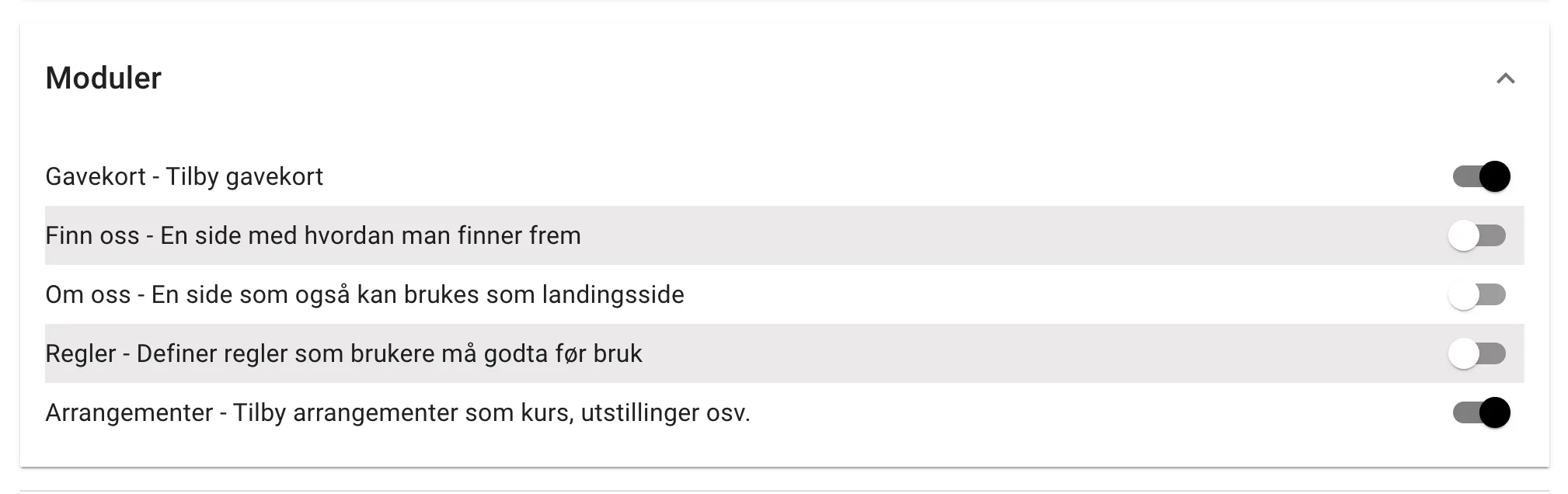
Event support is not finished and can be ignored for now.
Rules and terms
Section titled “Rules and terms”Rules and terms can now be set up to require acceptance from users. Acceptance can be required every time, once, or every time there are major changes to the document.
Payment terms are required by law for all services that take payment. They are therefore a fixed part of every system. Rules and self-declarations are optional and can be turned on as a module.
You can now create as many terms and rules as you like and link them to different services. For example, rules for the hall and rules for the outdoor course can now be kept separate.
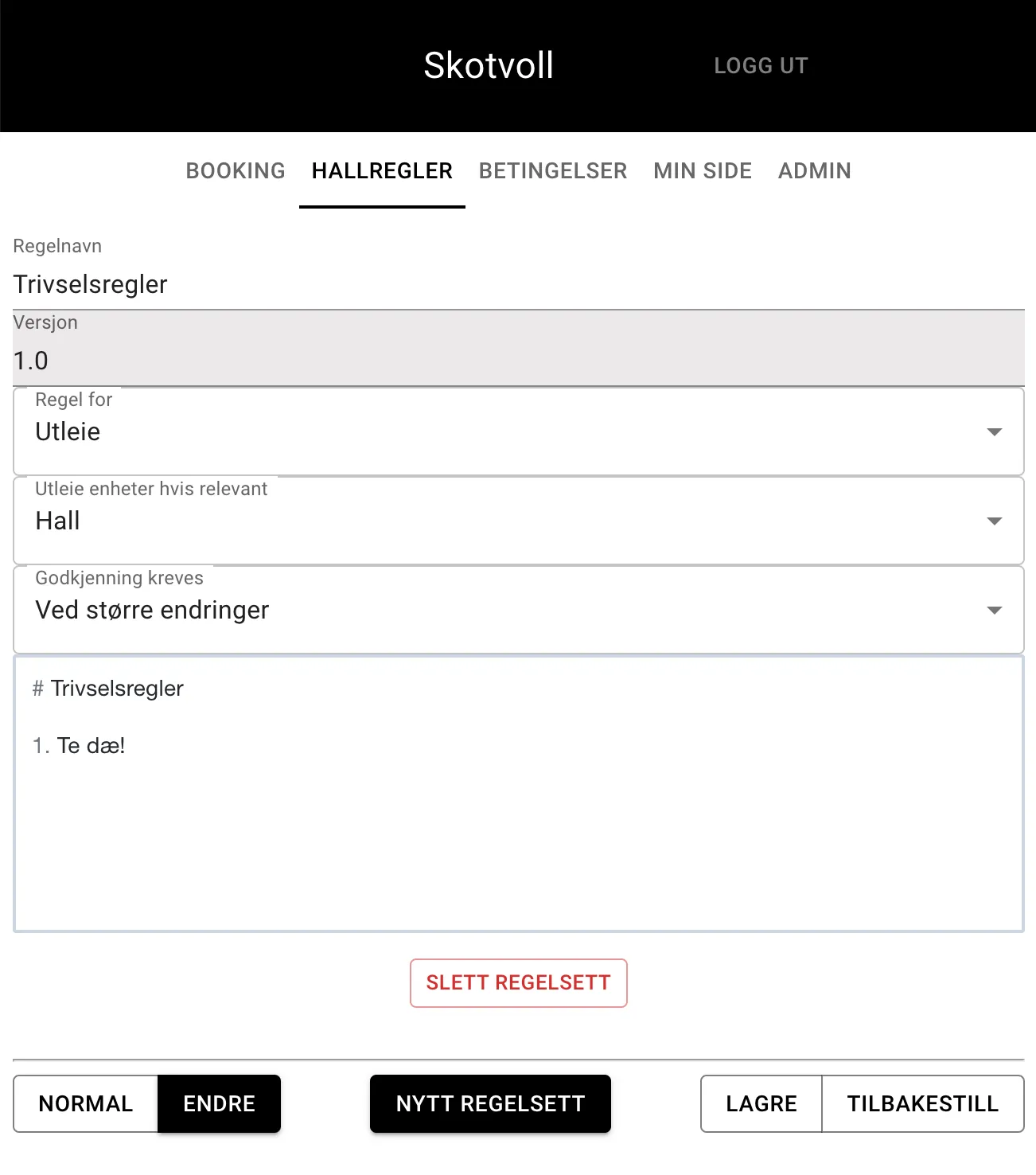
To change an existing rule or add a new one, you as the system admin first go to the rules page and choose “CHANGE” at the bottom left.
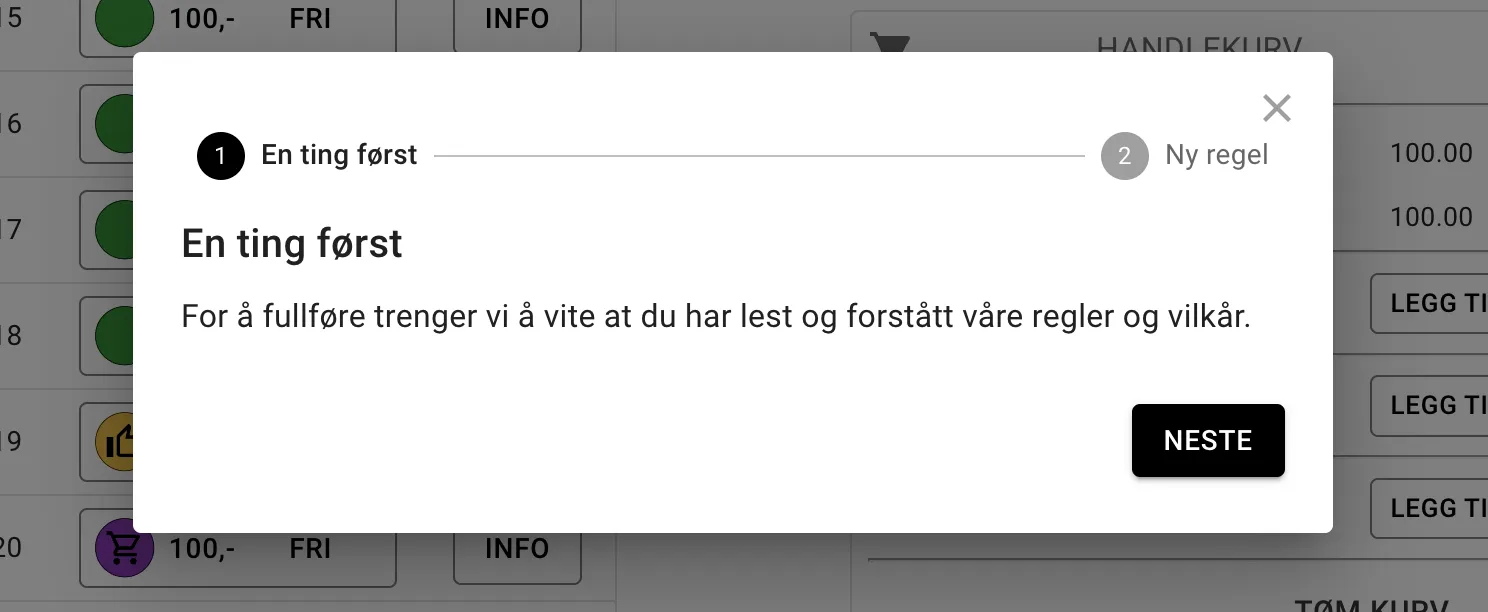
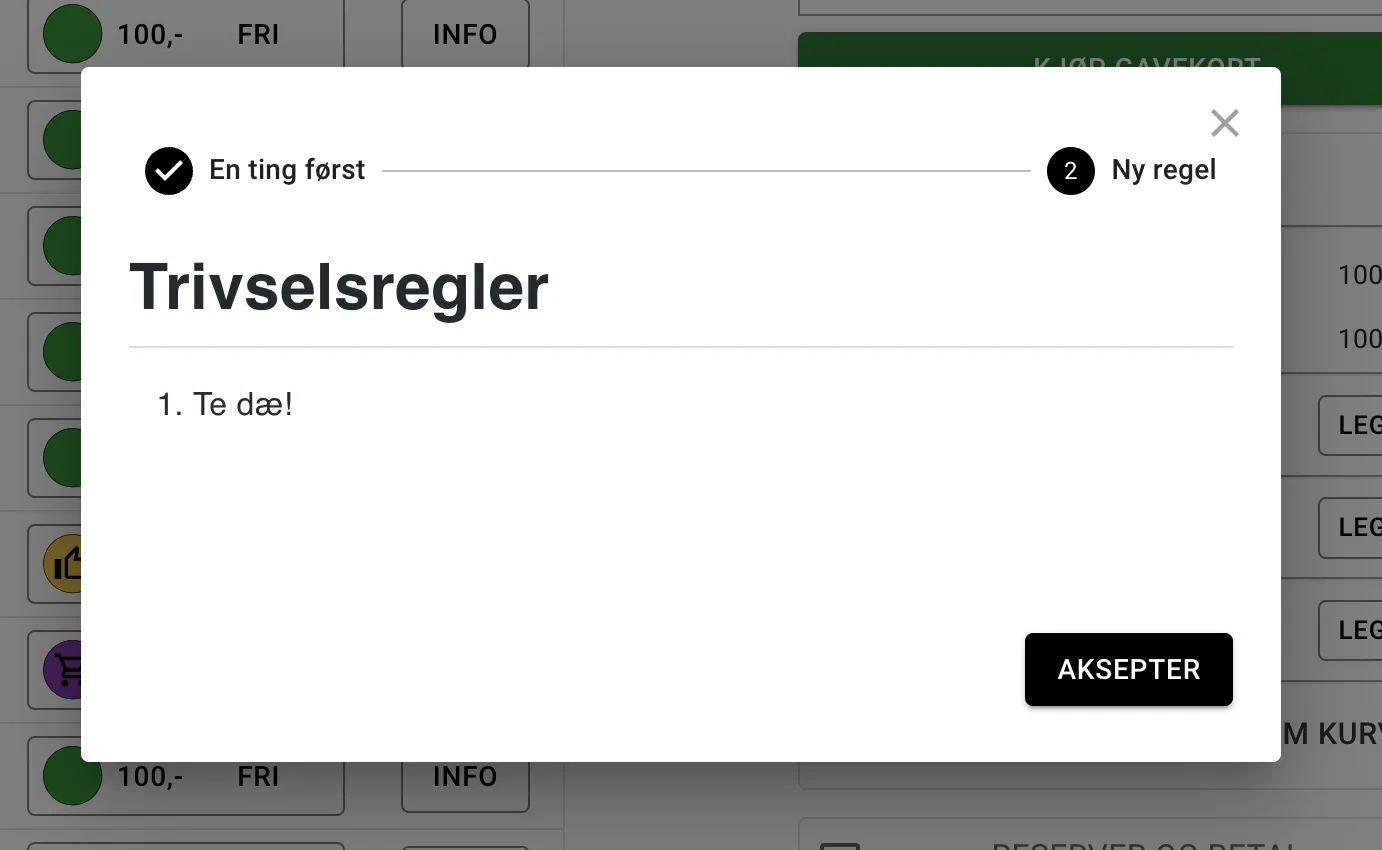
If acceptance is required from users, they will get a dialog showing the rule documents and a button for accepting the rules.
Time phrase picker
Section titled “Time phrase picker”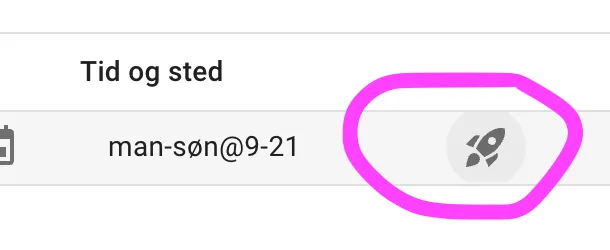
The places in the system where you specify time and place now have a small button with a drawing of a spaceship that takes you to a dialog where this can be done graphically.
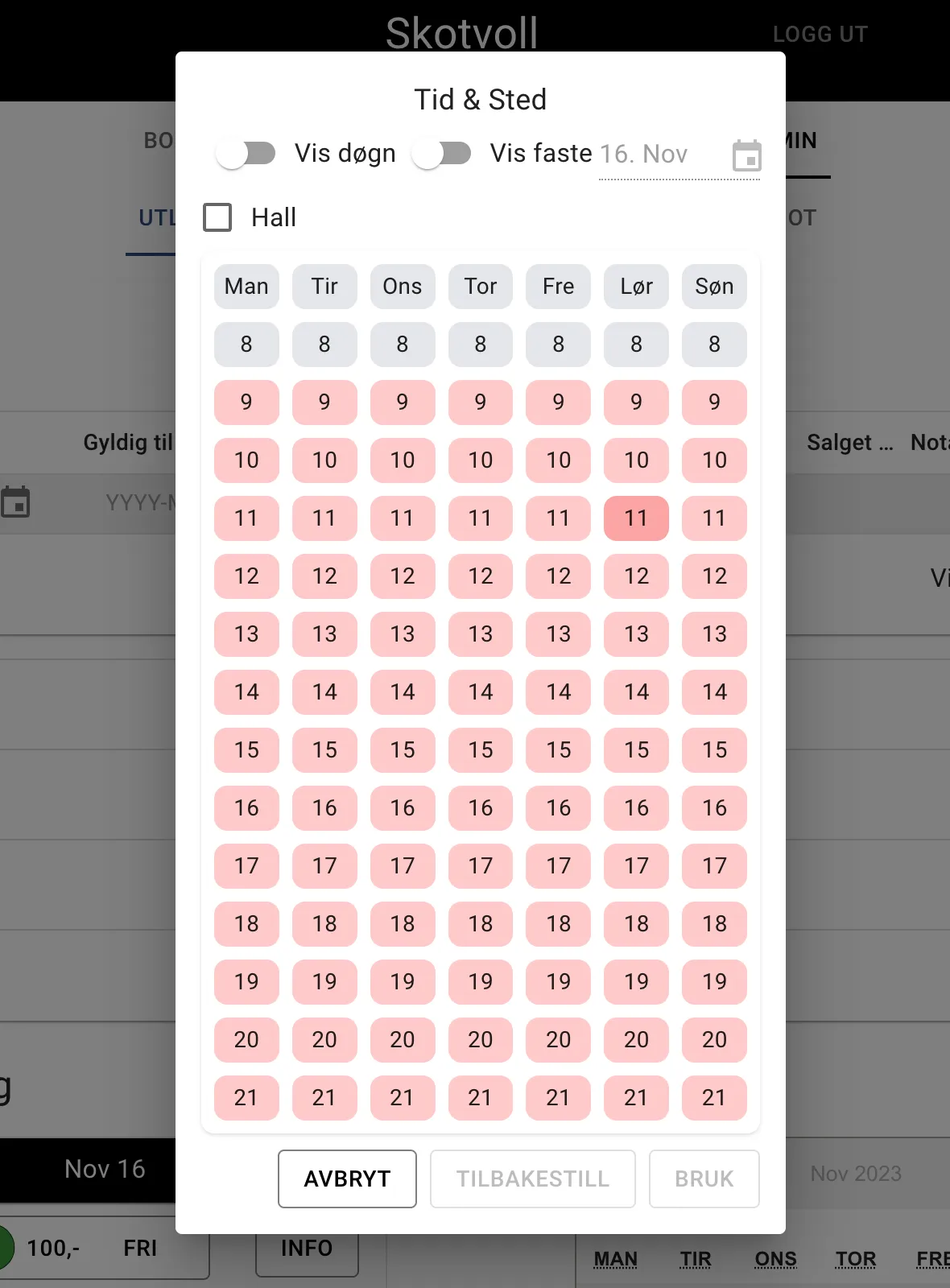
The “Show fixed” button was not quite finished for this version, and there are some variants of time phrases that it does not support. In that case you do not need to use this dialog, and can write out the phrases as before.
This version is better at distinguishing between the different roles you have in the system. The defined roles are listed under admin → system → roles
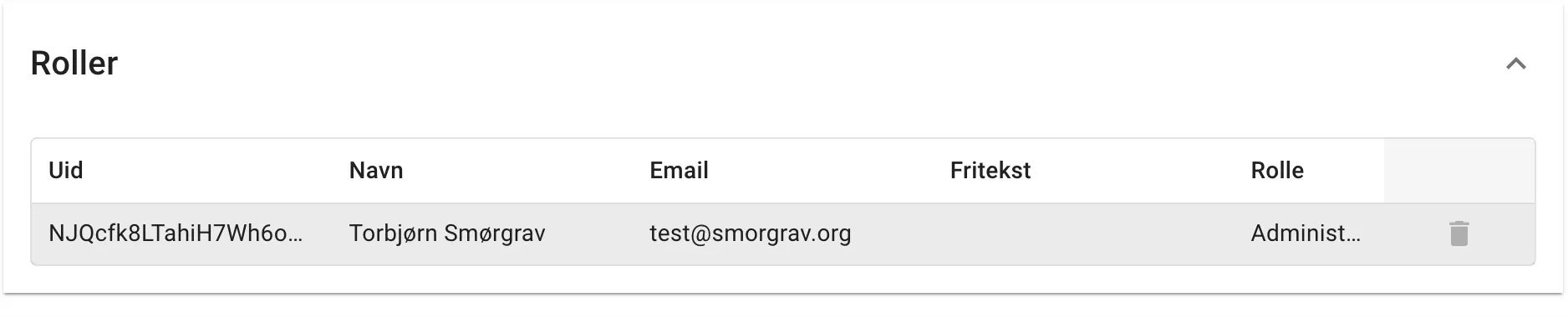
The roles you can have are:
- Owner: Can change everything in the system, including who has which roles
- Administrator: Can change everything except who has the various roles
- Supporter: Can book on behalf of others and potentially take payment
outside the system (not pay), but cannot change what is rented out, at what
price or the like.
- The idea is that you can delegate sign-up responsibility etc. to someone without them having access to the whole system
Standardised editing
Section titled “Standardised editing”All pages that accept changes now share a common way of doing this.

At the bottom of the pages, everyone with the Owner or Administrator role gets a couple of buttons showing which mode you are in. The modes are either “Normal”, where you see the page the way all other users see it, and “Change”, which shows the same page with fields that can be edited.
This applies in particular to the booking page, where this used to be at the top right.
Lots of other smaller things have been improved
- Default sale opens before under System → settings is now respected
- The slots in receipt emails are sorted
- The button for buying gift cards has turned green so it is more visible
- And certainly several more things that I don’t remember.
Take off