
Payment
The payment page holds the keys and settings for the payment methods that are turned on under Site → Modules. The page has one section per module that is on. Changes are only saved when you press Save at the bottom.
How to set up payment from scratch: the admin guide to payment. Which buttons customers see, and why: the admin reference for payment.
Vipps MobilePay
Section titled “Vipps MobilePay”Velpr can talk to Vipps in two ways. Choose the one you have an agreement for, and fill in the keys in the section with the same name. The other section can be left empty. How to get the keys: the Vipps guide.

| Field | Explanation |
|---|---|
| Active Vipps integration | vippsCheckout for Vipps MobilePay Checkout (default), vipps for Vipps MobilePay ePayment. |
Vipps MobilePay - ePayment
Section titled “Vipps MobilePay - ePayment”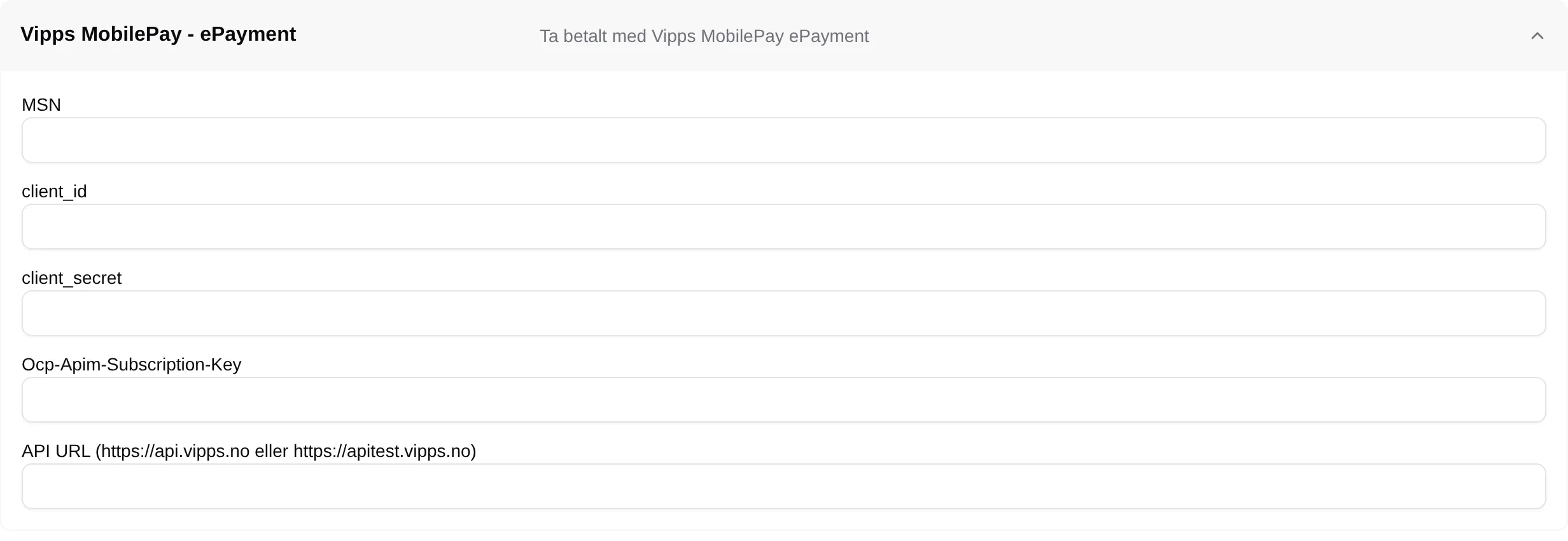
| Field | Explanation |
|---|---|
| MSN | Your merchant serial number at Vipps. |
| client_id | From the API keys in the Vipps portal. |
| client_secret | From the API keys in the Vipps portal. |
| Ocp-Apim-Subscription-Key | The subscription key (primary) from the API keys in the Vipps portal. |
| API URL | https://api.vipps.no for real payments, https://apitest.vipps.no for test. |
Vipps MobilePay - Checkout
Section titled “Vipps MobilePay - Checkout”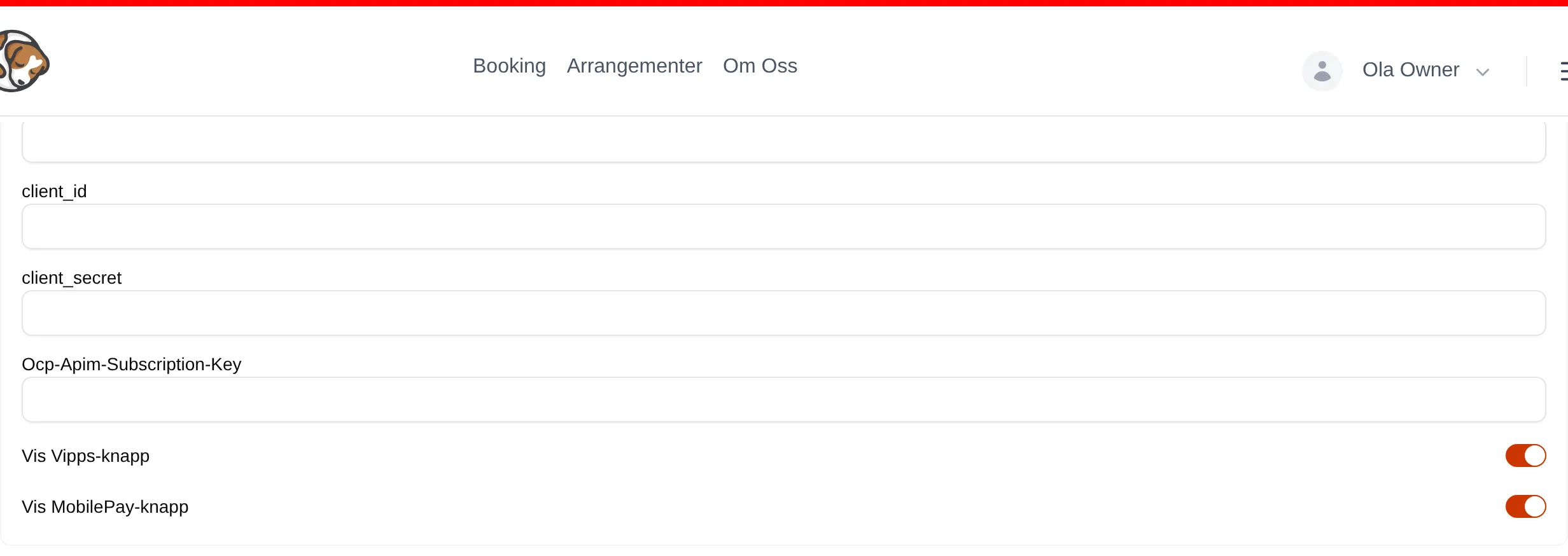
| Field | Explanation |
|---|---|
| MSN | Your merchant serial number at Vipps. |
| client_id | From the API keys in the Vipps portal. |
| client_secret | From the API keys in the Vipps portal. |
| Ocp-Apim-Subscription-Key | The subscription key (primary) from the API keys in the Vipps portal. |
| Show Vipps button | Shows the Vipps eller (Vipps or) button in the checkout. |
| Show MobilePay button | Shows the MobilePay or button in the checkout, for customers in Denmark and Finland. |
Paypal
Section titled “Paypal”Payment through your own PayPal agreement. The fields client_id, client_secret, Env and Return URL come from your PayPal account.
Stripe
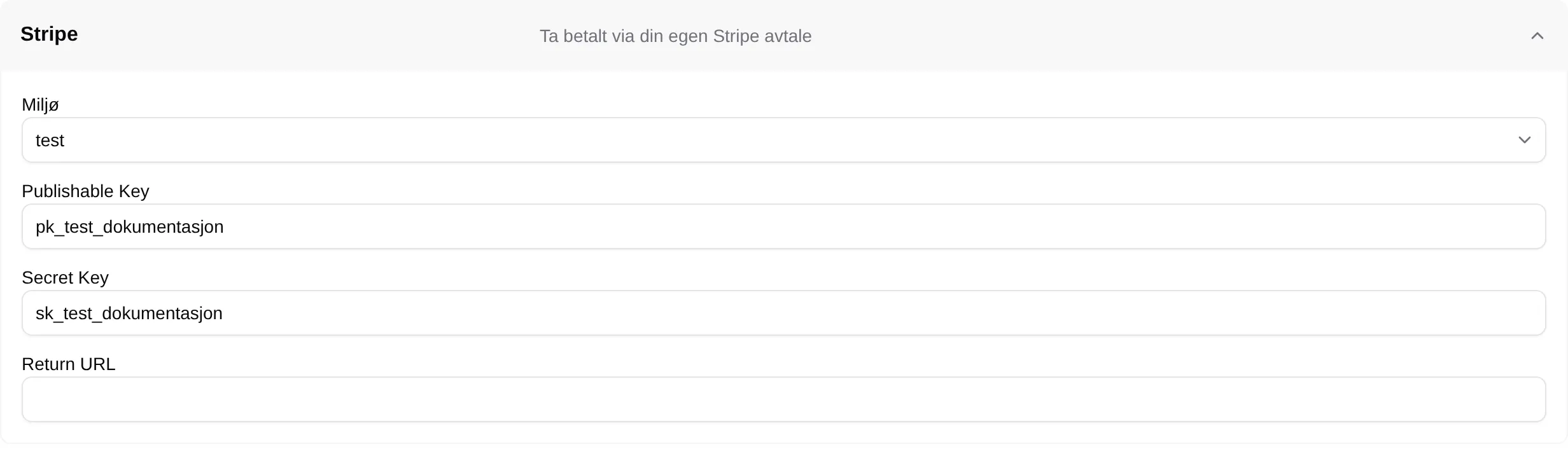
Section titled “Stripe”Card payment through your own Stripe account. Customers get the Pay by card button.
| Field | Explanation |
|---|---|
| Environment | test while you are trying it out, production for real payments. |
| Publishable Key | The public key from Stripe (pk_test_… or pk_live_…). Without it, card payment is not shown. |
| Secret Key | The secret key from Stripe. sk_test_… only works with test, sk_live_… only with production. |
| Return URL | Not needed for card payment in the checkout. |
No payment
Section titled “No payment”Lets selected people book without paying in Velpr — for your own coaches, or for bookings paid on site.

| Field | Explanation |
|---|---|
| Allow payment outside the system | The lowest role that can complete an order without paying: None, Owner, Administrator, Supporter or Everyone. Set to Supporter from the start. |
Invoice
Section titled “Invoice”Lets customers pay by invoice. The order is confirmed straight away, and the customer pays the invoice later.
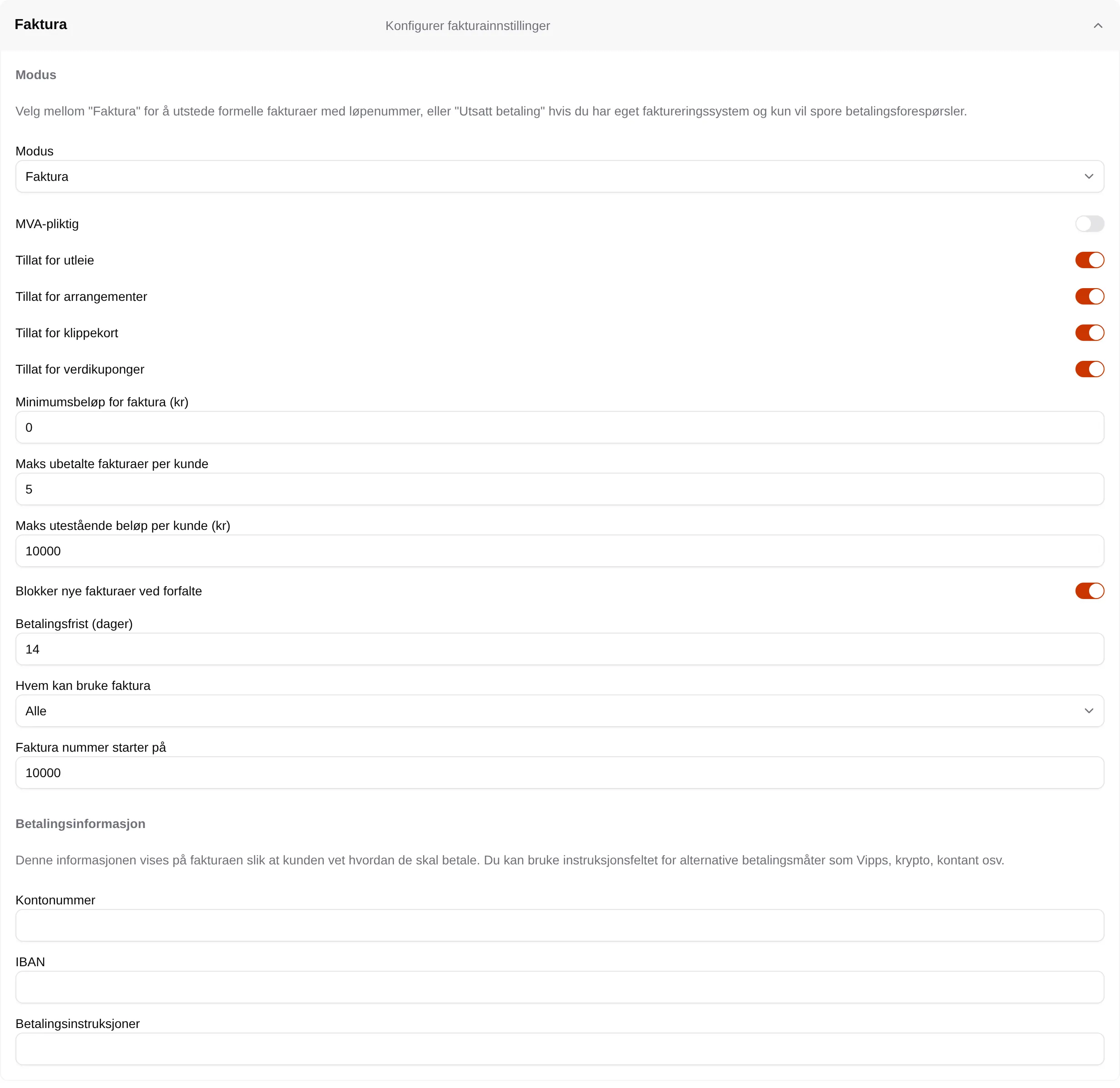
Invoicing requires Owner legal name, Org. no., Address line 1 and Email under Site → Owner information. If anything is missing, it says so in red at the top of the section — the message says “Location information”, but the fields are under Owner information.
| Field | Explanation |
|---|---|
| Mode | Invoice creates invoices with sequential numbers in Velpr. Deferred payment only records that the customer owes money, for when you invoice in a separate system. |
| VAT liable | Turn on if the site should charge VAT on the invoices. |
| Allow for rentals | Invoice can be used when the cart has slots. |
| Allow for events | Invoice can be used when the cart has registrations. |
| Allow for punch cards | Invoice can be used when the cart has punch or period cards. |
| Allow for gift cards | Invoice can be used when the cart has gift cards. |
| Minimum invoice amount (kr) | The lowest total that can be invoiced. 0 means no limit. |
| Maximum unpaid invoices per customer | The customer gets no new invoice once they have this many unpaid. |
| Maximum outstanding amount per customer (kr) | The customer gets no new invoice once they owe this much. 0 means no limit. |
| Block new invoices when there are overdue ones | Has no effect today, because no invoices get the status Overdue. |
| Payment terms (days) | Number of days from the invoice date to the due date. |
| Who can use invoicing | The lowest role allowed to pay by invoice. |
| Invoice numbering starts at | Not used for the site’s invoices today — numbering starts at 10001. See Invoice. |
| Account number | The account the customer should pay to. Shown on the invoice. |
| IBAN | For payments from abroad. Shown on the invoice. |
| Payment instructions | Free text on the invoice — for example that it is also possible to pay with Vipps or in cash. |
Which requirements the customer must meet to get an invoice: Invoice requirements.