
Light control
The page is shown when the Light control module is on under Site → Modules. Changes are saved with Save at the bottom; Reset discards them. Manual override is saved right away.
The setup: the admin guide for light control. The rules: the admin reference for light control.
Light controllers
Section titled “Light controllers”
Add light controller creates a new one; the pencil opens Edit light controller.
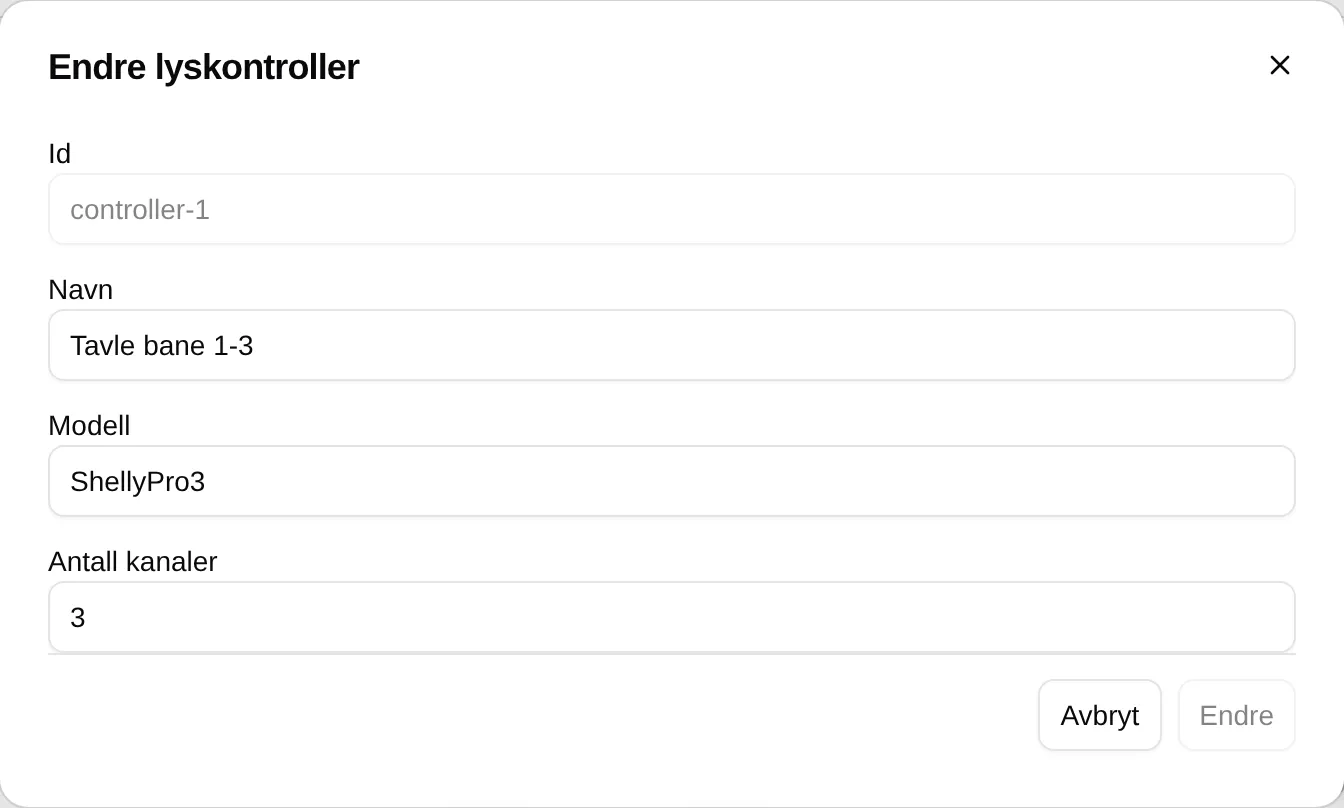
| Field | Explanation |
|---|---|
| Name | The name of the controller. |
| Model | Free text, for information only. Default ShellyPro3. |
| Number of channels | How many relays the controller has. Default 3. |
If you delete a controller, its zones are deleted too.
A controller and its zones
Section titled “A controller and its zones”Each controller has its own box, with Connected or Disconnected at the top right and + Add zone at the bottom.
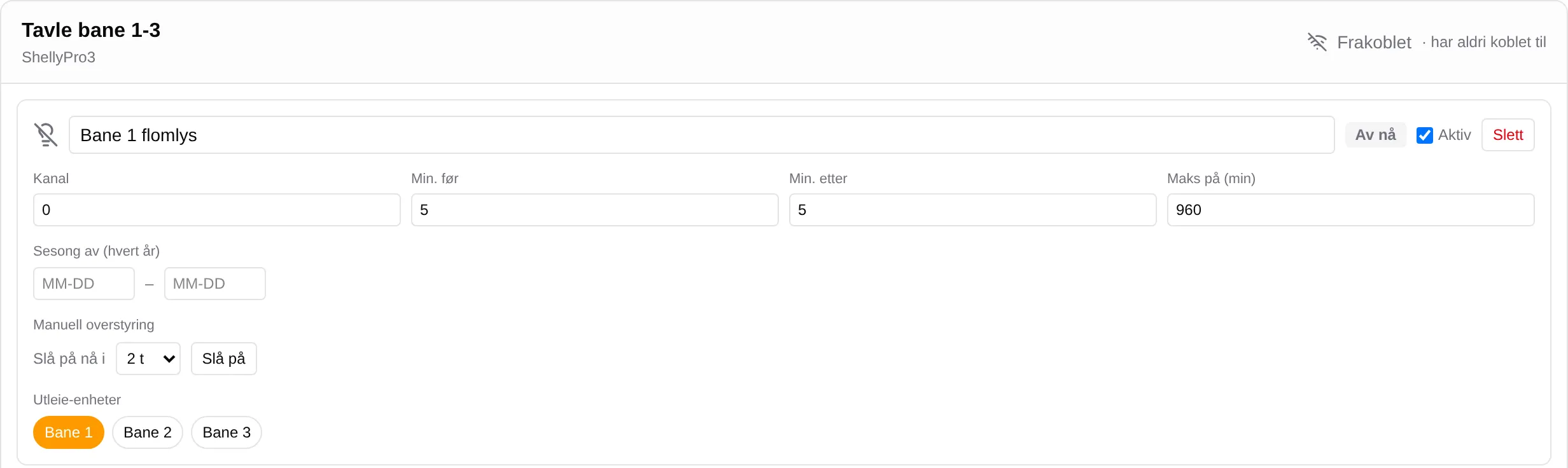
| Field | Explanation |
|---|---|
| Zone name | The name of the zone, for example “Court 1 floodlights”. |
| ON now / Off now | Whether Velpr has planned light right now. |
| Active | Off switches the zone off completely. |
| Channel | The relay on the controller, from 0. |
| Min. before / Min. after | Minutes the lights come on before and stay on after a slot. Default 5. |
| Max on (min) | Longest continuous lighting. Default 960. 0 means no limit. |
| Season off (every year) | A period without booking-driven lights, MM-DD – MM-DD. |
| Manual override | Turn on now for 1–24 h, and Turn on / Cancel. |
| Rental units | The units that light the zone. |
Device and connection
Section titled “Device and connection”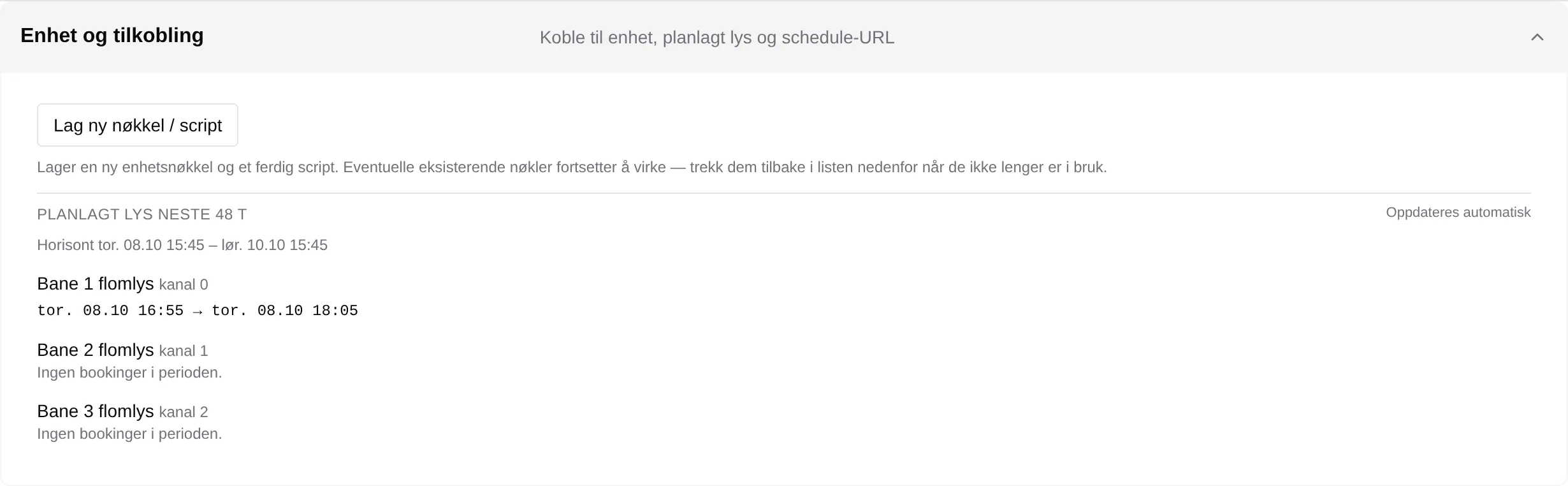
| Part | Explanation |
|---|---|
| Create new key / script | Creates a key and a ready-made script for the controller. Shown once. |
| Device keys | The keys that exist, when they were last used, and Revoke. |
| Scheduled lighting for the next 48 h | The lighting windows for each zone for the next 48 hours. |