Known issues
It is inevitable that something goes wrong when a system grows in complexity and number of users. Some errors are the developer’s fault, others have causes outside our control. Here are some failure scenarios with an explanation of what they may mean and how to handle them.
Blocked login
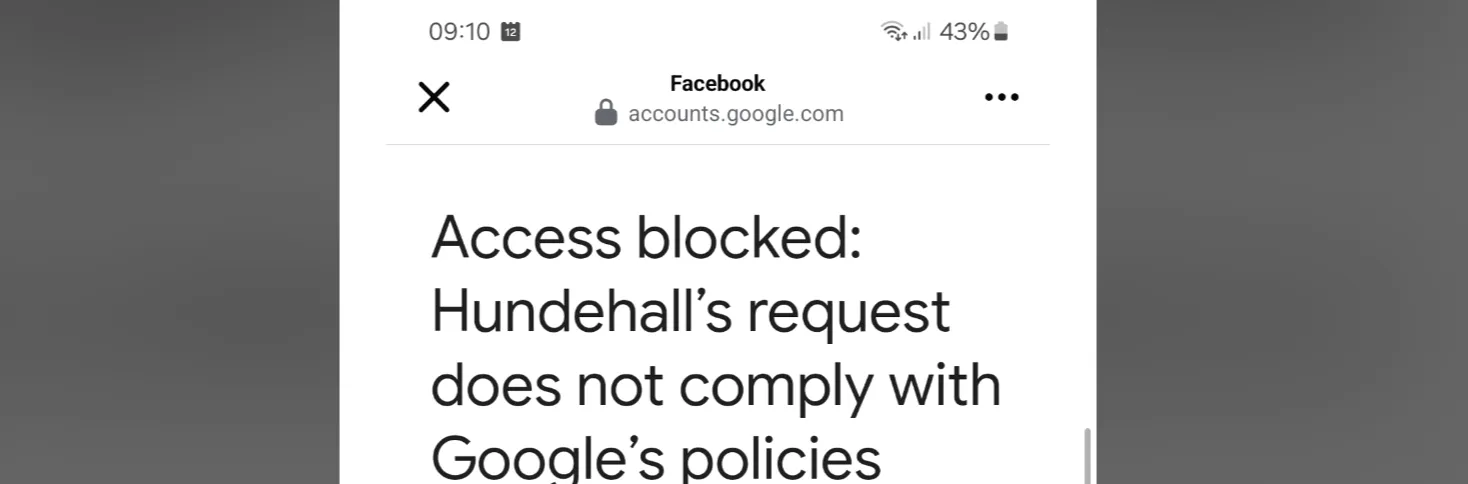
Section titled “Blocked login”Velpr.online and friends use Google services for login. For security reasons, Google requires you to log in from browsers they have approved. This includes most browsers, but not those embedded in some email clients and social media. If you click a link on Facebook, you may be using Facebook’s internal browser, which is not approved.
It may then look like this:
Something went wrong
Section titled “Something went wrong”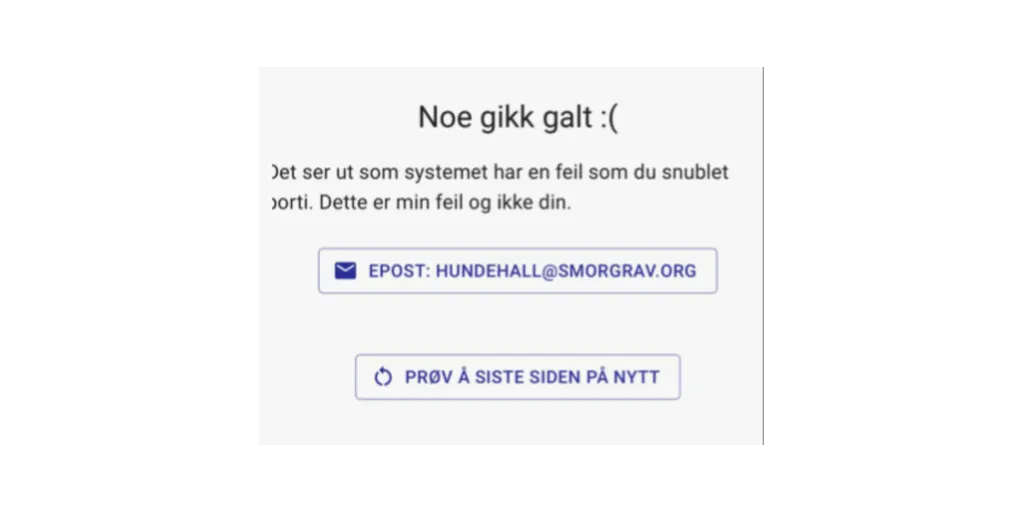
If you see this message, I’ve messed something up. You can still try a few things, and if you have the time and opportunity, the facility owner and I would appreciate it if you reported the error to us.
An update that needs a little help
Section titled “An update that needs a little help”The site consists of 3 parts. One part runs in your browser. Another part runs on a web server, and a third stores all the data that is needed. Especially around updates of the system, you may run into situations where the version you are running does not quite play along with the version in the other places. We try to avoid these situations, but they happen.
A feature on the site is broken
Section titled “A feature on the site is broken”There is not much you can do about this except avoid that particular feature.
For example, if the feature for buying gift cards is broken, you can still book slots or sign up for events.
Not receiving email
Section titled “Not receiving email”If you don’t receive email, it’s usually one of three reasons.
Wrong email
Section titled “Wrong email”The email you log in with is not verified automatically. You can therefore use the facility with the wrong email without knowing about it. Check which email is registered for you on My Page.
Changing the email you log in with is not yet possible — that is coming. Until then, you can create a new account with Velpr using the correct email. If you have a season ticket linked to the first account, you can contact velpr.online to have it transferred.
For administrators: check the outbox
Section titled “For administrators: check the outbox”If you are an administrator, you can see whether the email was actually sent, and to which address, under Administration → Outbox. See When a customer has not received an email.
Email goes to spam or is rejected by the mail server
Section titled “Email goes to spam or is rejected by the mail server”We try as best we can to send email from intermediaries that are not blocked by mail servers — but there is no guarantee. So it can happen that your email was sent but rejected by your email provider.
It can also be delivered but end up in your spam folder. So one tip is to check it.
Email sending is broken
Section titled “Email sending is broken”It hasn’t happened in a long time now, but the email-sending functionality can break.
It is impossible for you to know whether this is the case, so I recommend reporting missing email to us.
Blank page
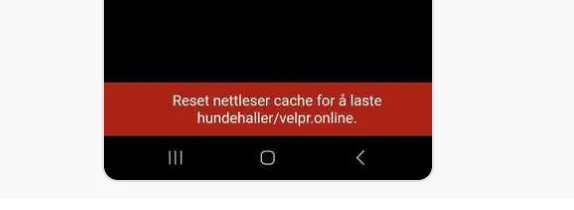
Section titled “Blank page”Some early versions of the site had unfortunate rules for how browsers were to store the site (caching). This led to situations where on a later visit you would get old responses (index.html) that then had wrong references to the rest of the site.
This results in a blank page. For the versions we know have this issue, we manage to add a text at the bottom that says something like “the site is too old”.
On mobile it may look like this: