
Images
The images here can be used on About us and Find us, in blog posts, as the logo under Site → Appearance, and in texts written in Markdown.
Step by step: Pages, blog and images.
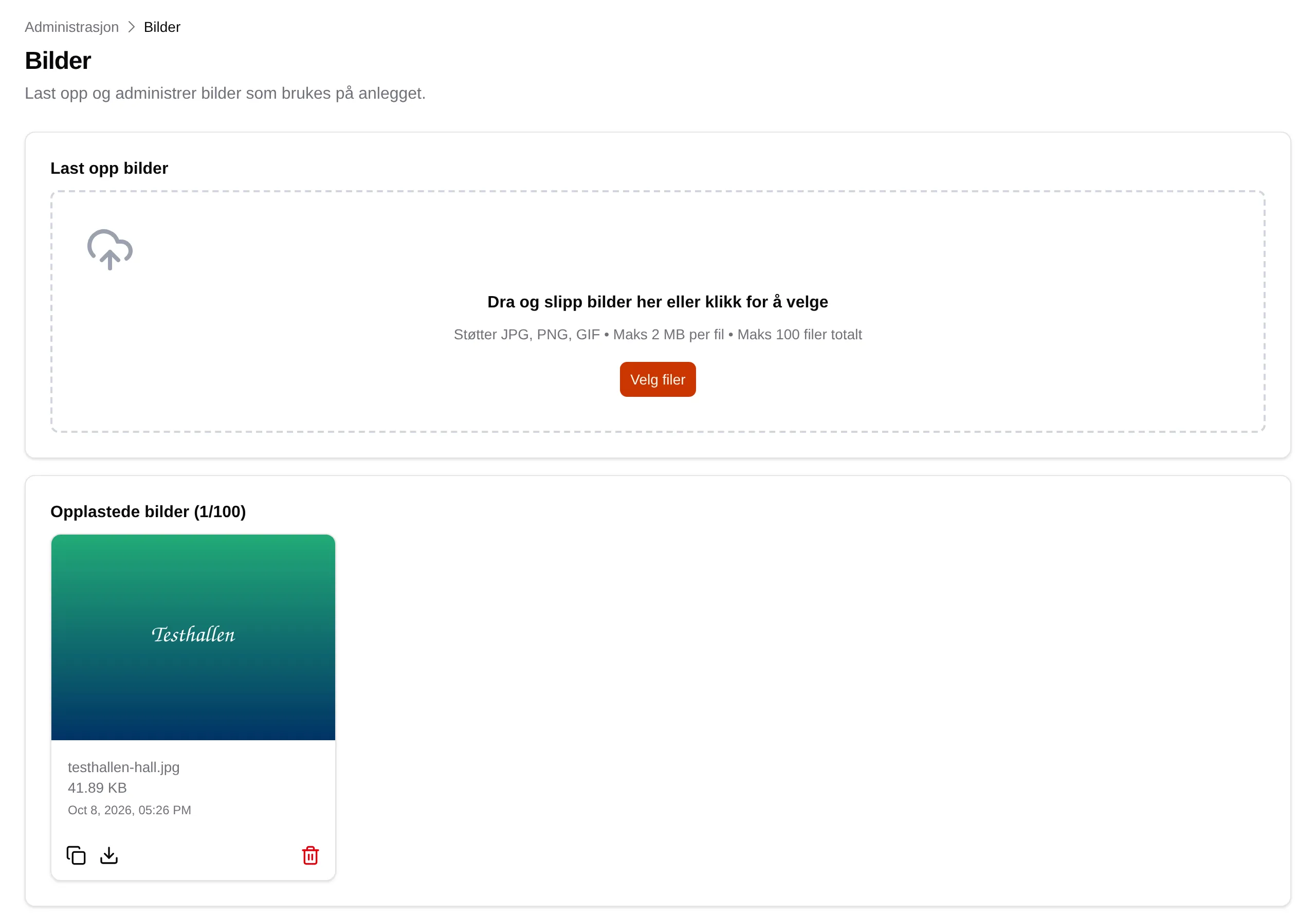
Upload images
Section titled “Upload images”Drag images into the field, or click Select Files. Several images can be uploaded at once.
| Limit | Value |
|---|---|
| File types | JPG, PNG, GIF |
| Size | Up to 2 MB per image |
| Number | Up to 100 images |
The image gets the facility’s name in front of the file name, for example
testhallen-hall.jpg. If an image with the same name already exists, the
upload is rejected — give the file a different name first. Images cannot be
renamed afterwards.
Uploaded images
Section titled “Uploaded images”Each image shows its name, size and when it was uploaded.
| Button | Does |
|---|---|
| Copy URL | Copies the address of the image, for use in Markdown or as a logo. |
| Download | Downloads the image. |
| Delete | Deletes the image permanently, after you have confirmed. |
The images are stored at a public address. Anyone who has the address can see them.