Period and punch cards
The page has two parts, and is shown when the Season and punch cards (NEW) module is on under Site → Modules.
How to set up cards: the admin guide for cards. What the fields do: the admin reference for cards.
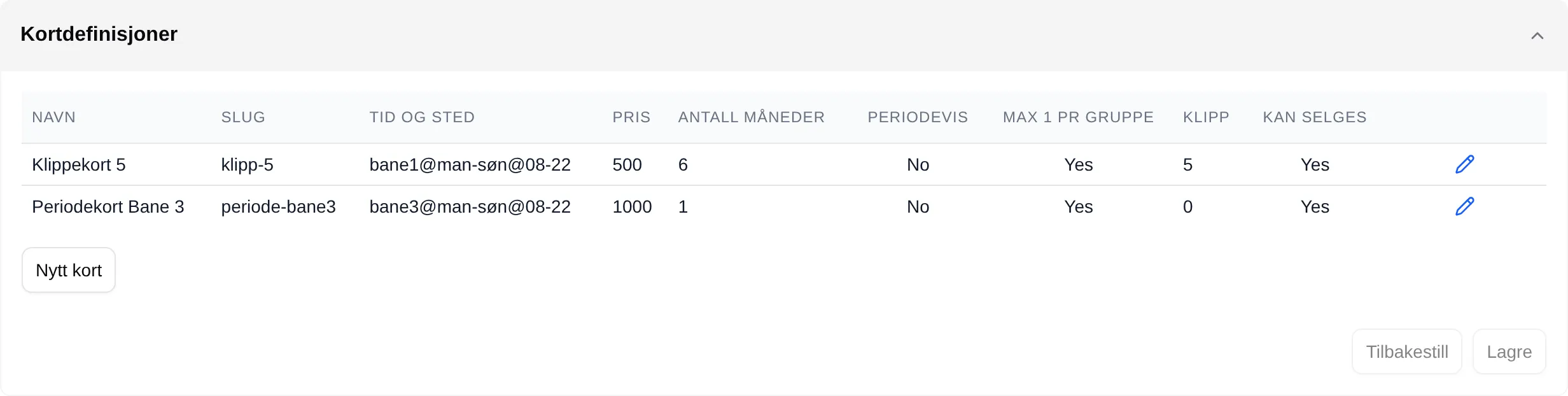
Card definitions
Section titled “Card definitions”The cards the facility sells. New card adds one, the pencil opens Edit card definition. The changes are saved with Save at the bottom; Reset discards them.
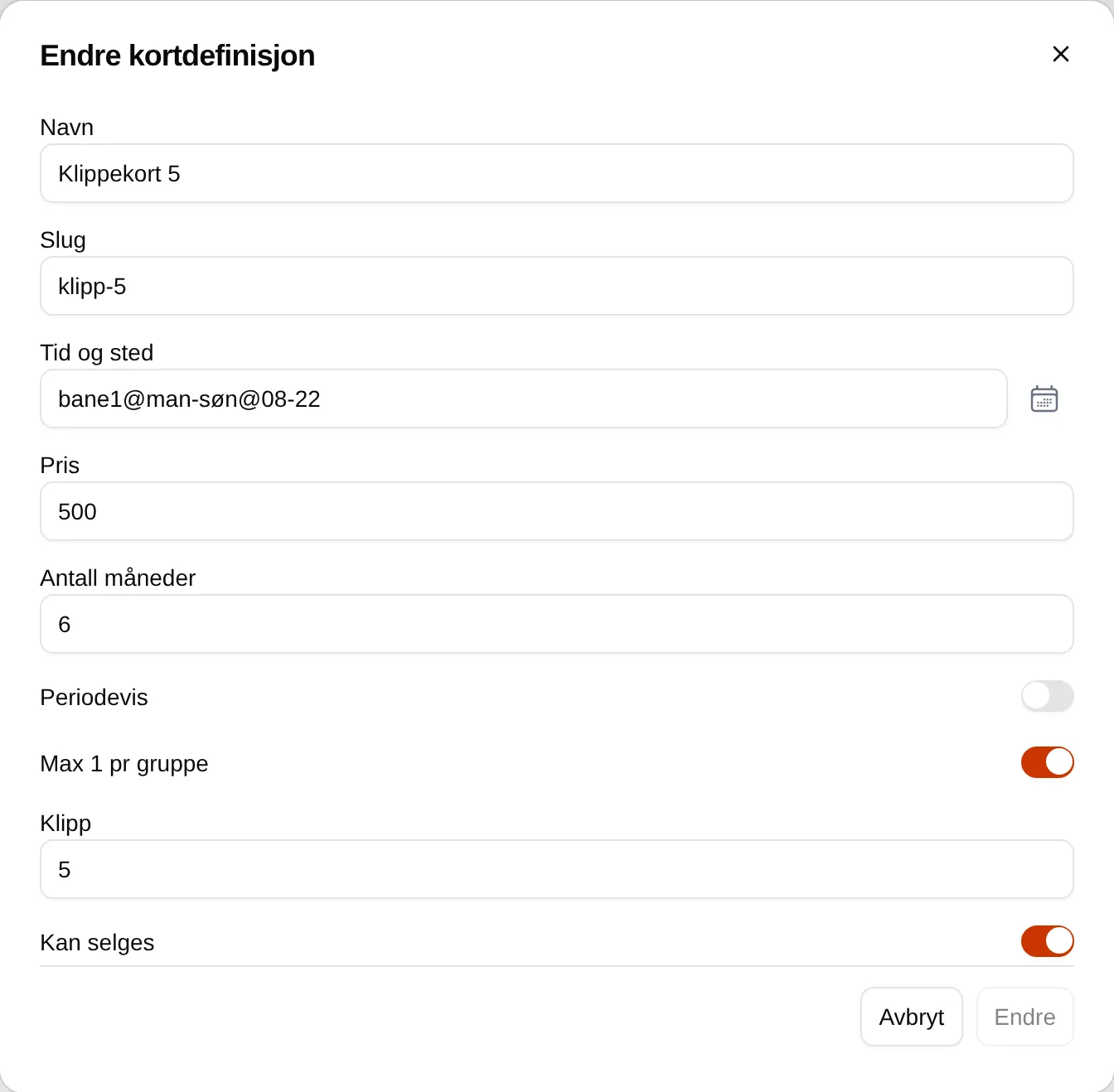
| Field | Explanation |
|---|---|
| Name | The name the buyer sees. |
| Slug | A short name discounts can refer to, punch:<slug>. |
| Time and place | The slots the card covers. Empty means all. |
| Price | The price. |
| Number of months | 1, 2, 3, 4, 6 or 12. |
| Periodic | Follows fixed periods instead of the day of purchase. |
| Max 1 per group | One ticket per slot per card. |
| Punches | Number of slots. 0 means a period card. |
| Can be sold | Offered for purchase. |
Purchased cards
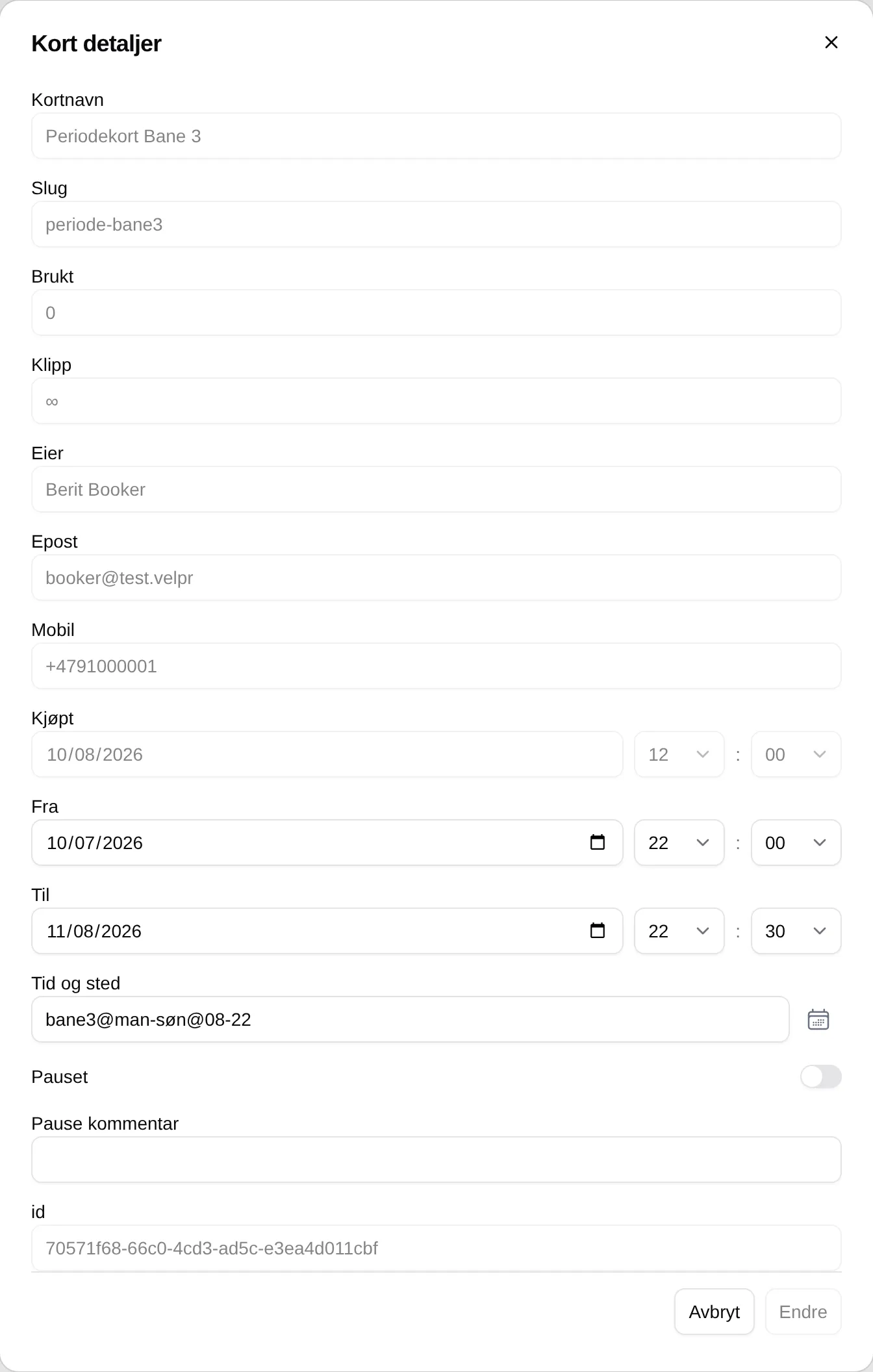
Section titled “Purchased cards”The cards customers have bought. The pencil opens Card details, where you can change From, To and Time and place, and set the card to Paused with a Pause comment. The change is saved with Change in the window.